How to delete pages from a PDF
Go to tutoriolab.com/pdf/en, click Delete pages, add the file and click the sheets that have to go: they switch off. The ones still lit up are the ones that get saved. Click Delete those pages and the PDF downloads without them.
Taking the sheets you do not want out of a PDF.
Go to tutoriolab.com/pdf/en
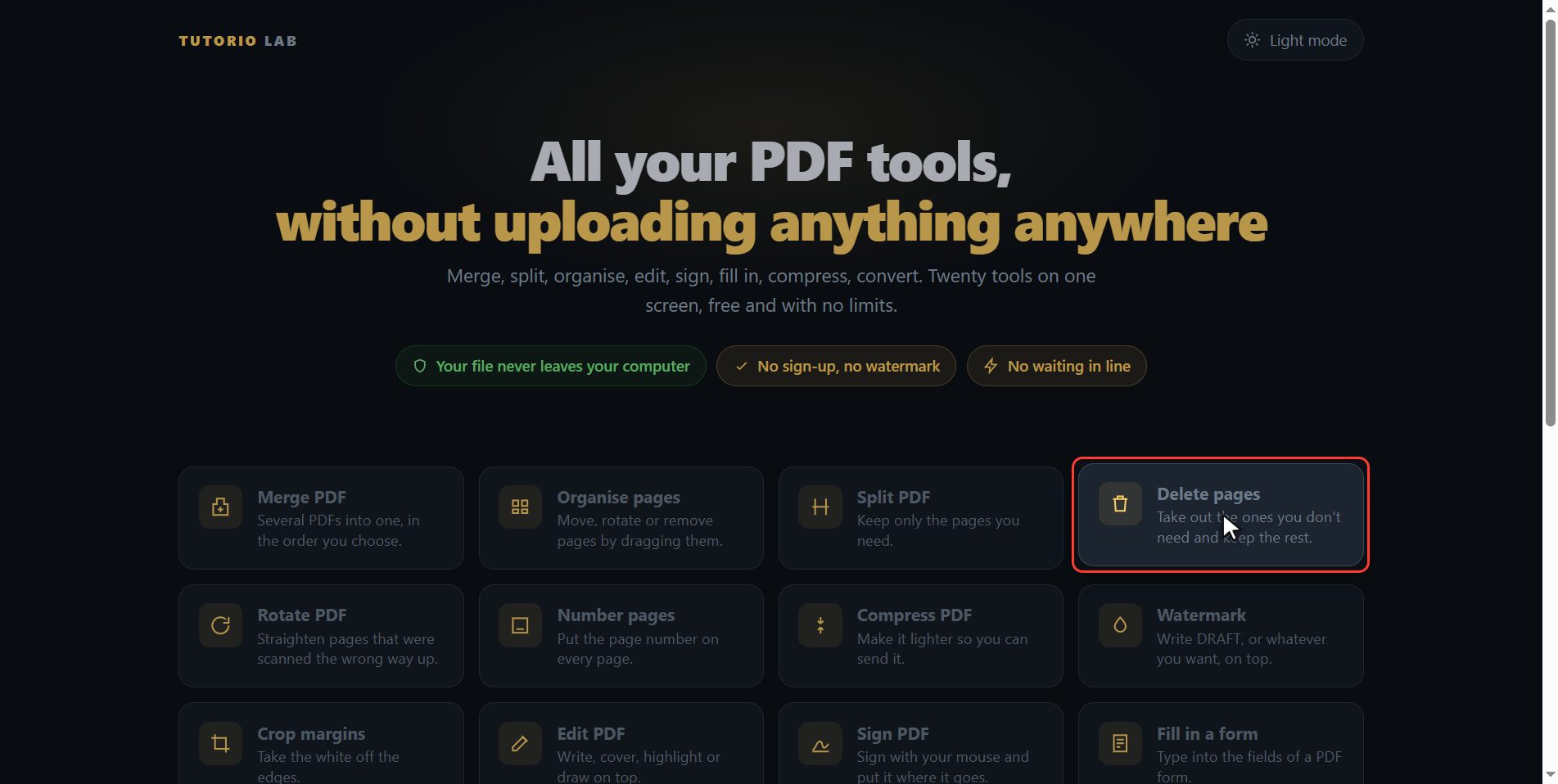
Go to tutoriolab.com slash pdf slash e n. You have it at the top left and first in the description. There are twenty tools for PDF here, and the one we want is this one: Delete pages.
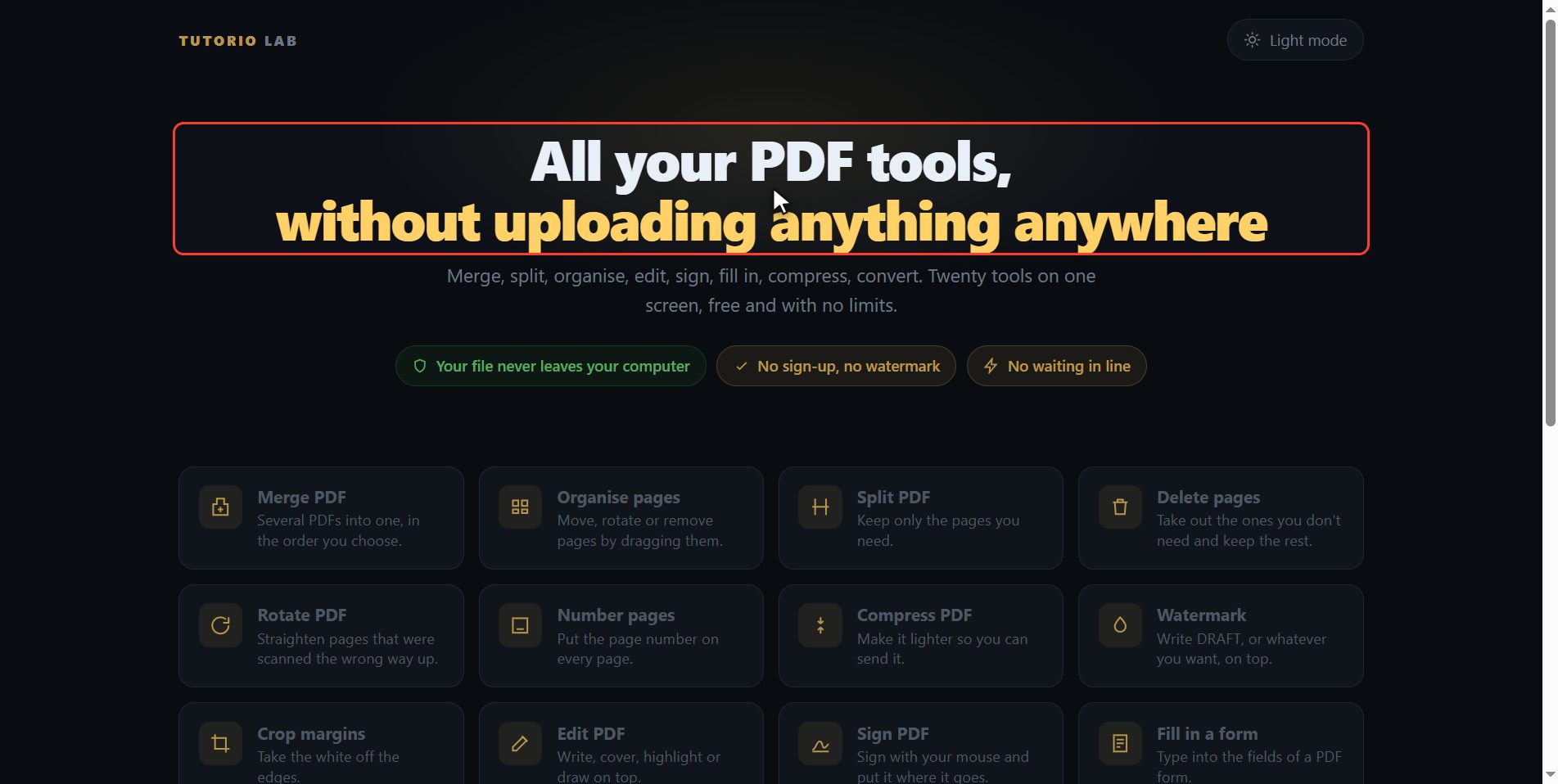
Click "Delete pages"
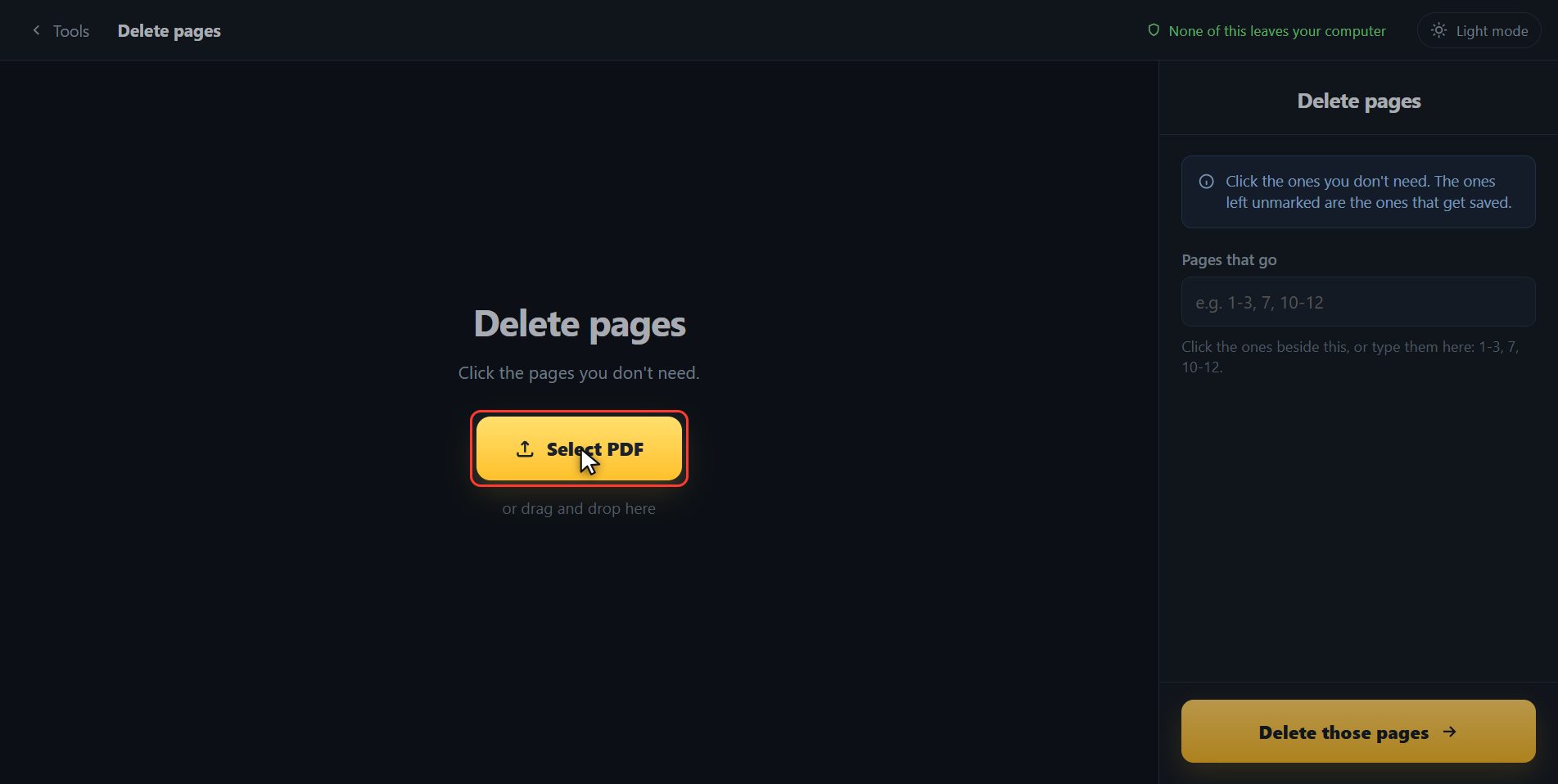
Click it. And you are in. This is all it has: a button to pick the file and the box to drop it on.
Add your PDF
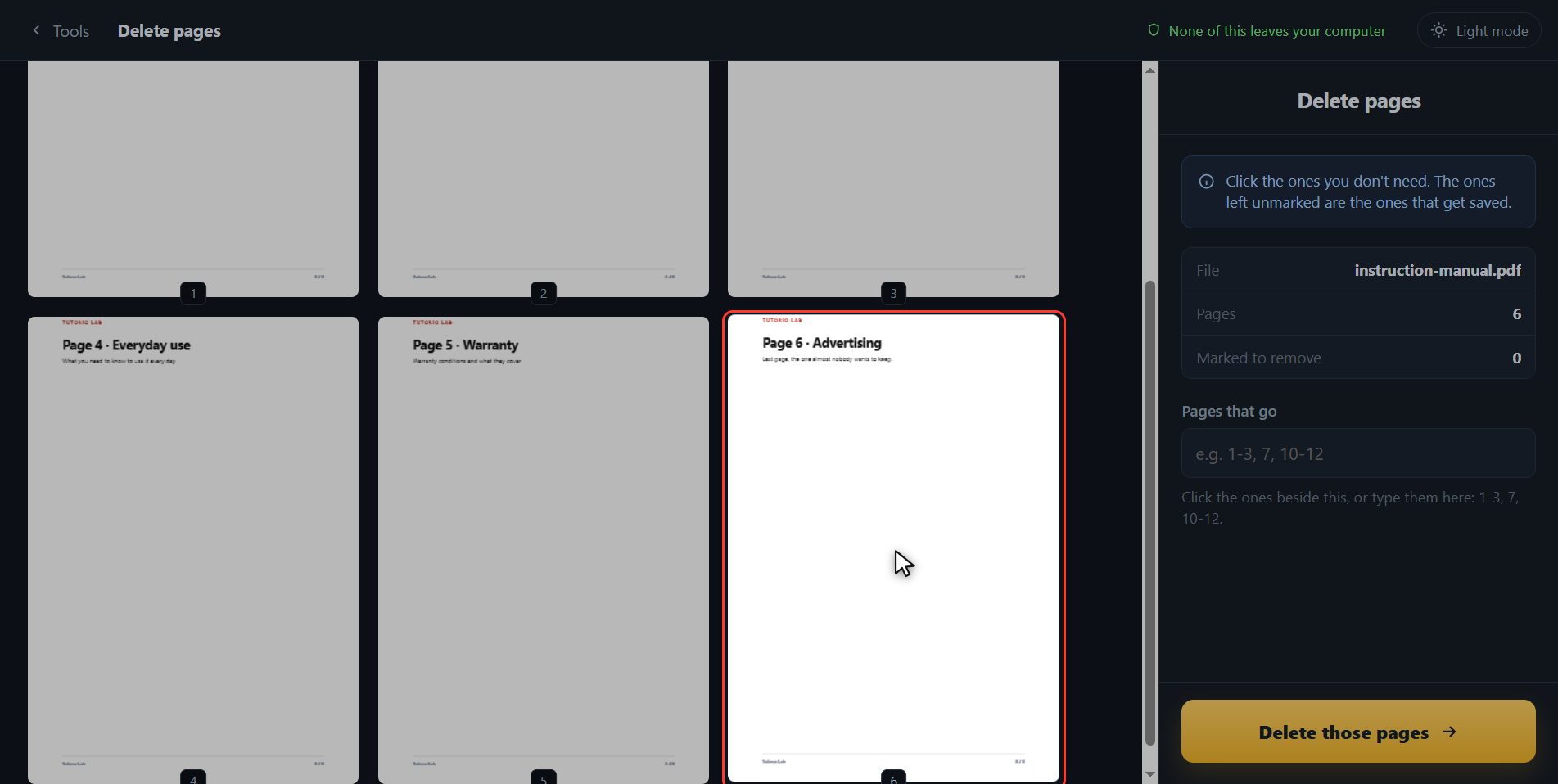
Add the PDF you want to fix. Click the select button and choose it, or drag it straight onto the box. And the moment it goes in, the page draws it out for you: not a list of numbers, which tells you nothing, but the six sheets of the document.
Click the ones that have to go
Now click the ones that have to go. I am going to take out the last one, which is an advert. I click it and look what happens: it switches off and it gets the label saying it is not included. The ones still lit up are the ones that get saved. I am going to take out page five as well. And if you get it wrong, you click it again and it is back in. And have a look at this box over here: it has written itself, five dash six. It works both ways, so if you have twenty sheets to take out you do not click them one by one: you type them in here with commas and dashes, and they switch off on their own.
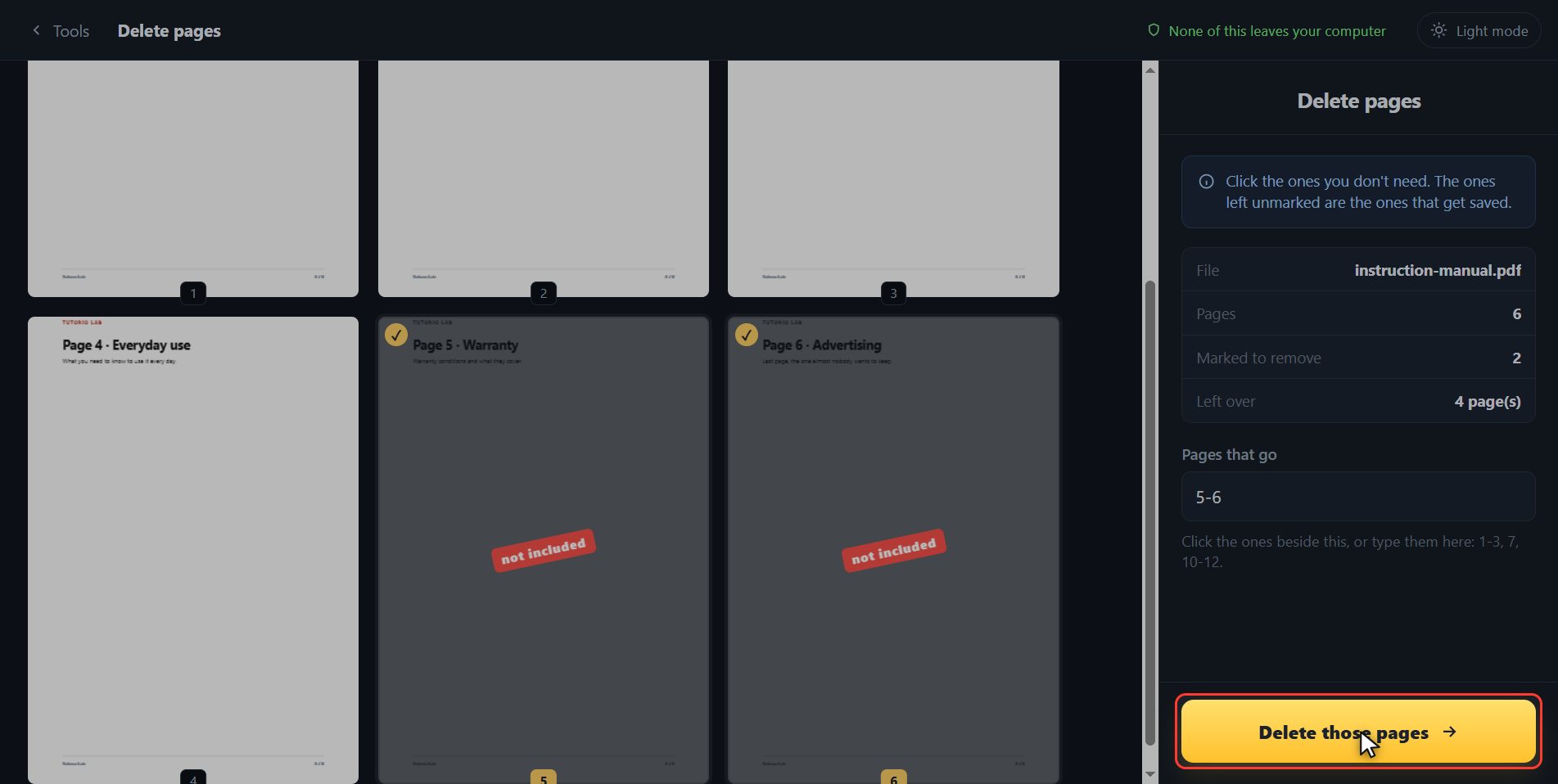
Save it without them
Once all the ones that have to go are marked, click Delete those pages.
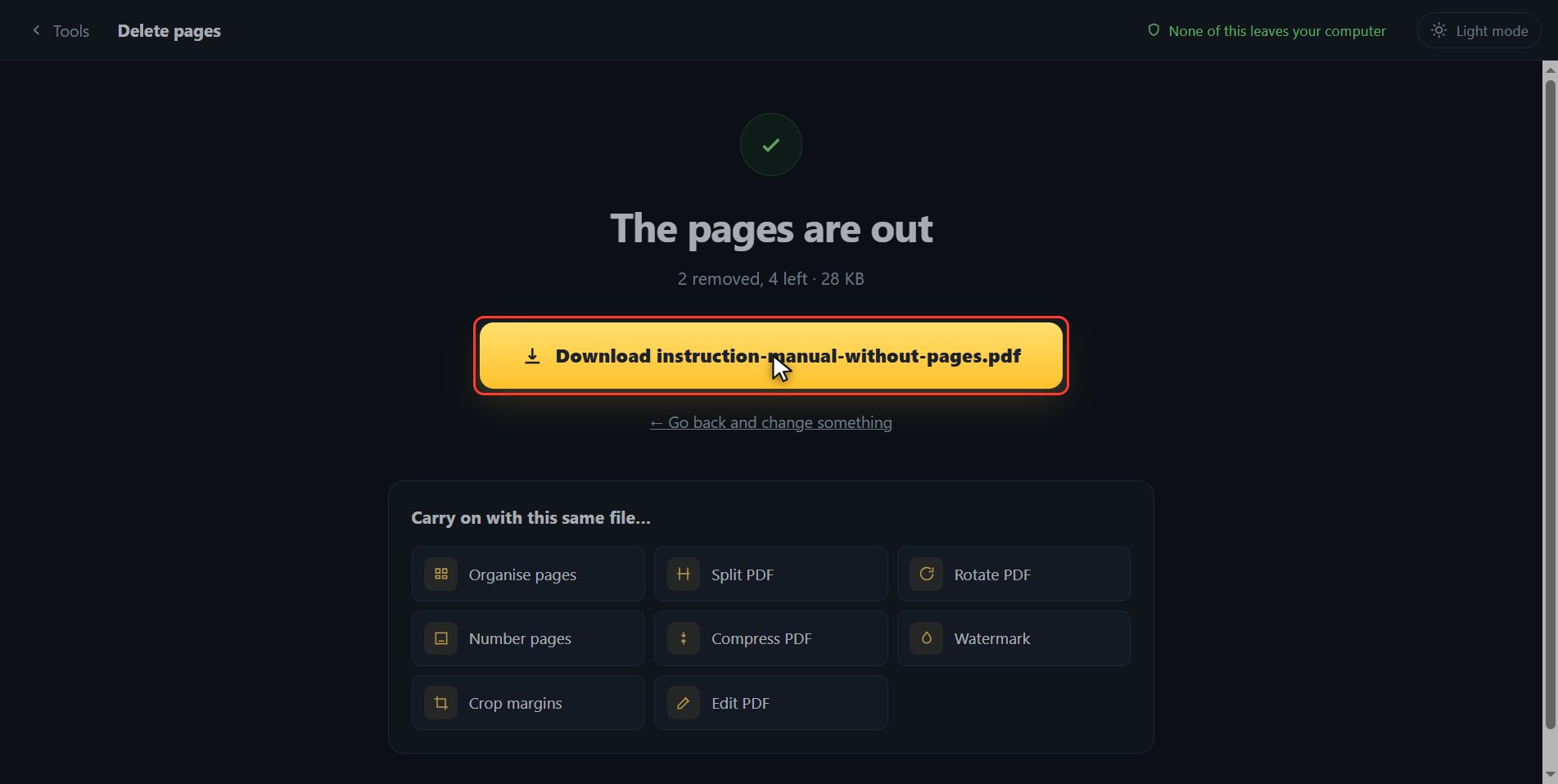
There it is
And done. The new PDF has downloaded on its own, with four sheets instead of six, and here is the button in case your browser blocked it. And if you want to carry on with another tool, you have them down here with the file already inside.
And that is all. If it helped you, subscribe and give it a like. The link is at the top and first in the description. See you in the next one.
Common questions
Does it ruin the original?
No. Your file is not touched: what downloads is a new one without those pages. In fact the document never leaves your computer, it all happens inside the browser.
I have twenty pages to take out. Do I click them one by one?
No need. In the box on the right you type them all at once, separated by commas and with dashes for runs: 3, 7, 12-20. The thumbnails switch off as you type, so you can check they are the right ones.
Can I do it from a phone?
Yes. It runs inside the browser, so it works just the same on a phone: you tap the sheets that have to go and press the button.