
How to sign a PDF
Written and checked by the Tutorio Lab editors · Reviewed on · Who we are and how we are funded
Go to tutoriolab.com/pdf/en, click Sign PDF, add the document, sign in the box on the right with your mouse or your finger, click on the sheet where the signature goes and save.
Signing a PDF without printing or scanning it.
Go to tutoriolab.com/pdf/en
Go to tutoriolab.com/pdf/en. You have it at the top left and first in the description. There are twenty tools for PDF here, and the one we want is this one: Sign PDF.
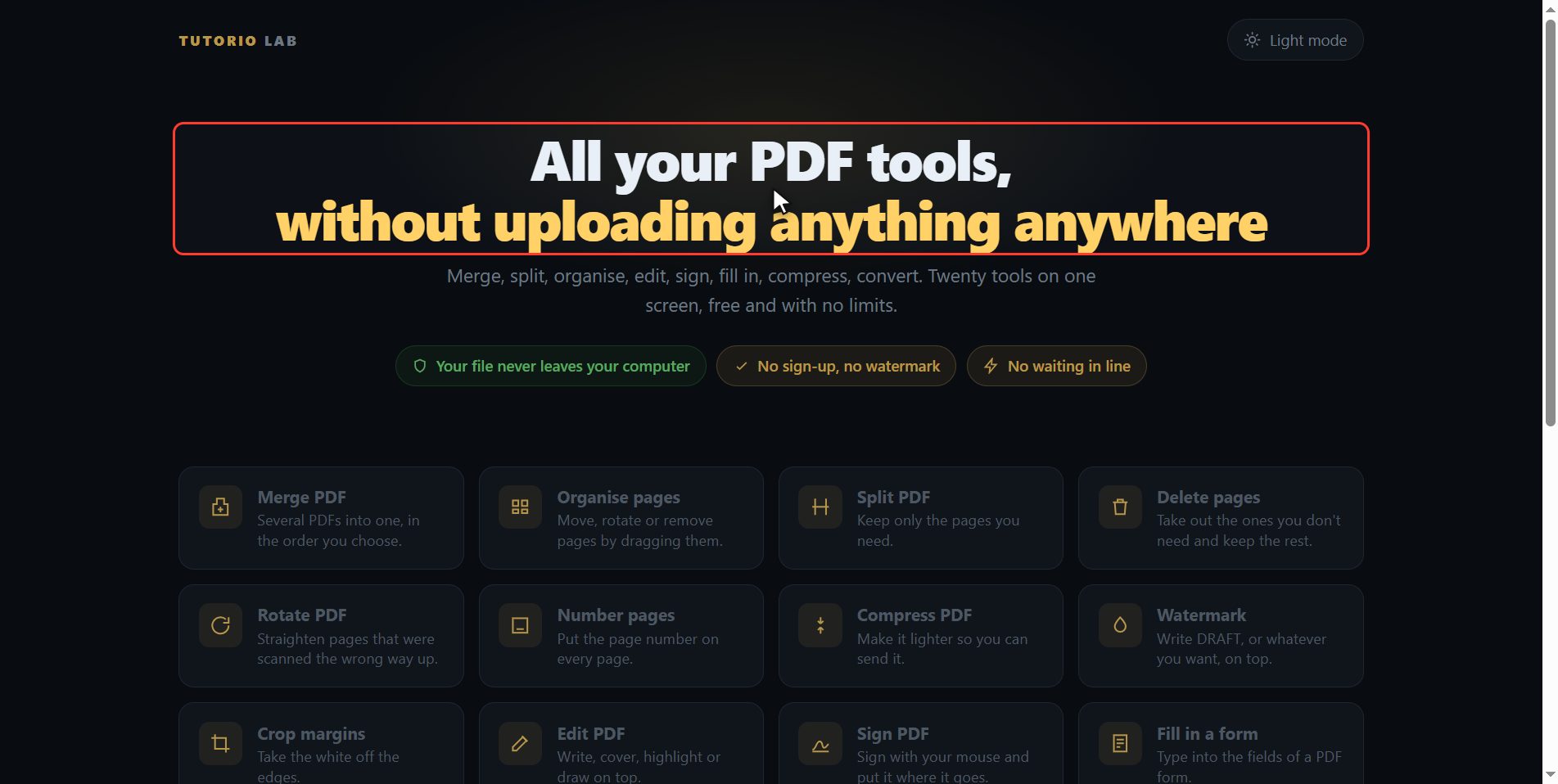
Click "Sign PDF"
Click it. And you are in. This is all it has: a button to pick the file and the box to drop it on.
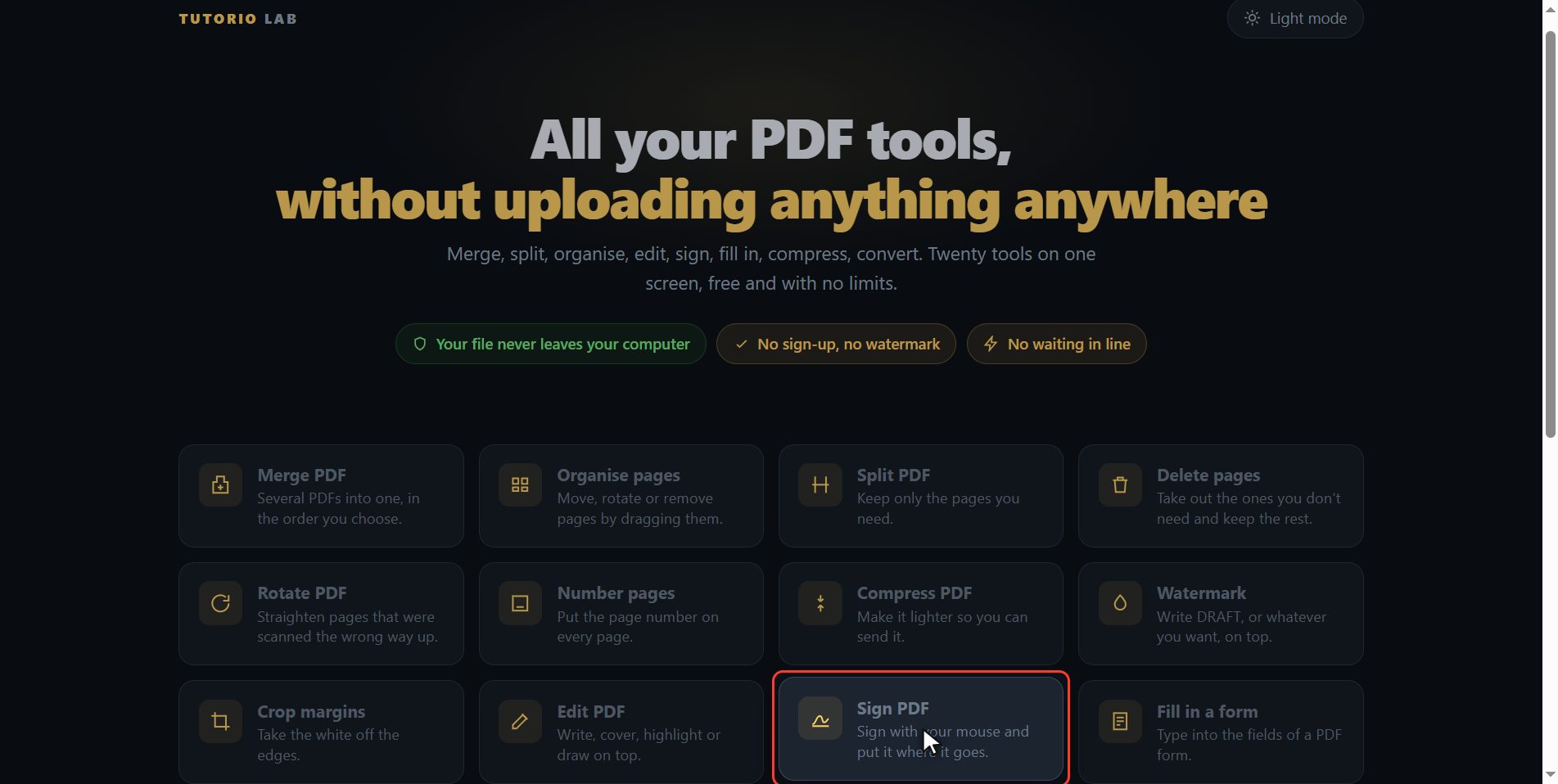
Add your PDF
Add the document you have to sign. Click the select button and choose it, or drag it straight onto the box. And now you get the big sheet, so you can work on it comfortably and see where the signature has to go, and along the top a strip with the pages of the document.
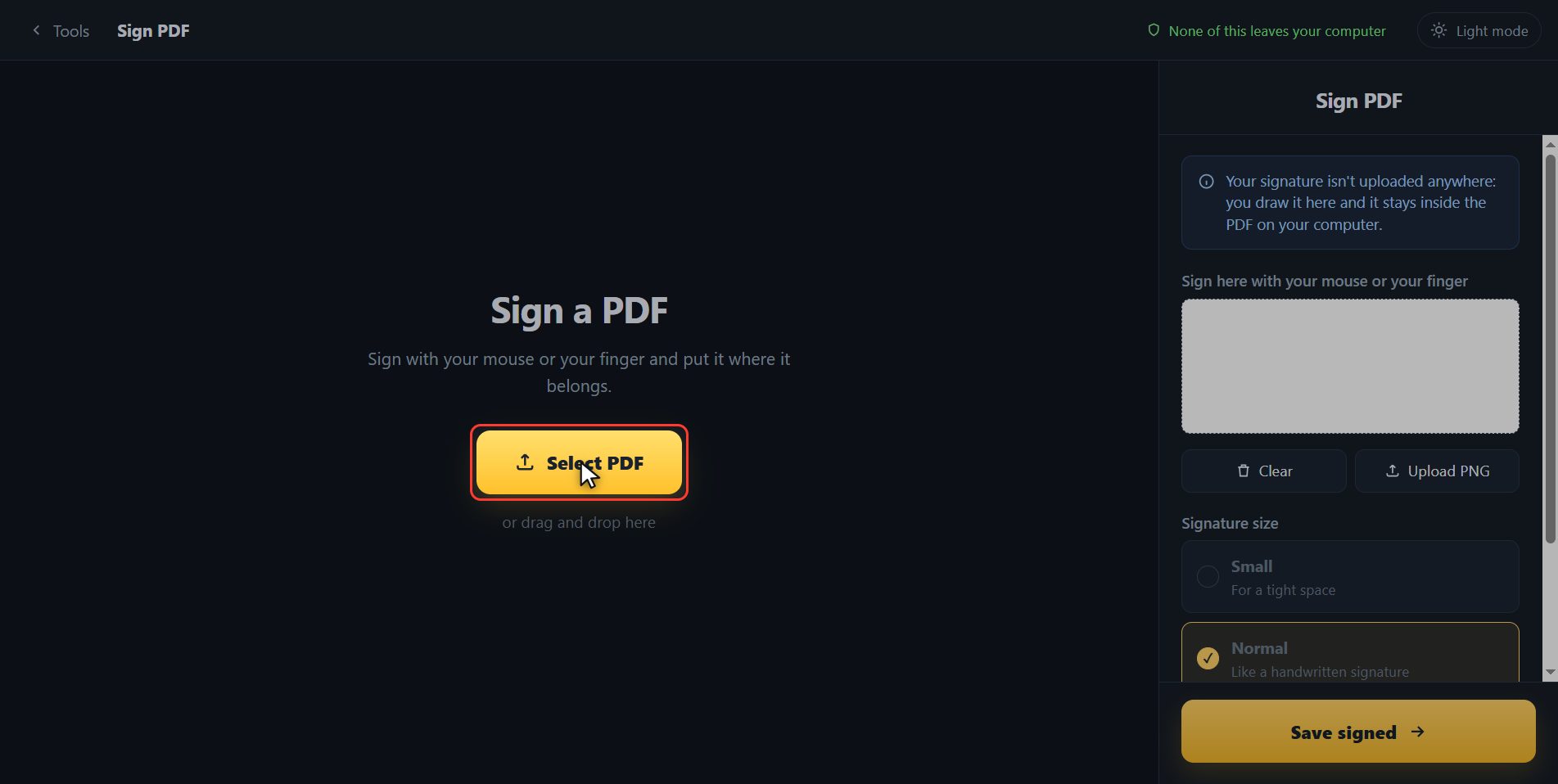
Draw your signature
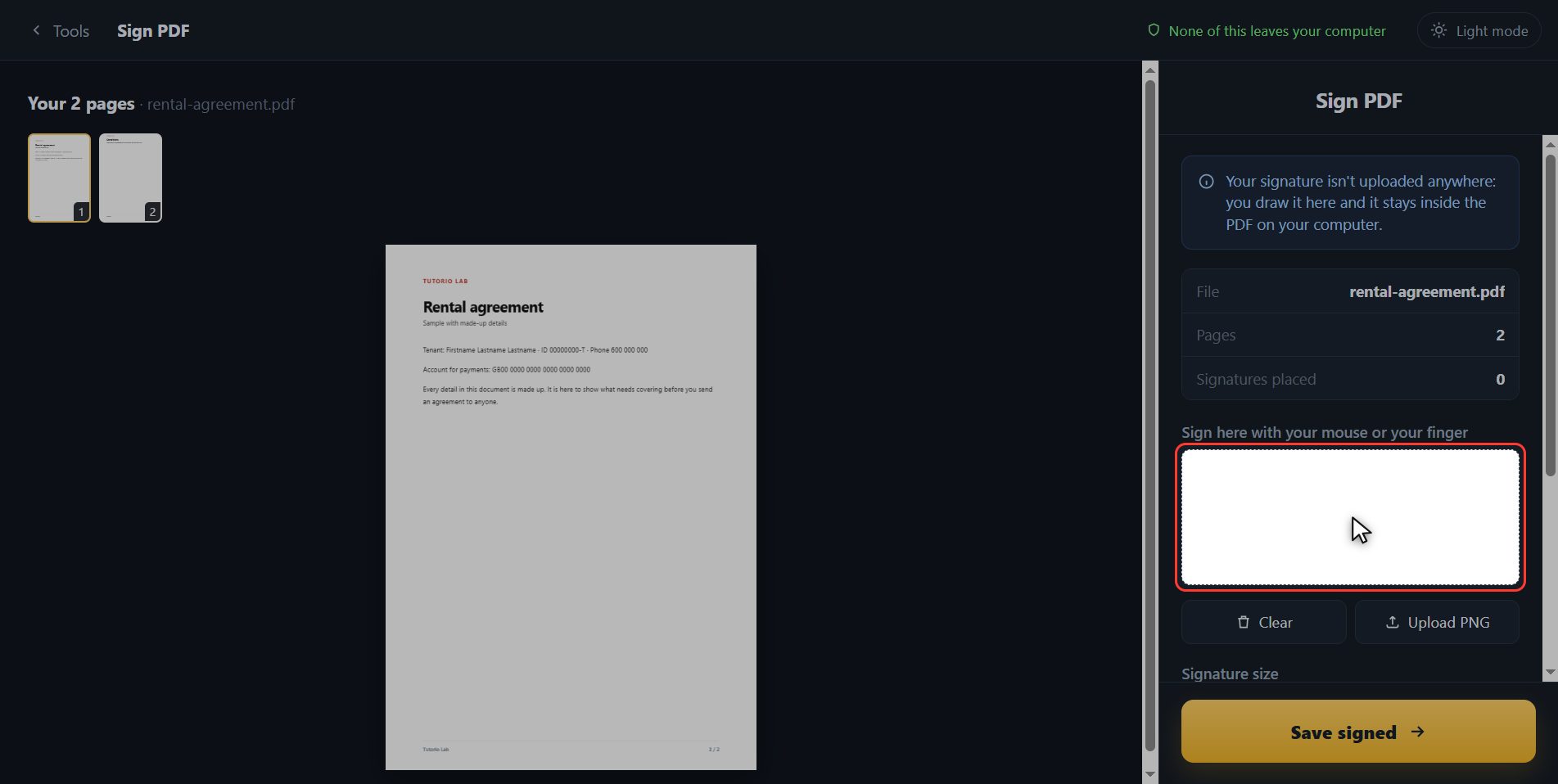
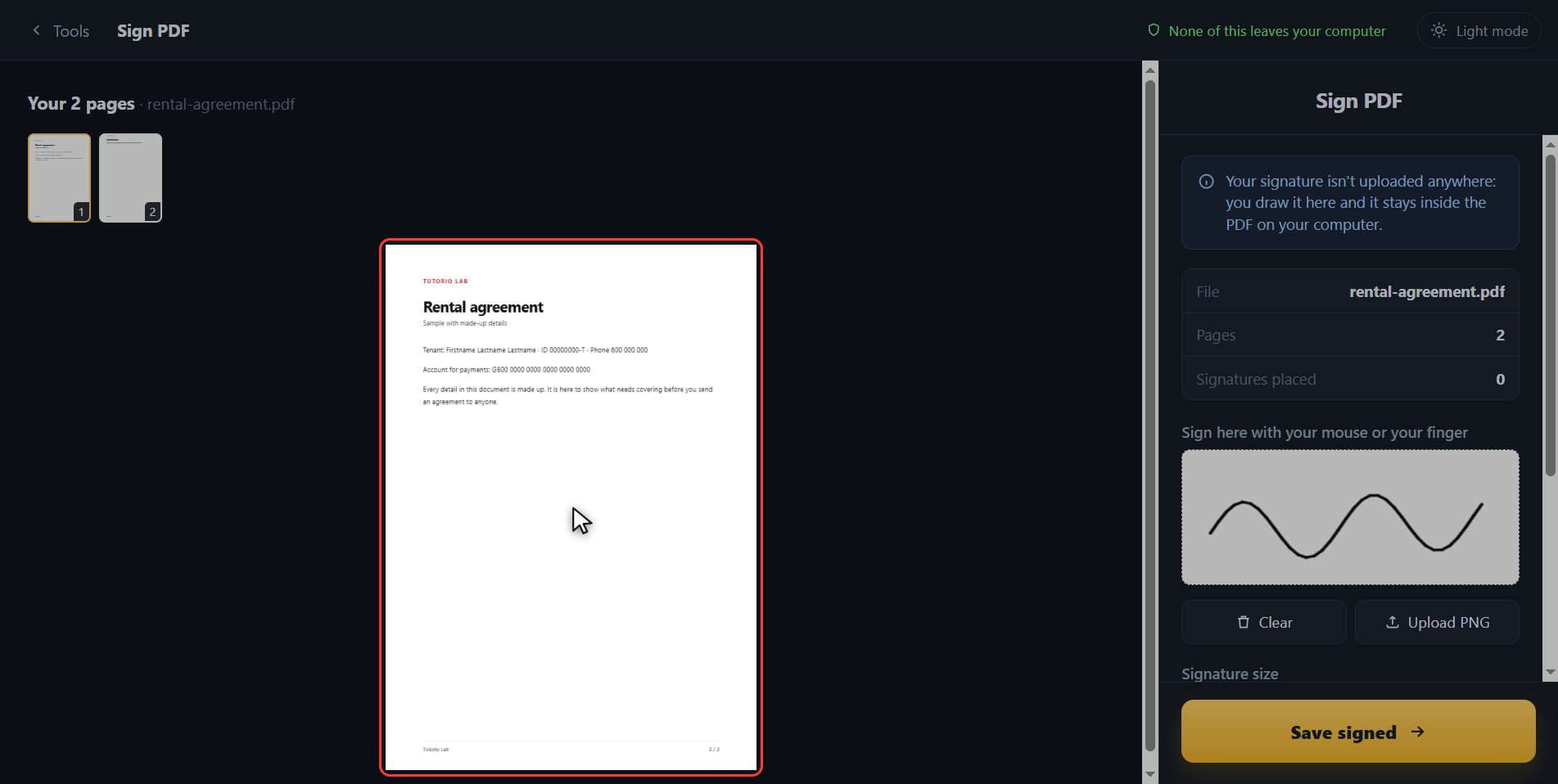
First things first: your signature. Over here on the right there is an empty box. Sign inside it with the mouse, holding the button down without letting go, the way you would sign on paper. And if you are on a phone, exactly the same but with your finger. If you do not like it, you hit Clear and start again. And if you already have your signature saved as an image, the button next to it lets you upload it.
Put it where it goes
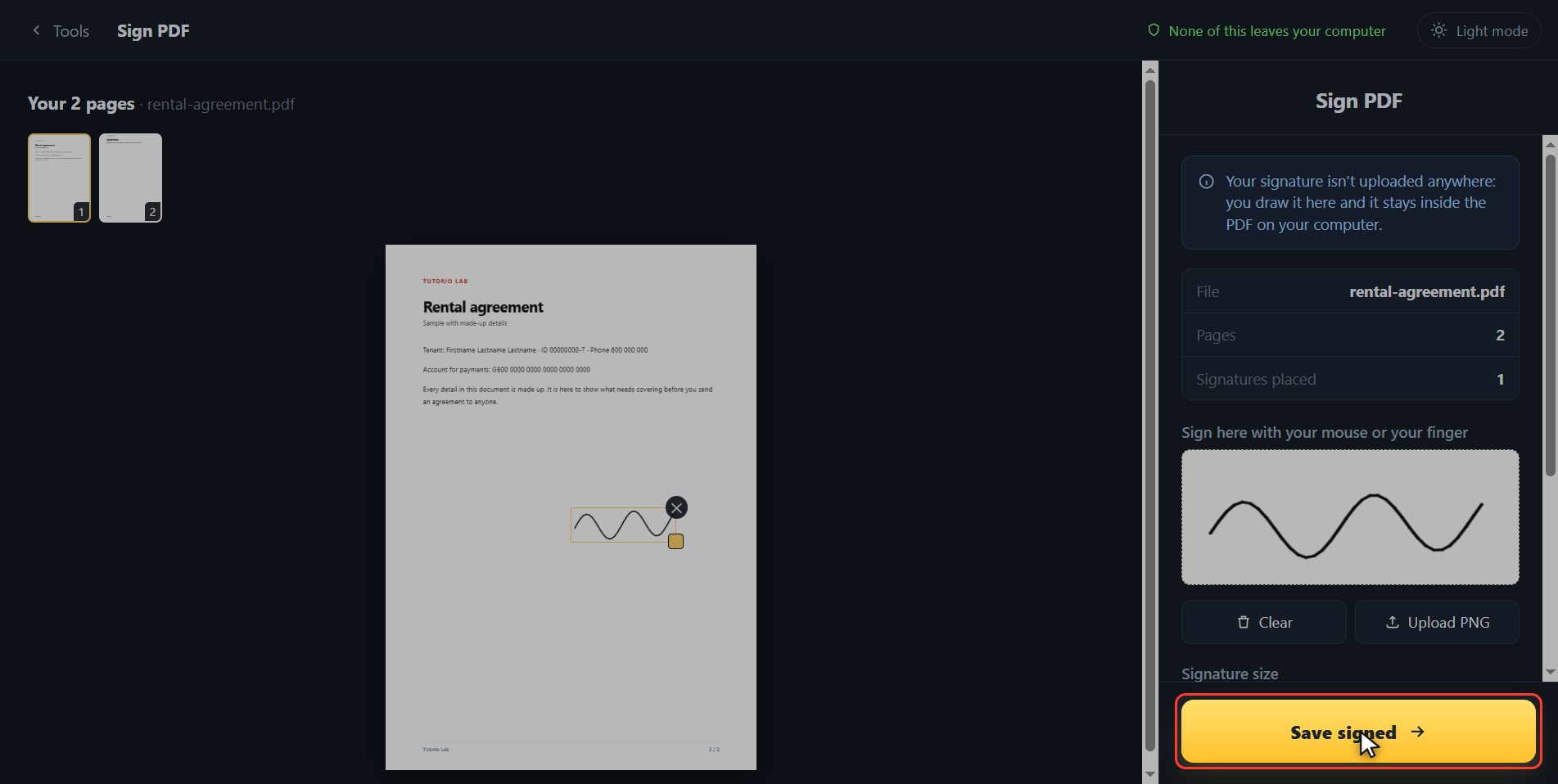
With the signature done, click on the sheet right where it goes. There it is, sitting on top of the document with its box around it so you can see it is selected. And like anything else you put on top, it moves: if it landed in the wrong place, you drag it with the mouse, and from the corner you make it bigger or smaller.
Save the signed PDF
When it is where you want it, click Save signed. It takes a moment.
There it is
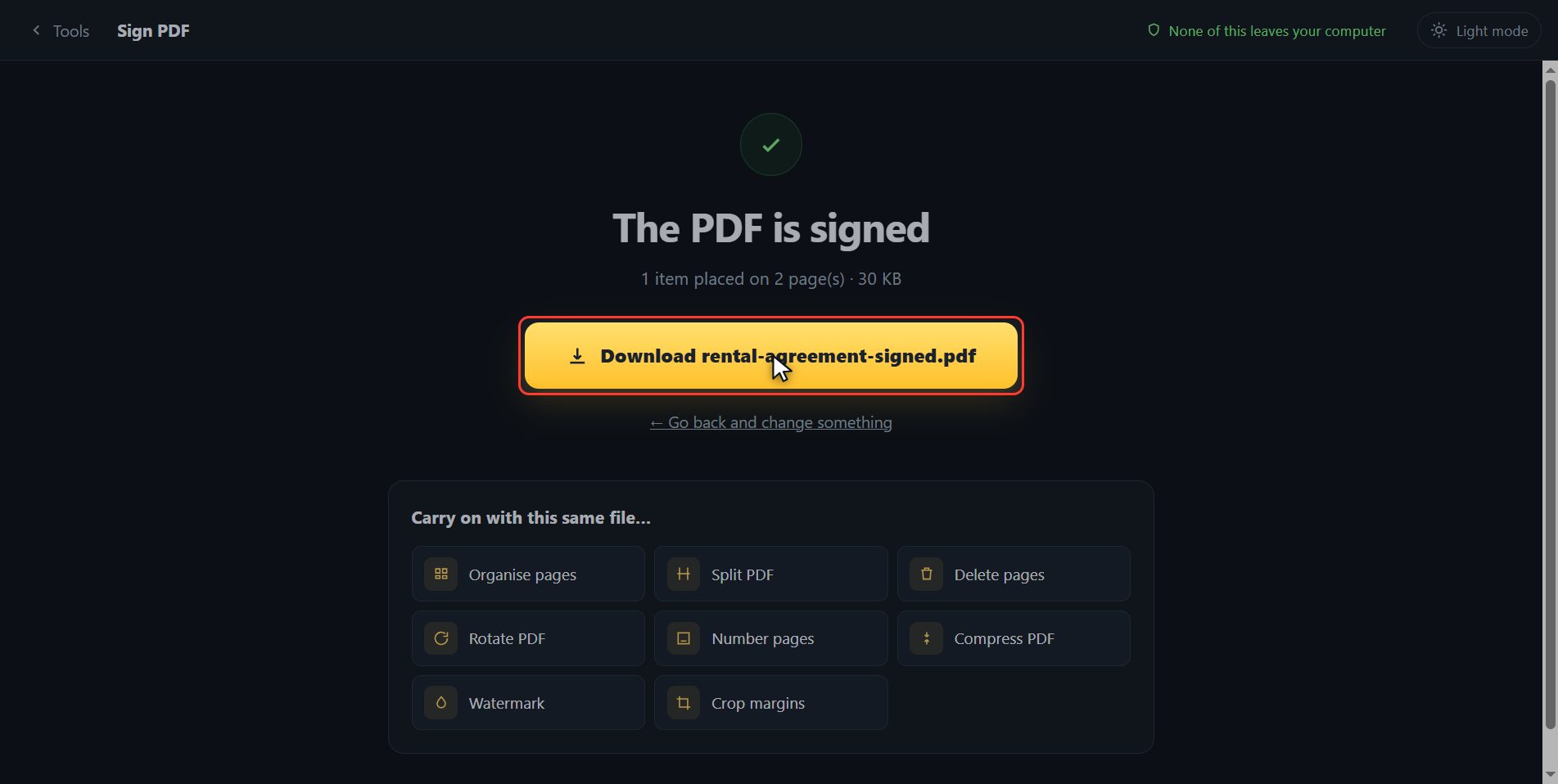
And that is it. The signed document has downloaded on its own, and here is the button in case your browser blocked it. And if you now want to carry on with another tool, you have them down here with the file already inside.
And that is all.
Common questions
Is this a digital signature with a certificate?
No. This puts your handwritten signature on top of the document, which is what counts for most everyday paperwork: a rental agreement, a permission slip, a school form. A certificate-based digital signature is a different thing and needs your certificate installed.
Can I sign from a phone?
Yes, and that is where it comes out best: you sign with your finger straight on the screen, which looks far more like your real signature than doing it with a mouse.
Can I use a signature I already scanned?
Yes. The "Upload PNG" button lets you bring in an image of your signature. If it has a transparent background it will look better, because it will not cover the line of the document.