
How to split a PDF into separate pages
Go to tutoriolab.com/pdf/en, click Split into files, add the PDF and press the button. Every page comes out as its own PDF and they download together in a ZIP. To open it: right click on it and Extract all.
Splitting a PDF into one file per page.
Go to tutoriolab.com/pdf/en
Go to tutoriolab.com slash pdf slash e n. You have it at the top left and first in the description. There are twenty tools for PDF here, and the one we want is this one: Split into files.
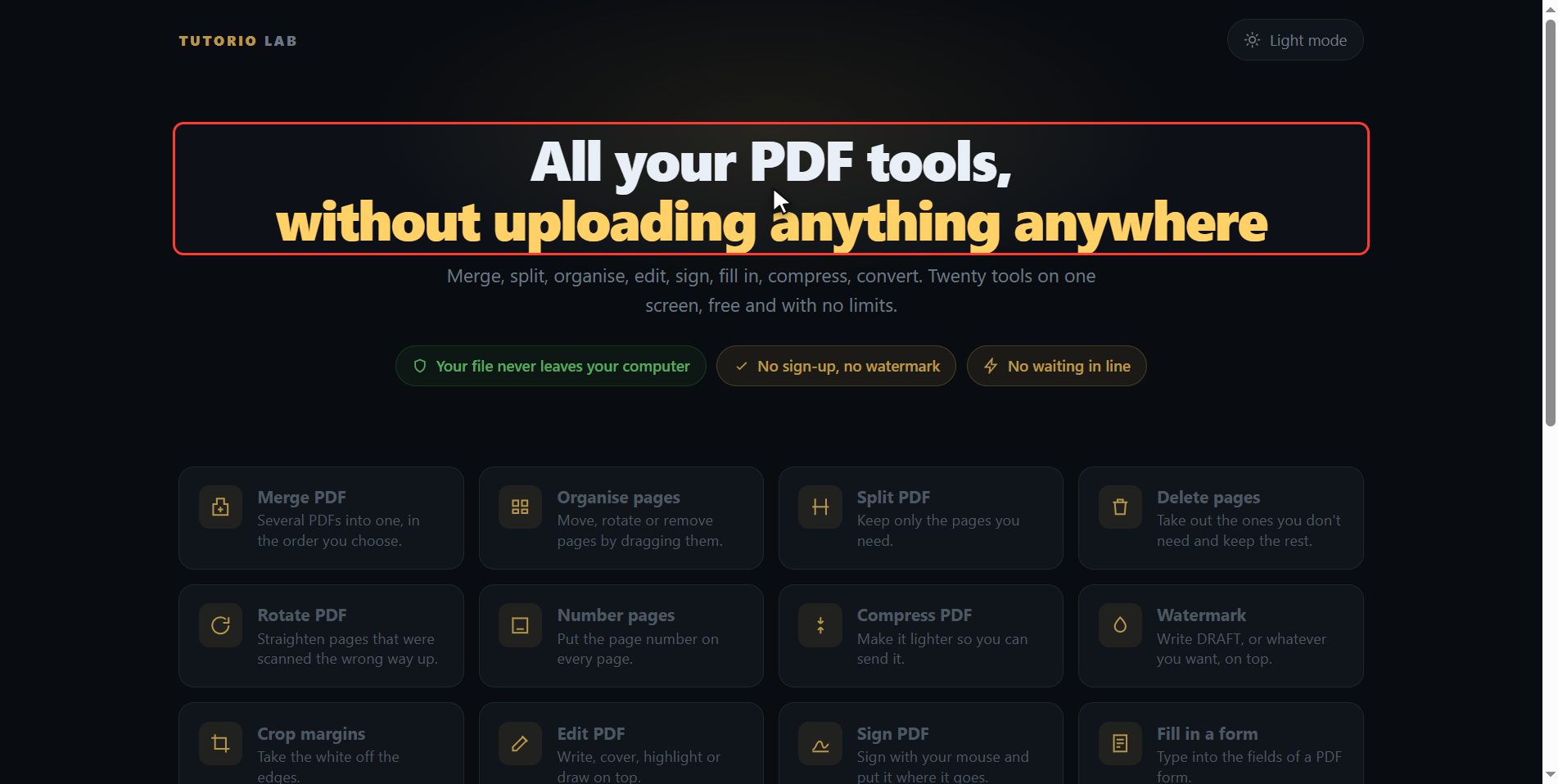
Click "Split into files"
Click it. And you are in. This is all it has: a button to pick the file and the box to drop it on.
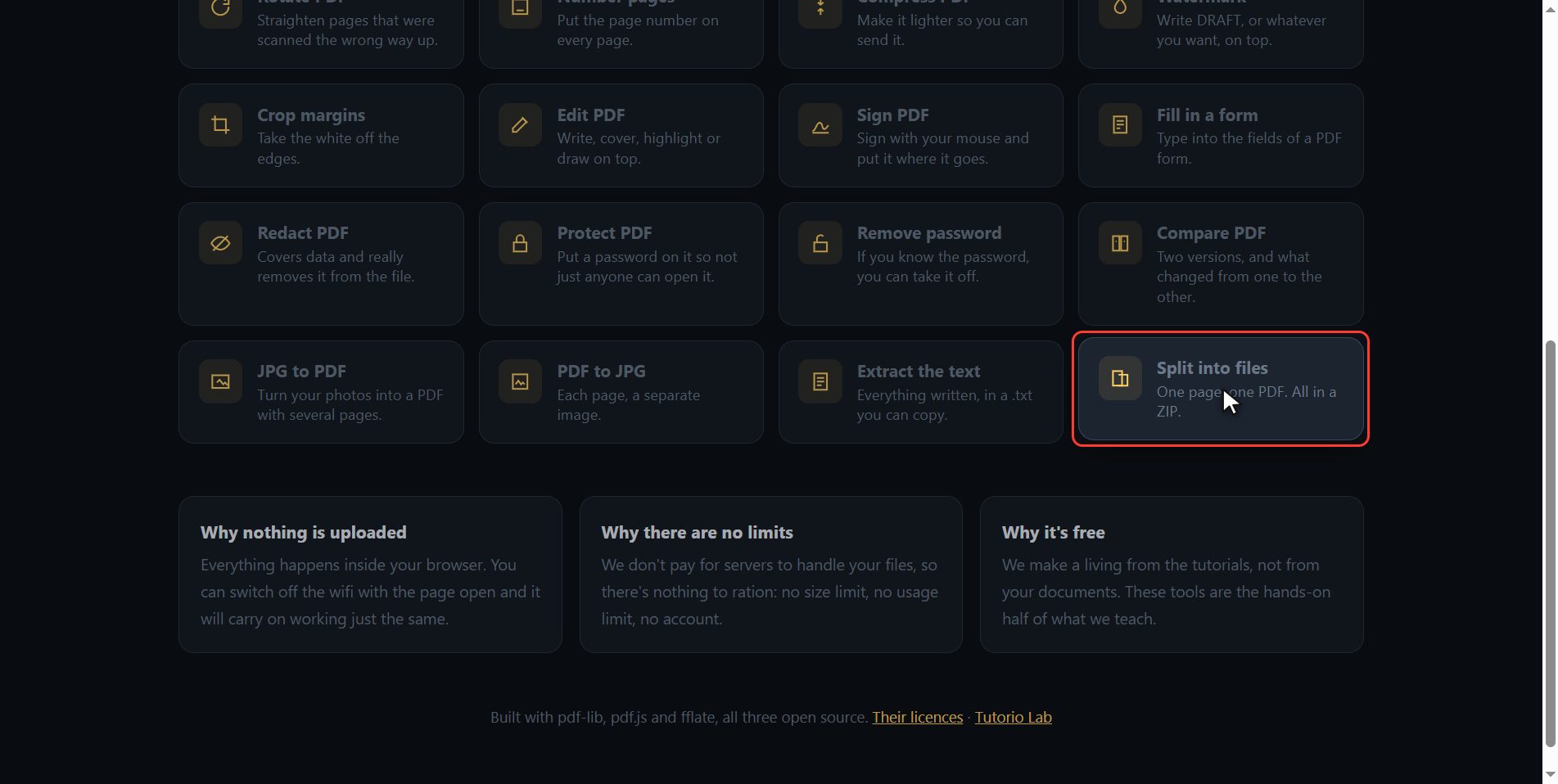
Add your PDF
Add the PDF you want to break up. Click the select button and choose it, or drag it straight onto the box. The moment it goes in you will see its pages drawn out, one by one, so you can check it is the document you wanted and not another one. And over here on the right it already tells you what is going to happen: three pages in, three files out.

Not the same as Split PDF
And before we go on, one thing that saves you a trip: this tool splits the whole document, one page per file, every single one. If what you want is to keep only page two and page five, and in a single PDF, that is not this one: that is Split PDF, and you have it on the same tools screen, two clicks from here.
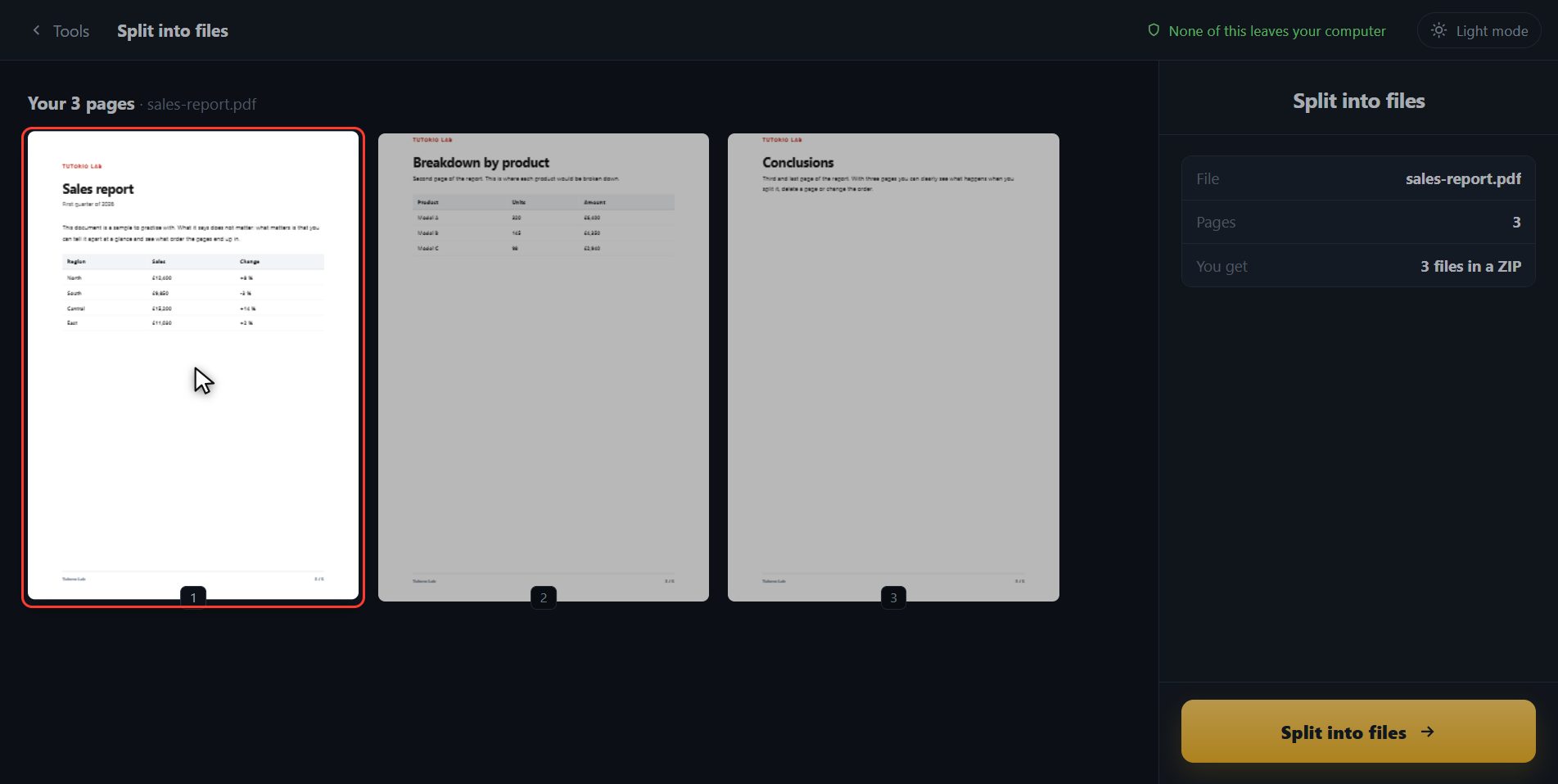
Split it
There is nothing else to choose here, so click Split into files. It goes one by one.
Open the ZIP
And done. A ZIP has downloaded: a compressed folder with the three PDFs inside, each one with its page number at the end of the name. To open it, right click on it and Extract all. Here is the button in case your browser blocked it, and with this one here you go back and add another document without leaving the tool.

And that is all. If it helped you, subscribe and give it a like. The link is at the top and first in the description. See you in the next one.
Common questions
How is this different from "Split PDF"?
Split into files breaks up the whole document: if it has ten pages, you get ten PDFs. Split PDF lets you keep only the pages you pick, and gives you ONE file with them in it. Both are on the same page.
I downloaded a ZIP and I do not know how to open it.
A ZIP is a compressed folder. On Windows: right click on it and "Extract all". On a Mac: double click. On a phone, the file manager usually opens them when you tap them. The loose PDFs are inside.
What are the files that come out called?
The same as the original, with the page number at the end: report-001.pdf, report-002.pdf… That way they stay in order even if you move them somewhere else.