How to redact a PDF properly
Go to tutoriolab.com/pdf/en, click Redact PDF, add the document and drag over each piece of data you want covered. Click Redact and save. The blacked-out pages are turned into images, so the text underneath disappears from the file and cannot be copied.
Blacking out data in a PDF so it really disappears.
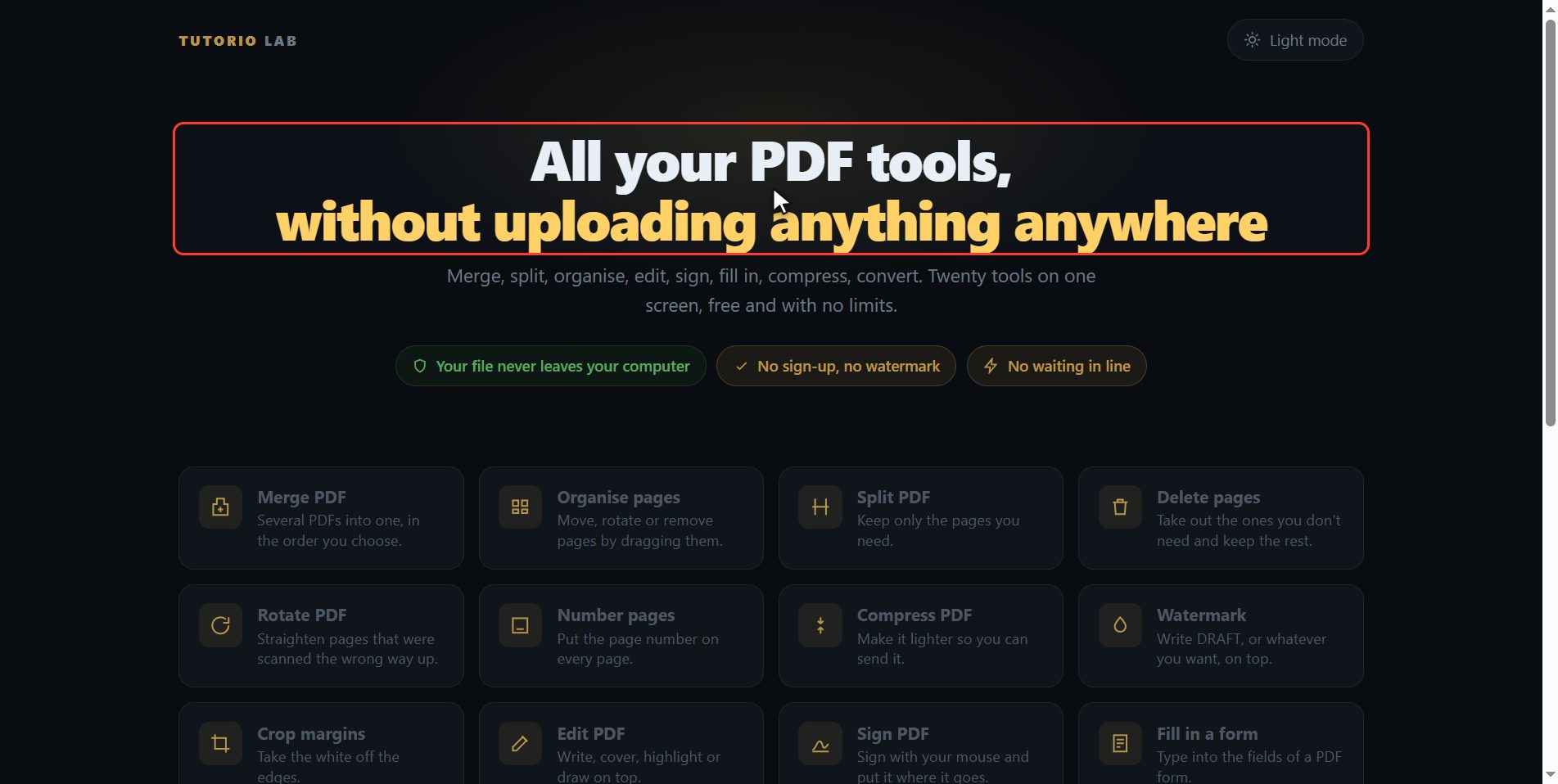
Go to tutoriolab.com/pdf/en
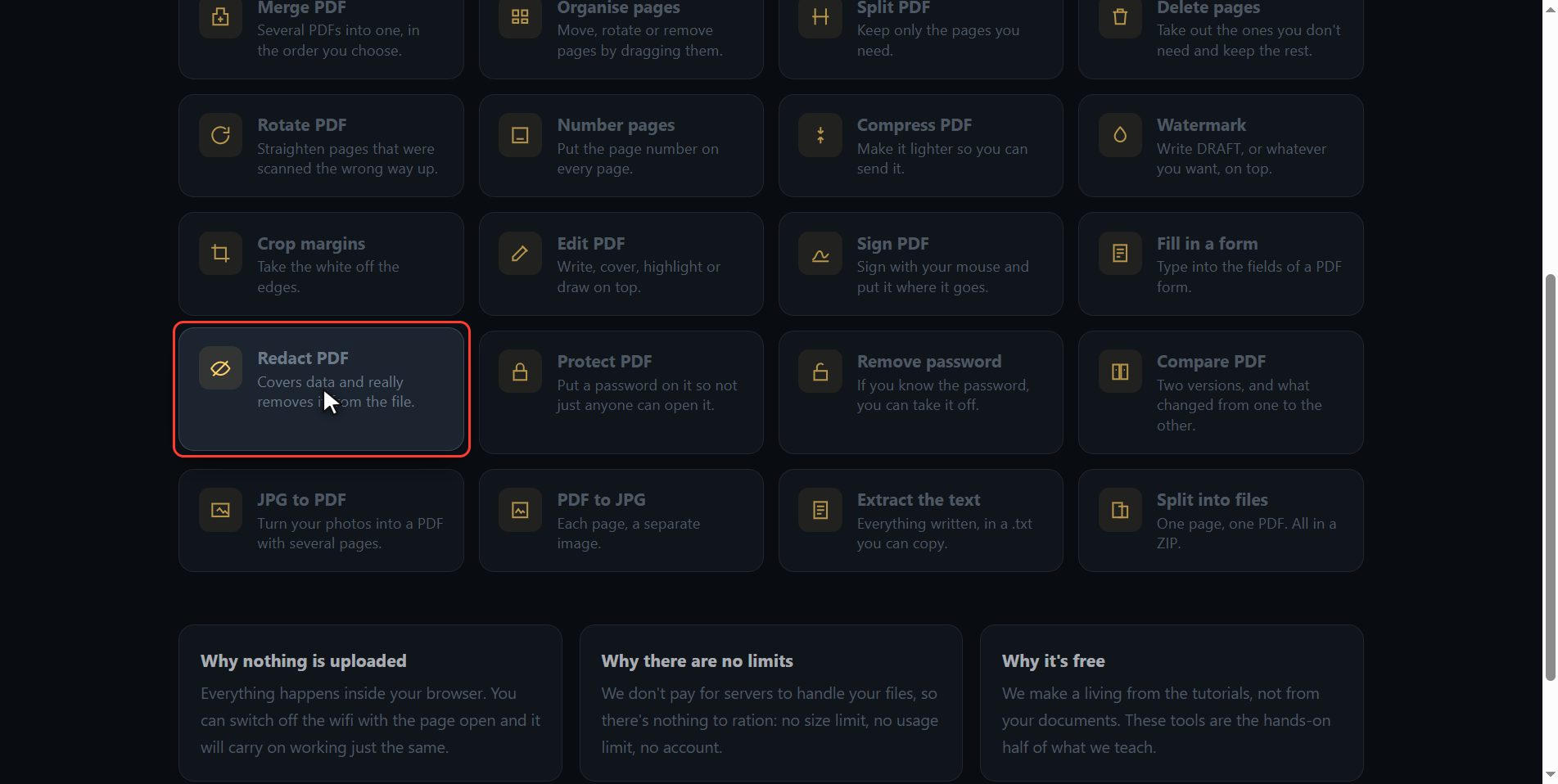
Go to tutoriolab.com slash pdf slash e n. You have it at the top left and first in the description. There are twenty tools for PDF here, and the one we want is this one: Redact PDF.
Click "Redact PDF"
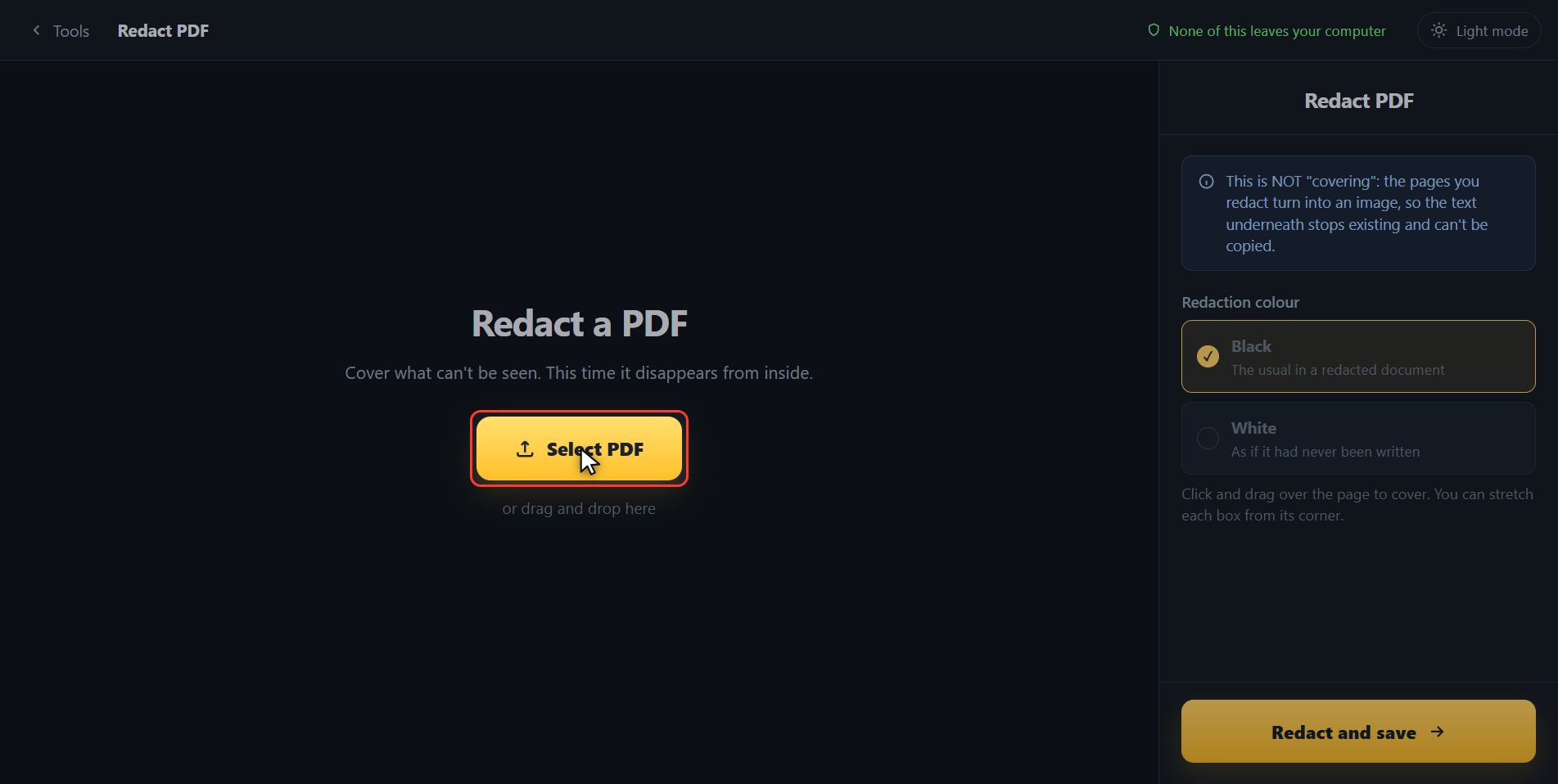
Click it. And you are in. This is all it has: a button to pick the file and the box to drop it on.
Add your PDF
Add the document with the data that has to be covered. Click the select button and choose it, or drag it straight onto the box. And now you get the big sheet, so you can work on it, and along the top a strip with the pages of the document.
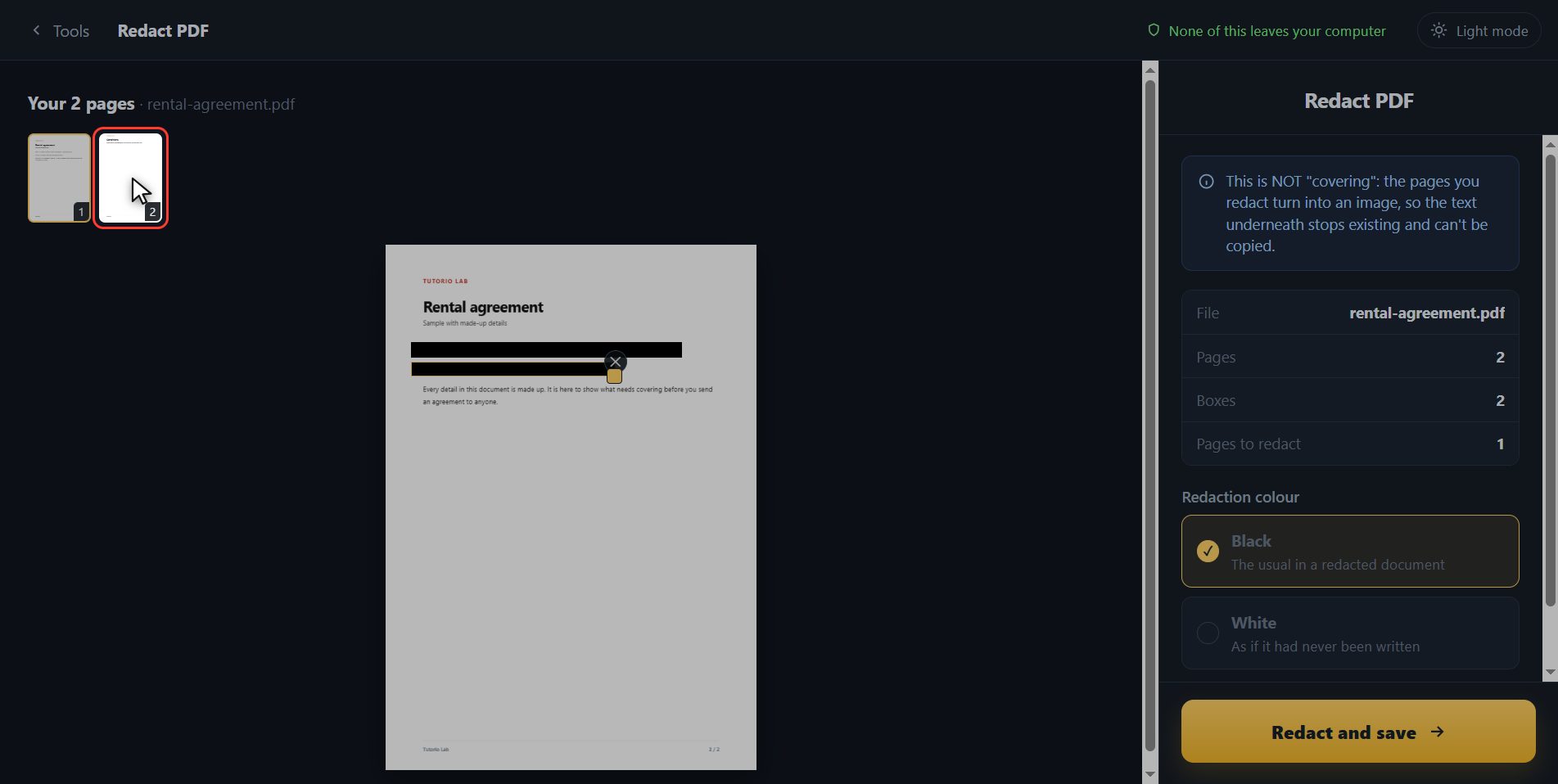
Black out what must not be seen
Now black things out. You do it by dragging over whatever you do not want seen, like running a thick marker over it. There is the first piece of data covered. And you carry on: every drag is one more blackout, and you can make as many as you need, on this sheet and on the others. And if the data is spread over several sheets, you change sheet up here and carry on blacking out on whichever one it is.
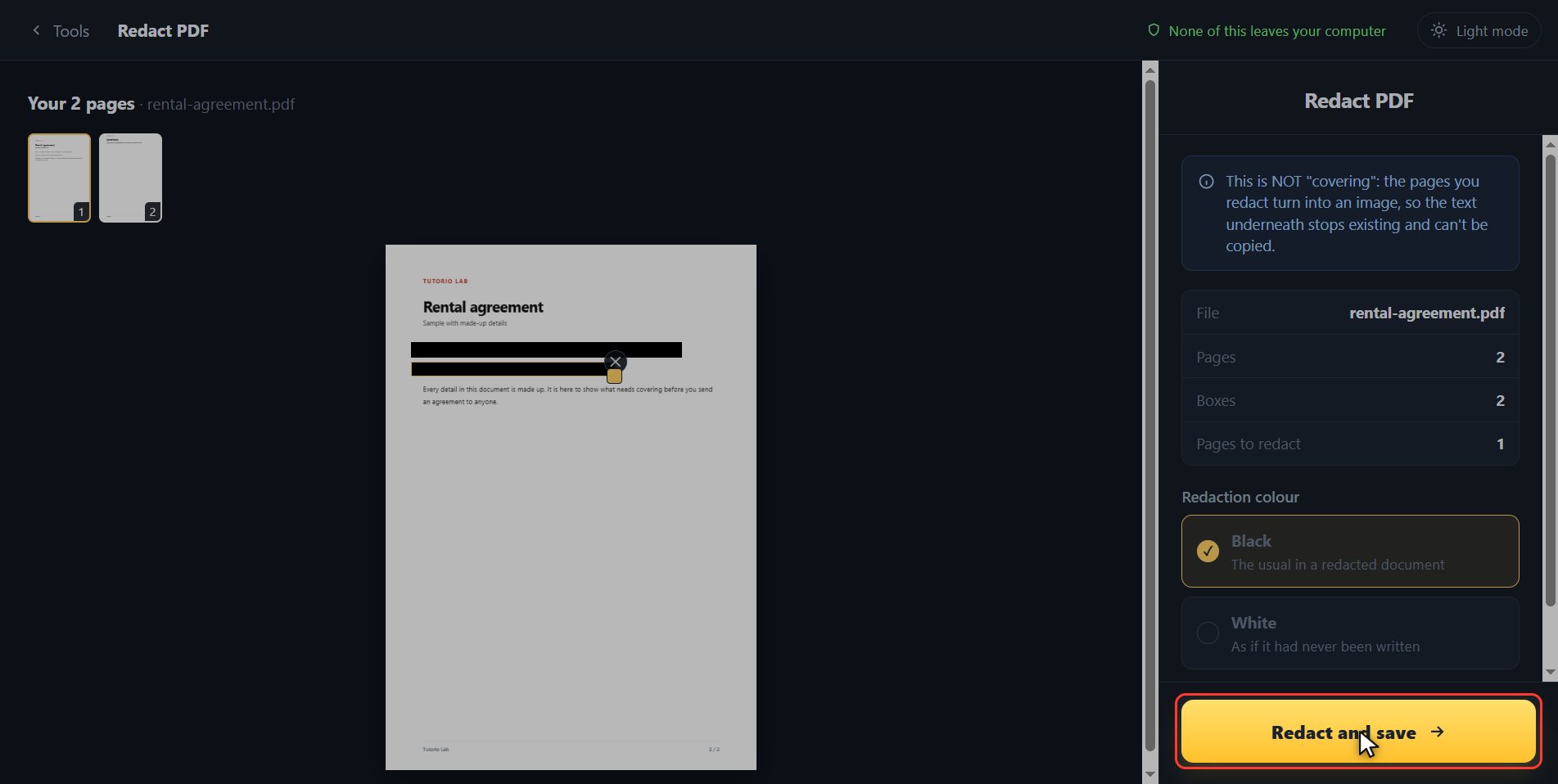
Save it redacted
When everything is covered, click Redact and save. It takes a moment, because there is real work going on behind it.
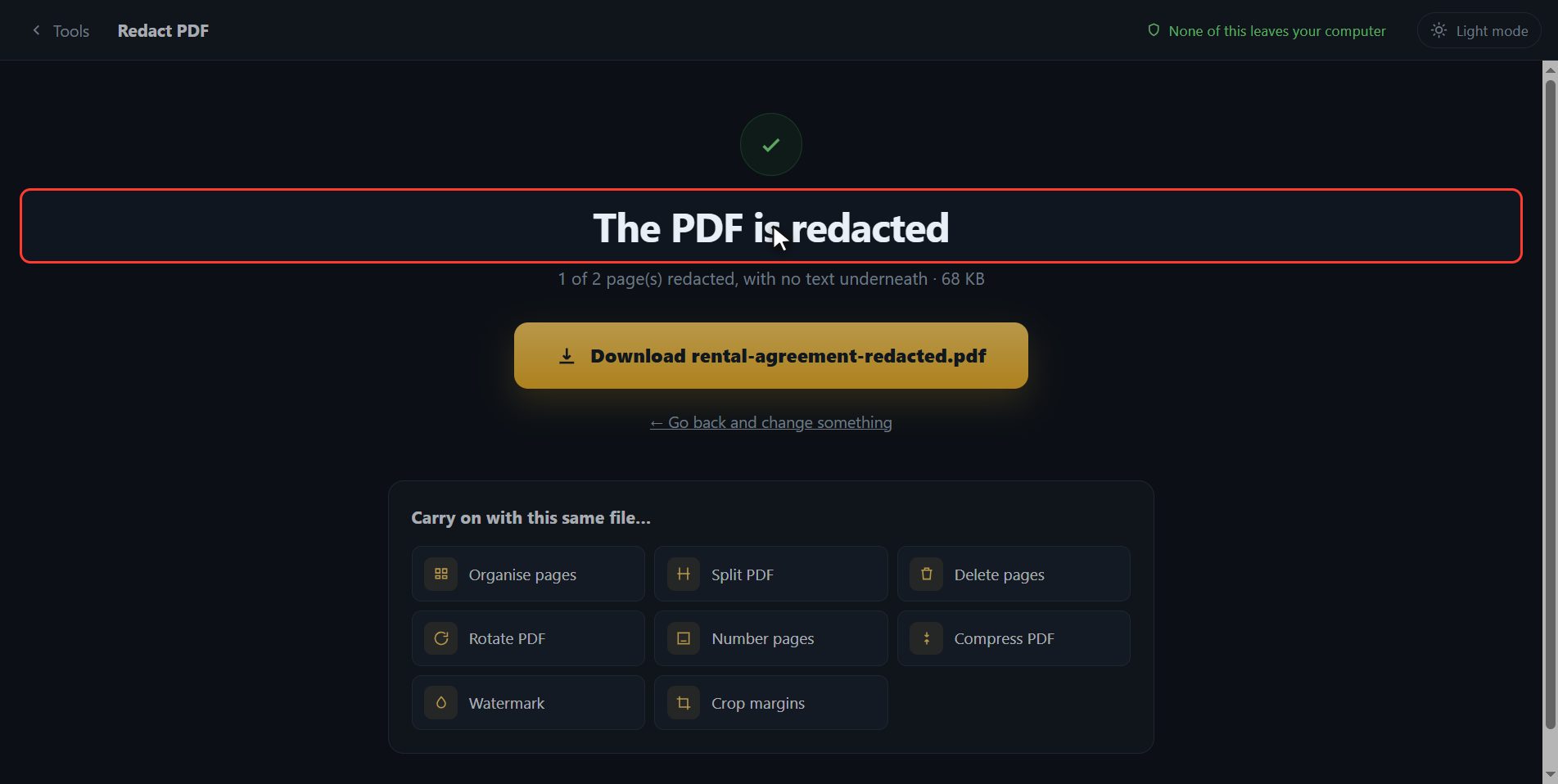
Why this one actually works
And here is the difference, which is the reason for this video. If you cover a piece of data with a black rectangle in an ordinary editor, the text IS STILL THERE underneath: whoever opens the PDF selects it with the mouse, copies it and reads it. That is how official documents have been leaked. What this tool does is something else: the sheet you blacked out is turned into an image, and the text underneath stops existing inside the file. There is nothing left to copy. The sheets you did not touch stay as they were, with their text still searchable.
And that is all. If it helped you, subscribe and give it a like. The link is at the top and first in the description. See you in the next one.
Common questions
Is a black rectangle on top not enough?
No, and it is the mistake that costs the most. A rectangle drawn on top only covers the view: the text is still inside the file and gets copied by selecting it with the mouse, or shows up when the PDF is opened in another program. That is why this tool turns the sheets you black out into images.
Does it ruin the rest of the document?
No. Only the pages where you blacked something out get turned into images. The rest are copied across as they are and keep their text, so they can still be searched and copied.
Can it be undone?
In the file you download, no: that is the whole point. Your original document is not touched, so if you went too far you start again with it.