How to compare two PDFs and see what changed
Go to tutoriolab.com/pdf/en, click Compare PDF and add both files: the old one first and then the new one. The comparison comes out on its own, sheet by sheet, with what was removed crossed through and what was added underlined. "Download the report" gives it to you as a text file.
Comparing two PDFs and seeing what changed.
Go to tutoriolab.com/pdf/en
Go to tutoriolab.com slash pdf slash e n. You have it at the top left and first in the description. There are twenty tools for PDF here, and the one we want is this one: Compare PDF.
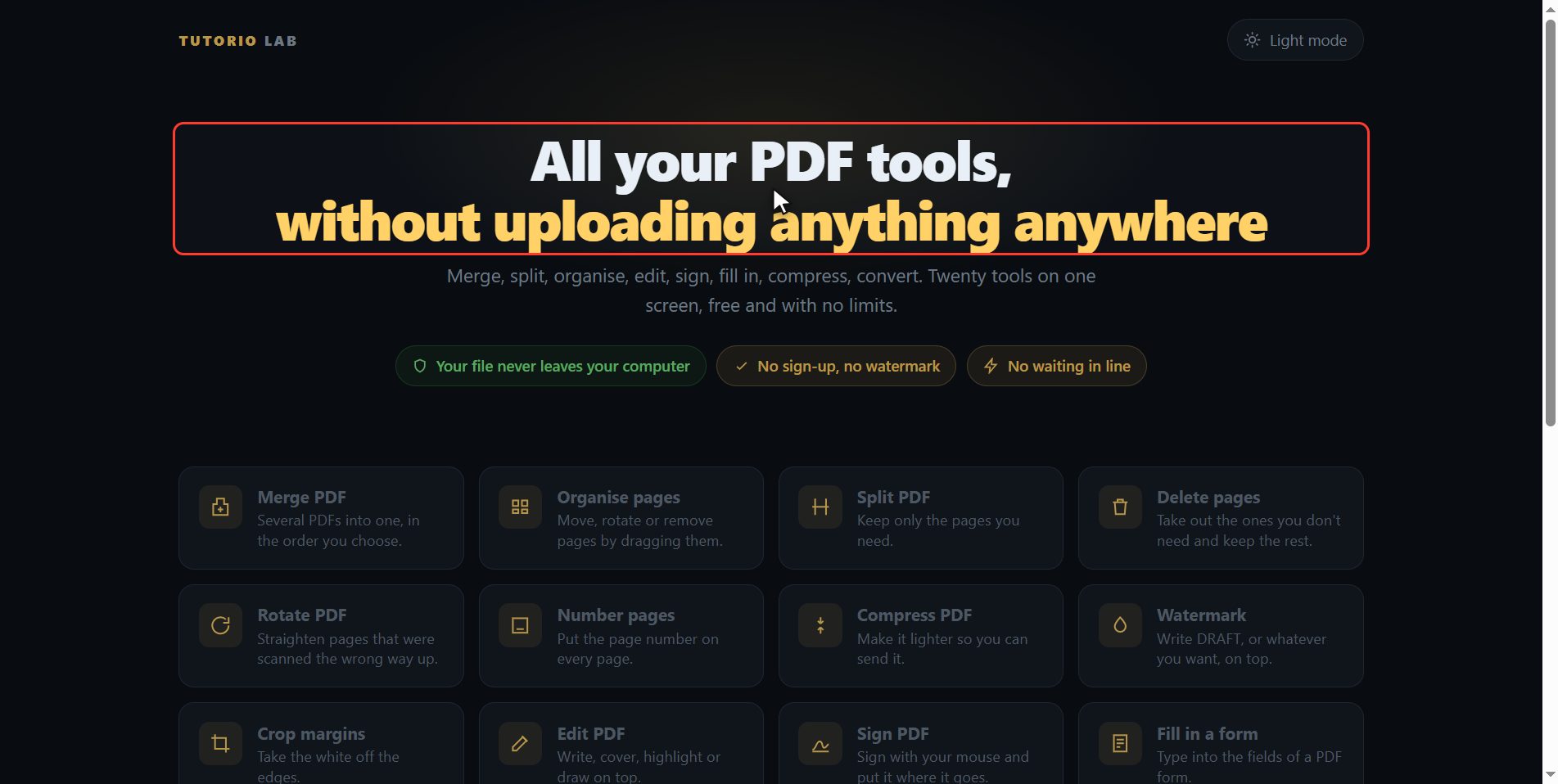
Click "Compare PDF"
Click it. And you are in. This is all it has: a button to pick the files and the box to drop them on.
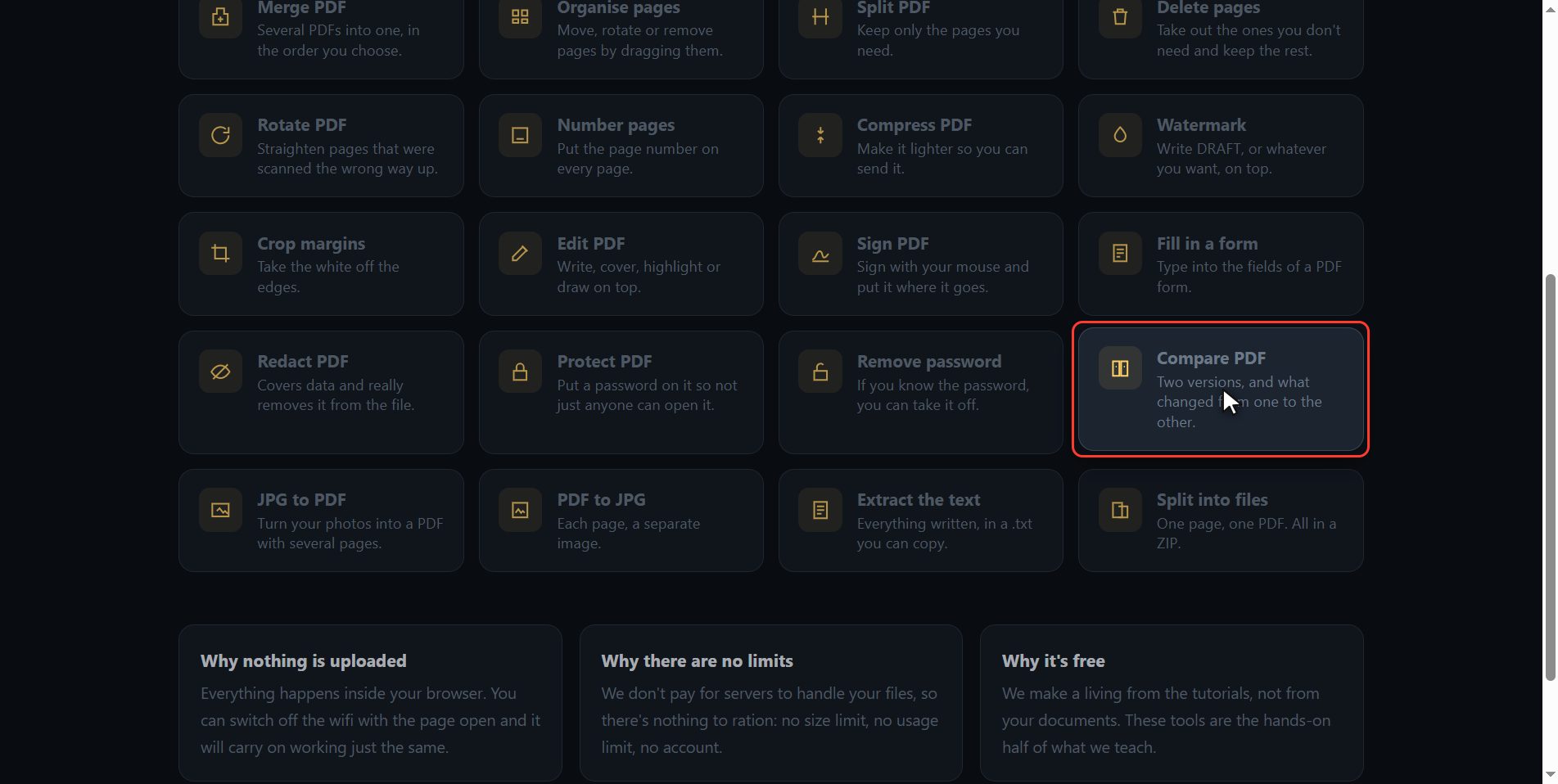
Add both PDFs
Now add both, and the order matters: first the old one and second the new one. I am adding the March minutes and the April minutes. If you put them in the wrong way round nothing happens, you drag the cards and swap them over. And as soon as both are in, the comparison happens on its own: you do not have to click anything.
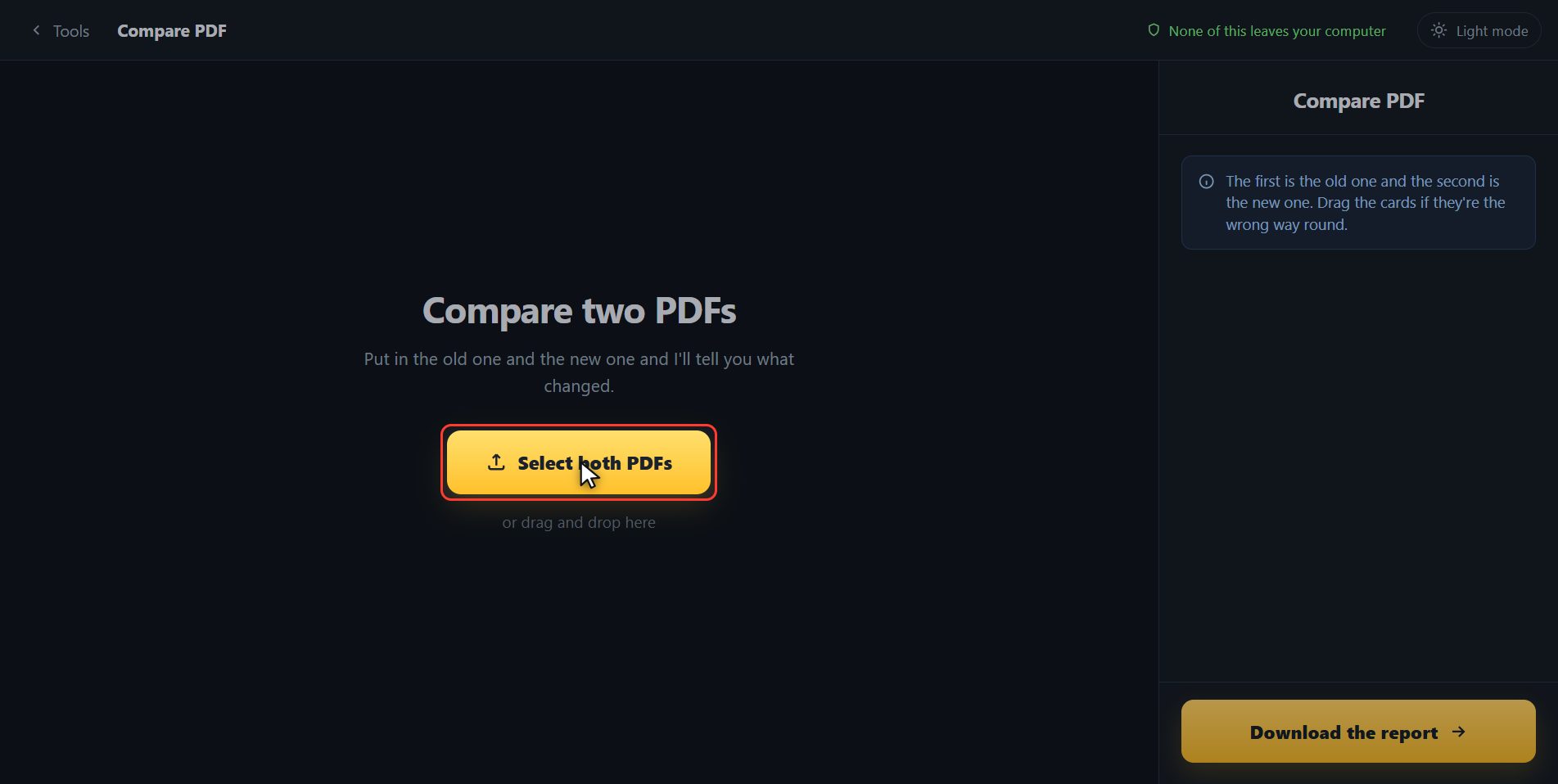
See what changed
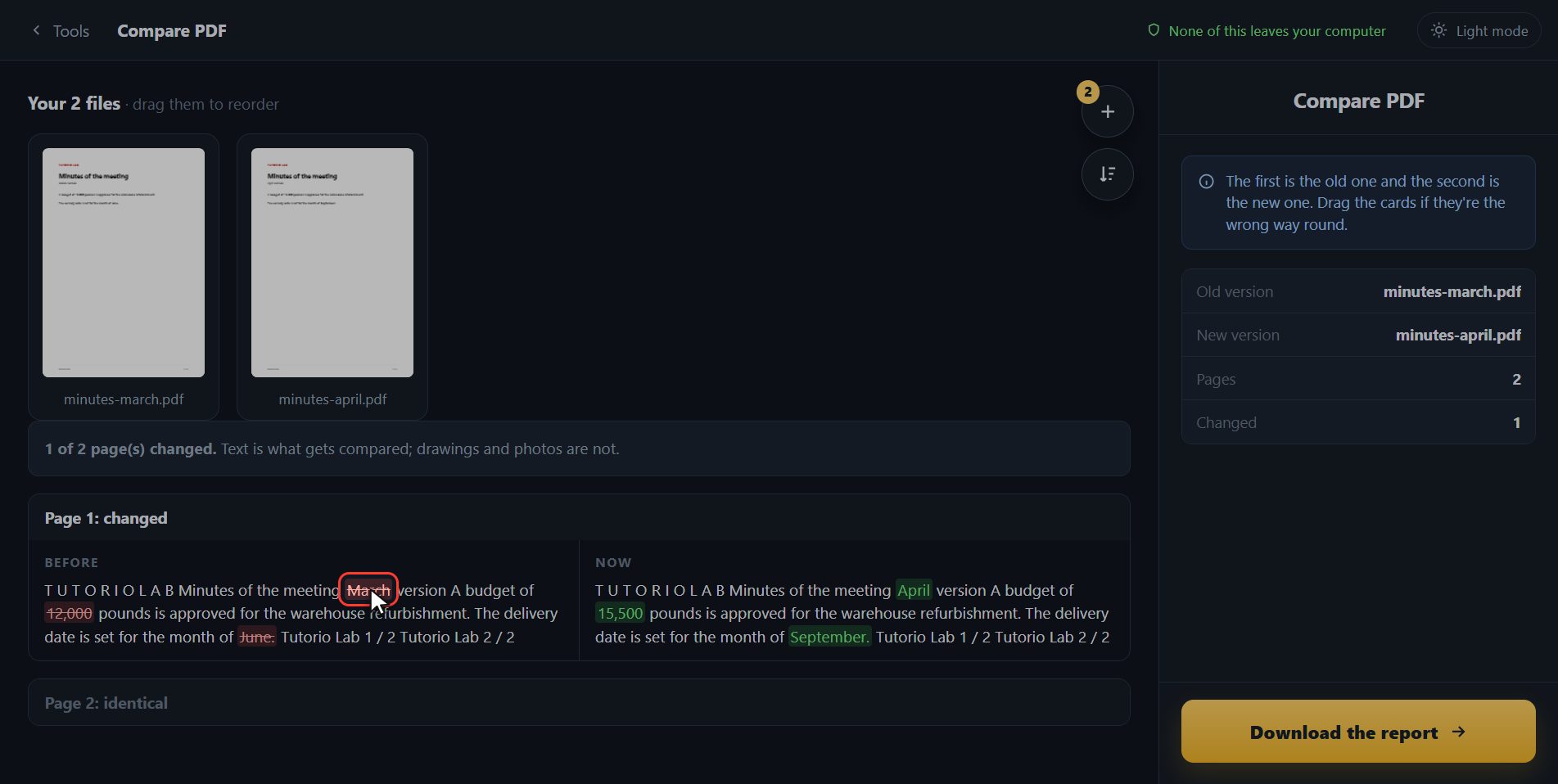
And here it is, sheet by sheet. The first one changed, and it tells you what in: what is crossed out is what it said before and what is underlined is what it says now. Look, the budget went from twelve thousand pounds to fifteen thousand five hundred, and the delivery date, from June to September. Those are the two real changes, and you would have hunted for them by hand reading the whole minutes. The second sheet it marks as the same, so you do not even look at it. And if a page only exists in one of the two documents, it says that as well, page by page: only in the new one, or only in the old one. So a page that somebody added, or one that somebody took out, does not slip past you either.
Download the report
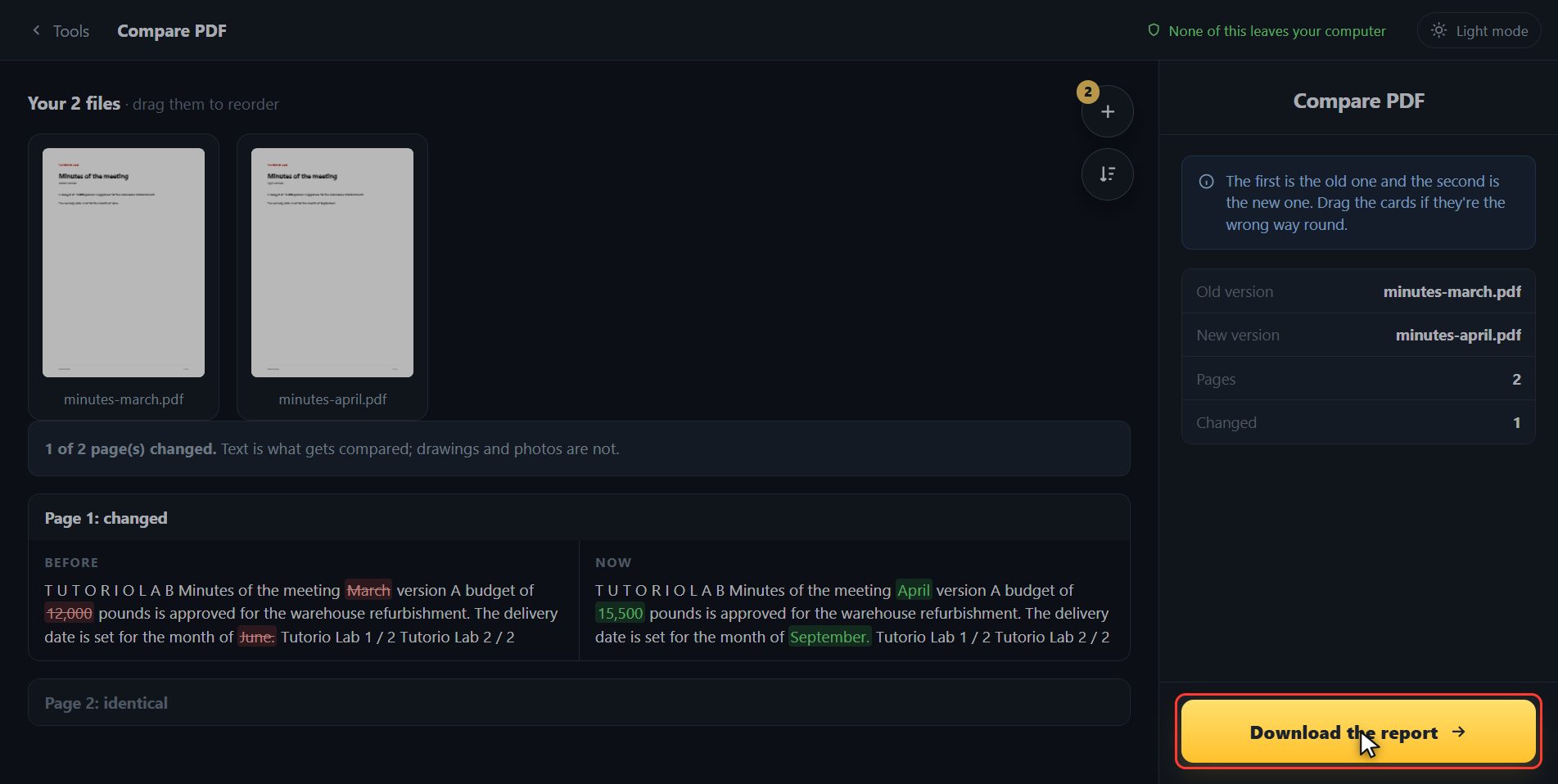
And if you need to put it on record, or send it to somebody, click Download the report: it gives you a text file with all the changes written out, to keep or to paste into an email. Inside it you get the list of pages, which ones are identical, and for the ones that changed, every piece of text marked REMOVED or ADDED. It is plain text, so it opens in anything and you can paste it straight into an email without it losing its shape.
And that is all. If it helped you, subscribe and give it a like. The link is at the top and first in the description. See you in the next one.
Common questions
Does it compare the images too?
It compares the TEXT of the two documents, which is where the changes that matter are in a contract, a quote or a set of minutes. If the PDFs are scans — pages that are photos — there is no text to compare.
I put them in the wrong way round. Do I have to start again?
No. Drag the file cards to swap them over and the comparison redoes itself. The first is always the old one and the second the new one.
What is in the report that downloads?
A text file with the list of pages, which ones are the same and, on the ones that changed, what was taken out and what was put in. It can be pasted straight into an email.