
How to put a watermark on a PDF
Go to tutoriolab.com/pdf/en, click Watermark and add the PDF. Type the text, choose how much it shows and whether it goes diagonal or straight: the watermark shows on the sheets while you choose. Click Add the watermark and the PDF downloads with it on every page.
Putting a watermark across a PDF.
Go to tutoriolab.com/pdf/en
Go to tutoriolab.com slash pdf slash e n. You have it at the top left and first in the description. There are twenty tools for PDF here, and the one we want is this one: Watermark.

Click "Watermark"
Click it. And you are in. This is all it has: a button to pick the file and the box to drop it on.

Add your PDF
Add the PDF. Click the select button and choose it, or drag it straight onto the box. And the moment it goes in, the page draws it out for you: not a list of numbers, which tells you nothing, but the sheets of the document.

Type what you want it to say
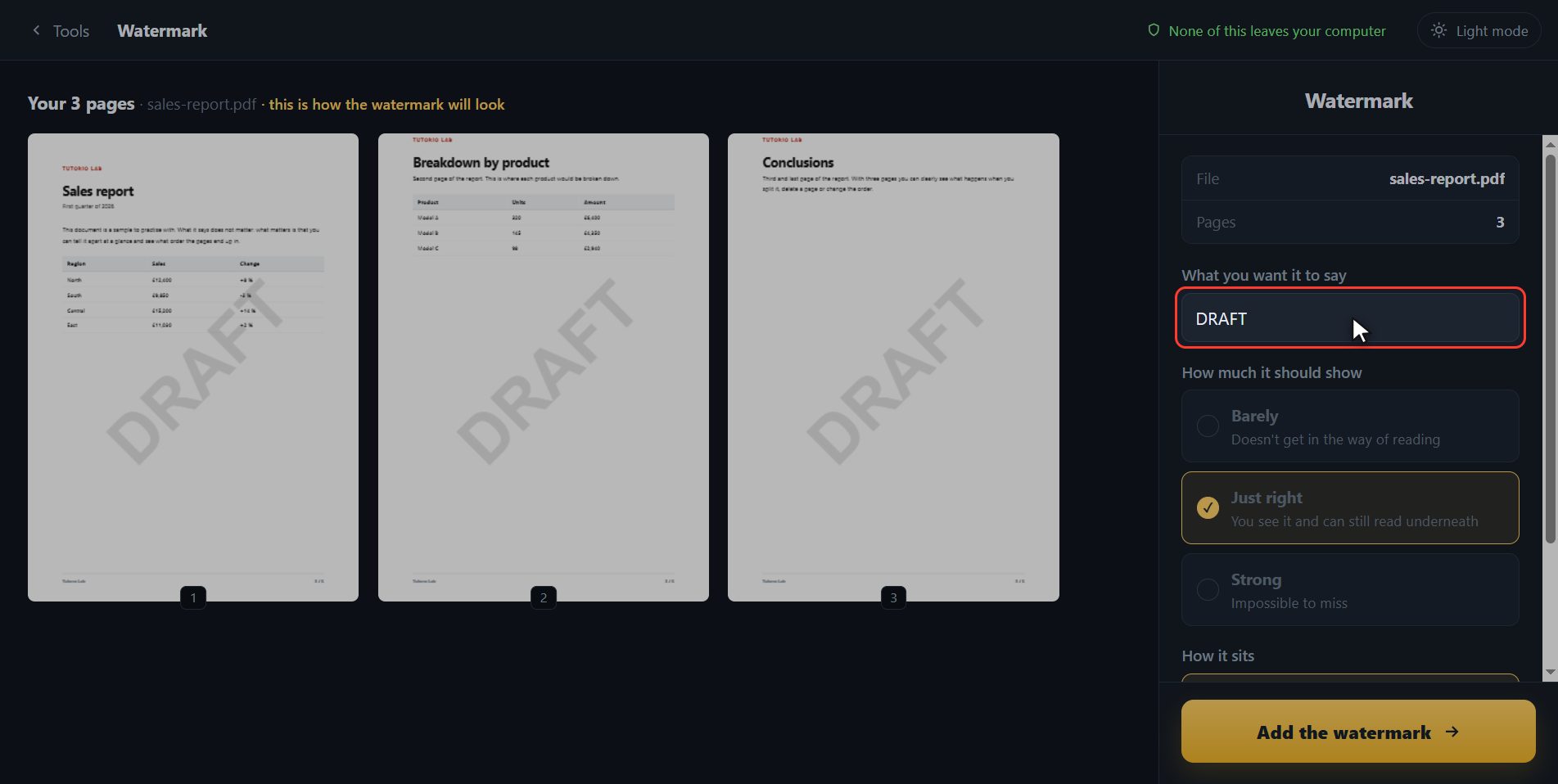
Over here on the right you put what you want it to say. It comes with DRAFT in, which is the one used most, but type yours: I am going to put CONFIDENTIAL. And look at the sheets while I type it, because this is what almost no page does: the watermark is already there on all three, exactly as it is going to sit in the file. You do not have to save anything to know whether it covers a paragraph.
How much it shows and how it sits
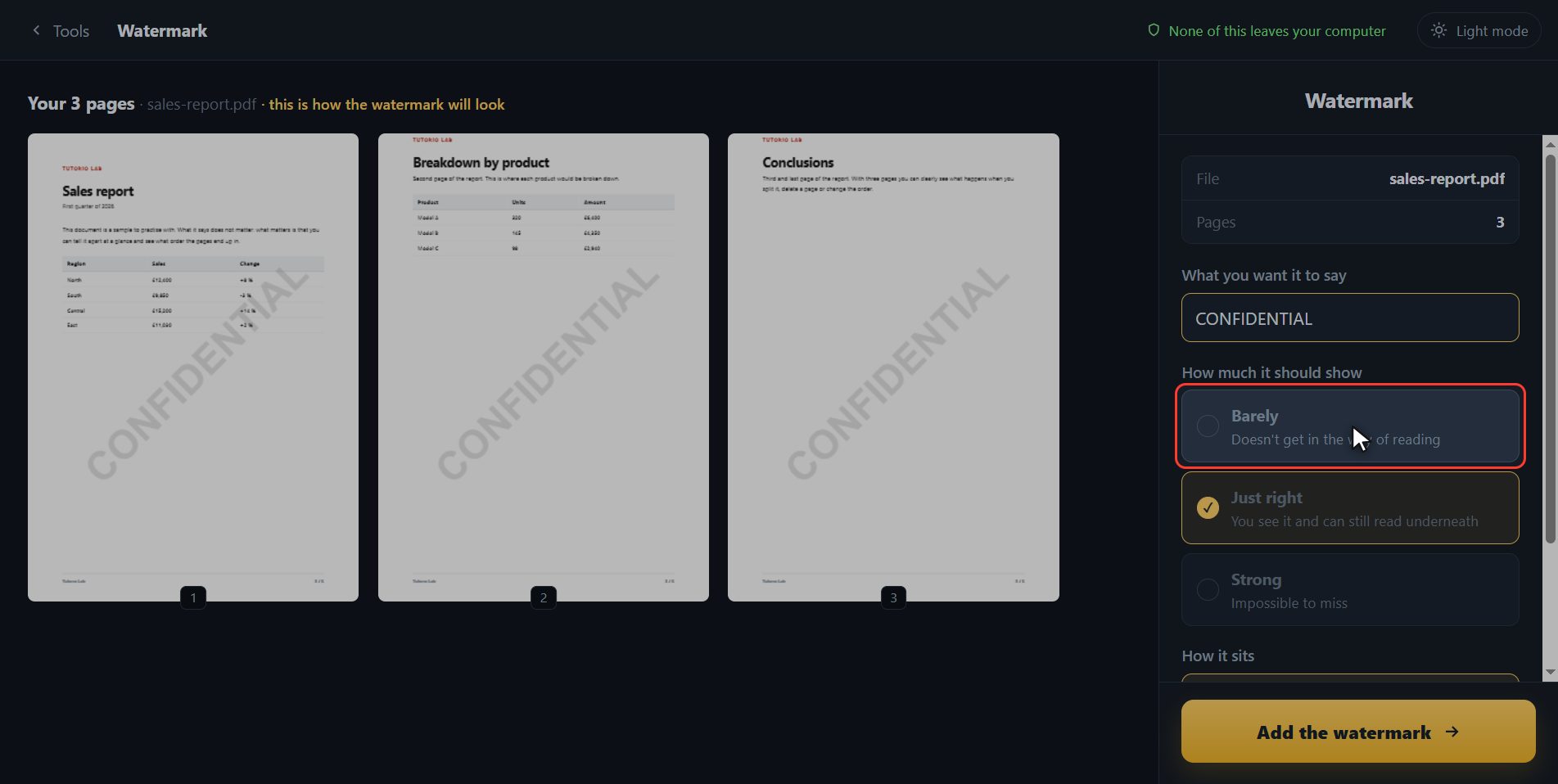
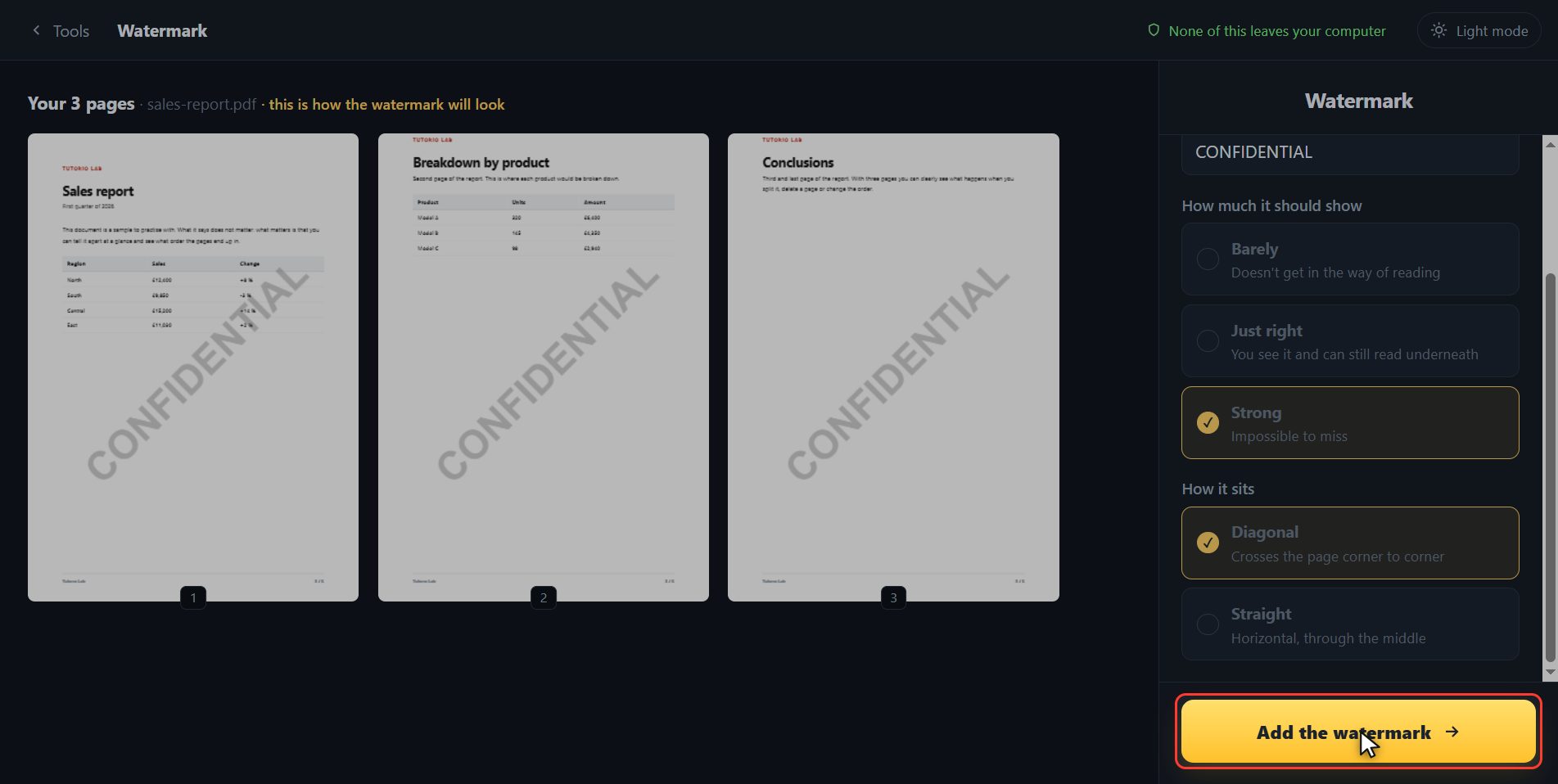
Underneath you choose how much it has to show. Barely is so it does not get in the way of reading. Just right shows and you can read underneath, which is the normal one. And strong is impossible to miss, for when the document must not go round out there as if it were the good one. And last, how it sits: diagonal crosses the sheet corner to corner, and straight goes across the middle. I am leaving it strong and diagonal.
Save it with the watermark
When it is how you want it, click Add the watermark.
There it is
And done. The PDF with the watermark on every page has downloaded on its own, and here is the button in case your browser blocked it. And if you want to carry on with another tool, you have them down here with the file already inside.

And that is all. If it helped you, subscribe and give it a like. The link is at the top and first in the description. See you in the next one.
Common questions
Can the watermark be taken off afterwards?
Off the file you download, no: the watermark is drawn inside each page. Your original document is not touched, so keep it in case you need it clean.
Does it go on every page?
Yes, on all of them, which is what a watermark is for. And it shows on the thumbnails before you save, so you can check sheet by sheet that it does not cover anything important.
Can I put an image or a logo?
Here you put text. If what you want is to place a logo on top, use "Edit PDF": it has a button for bringing in an image and putting it wherever you want.