
How to add page numbers to a PDF
Go to tutoriolab.com/pdf/en, click Number pages, add the file and pick where the number goes. If the document carries on from another one, change "Start counting at". The numbers show on the sheets before you save. Click Add the numbers and it downloads.
Putting page numbers on a PDF.
Go to tutoriolab.com/pdf/en
Go to tutoriolab.com slash pdf slash e n. You have it at the top left and first in the description. There are twenty tools for PDF here, and the one we want is this one: Number pages.

Click "Number pages"
Click it. And you are in. This is all it has: a button to pick the file and the box to drop it on.
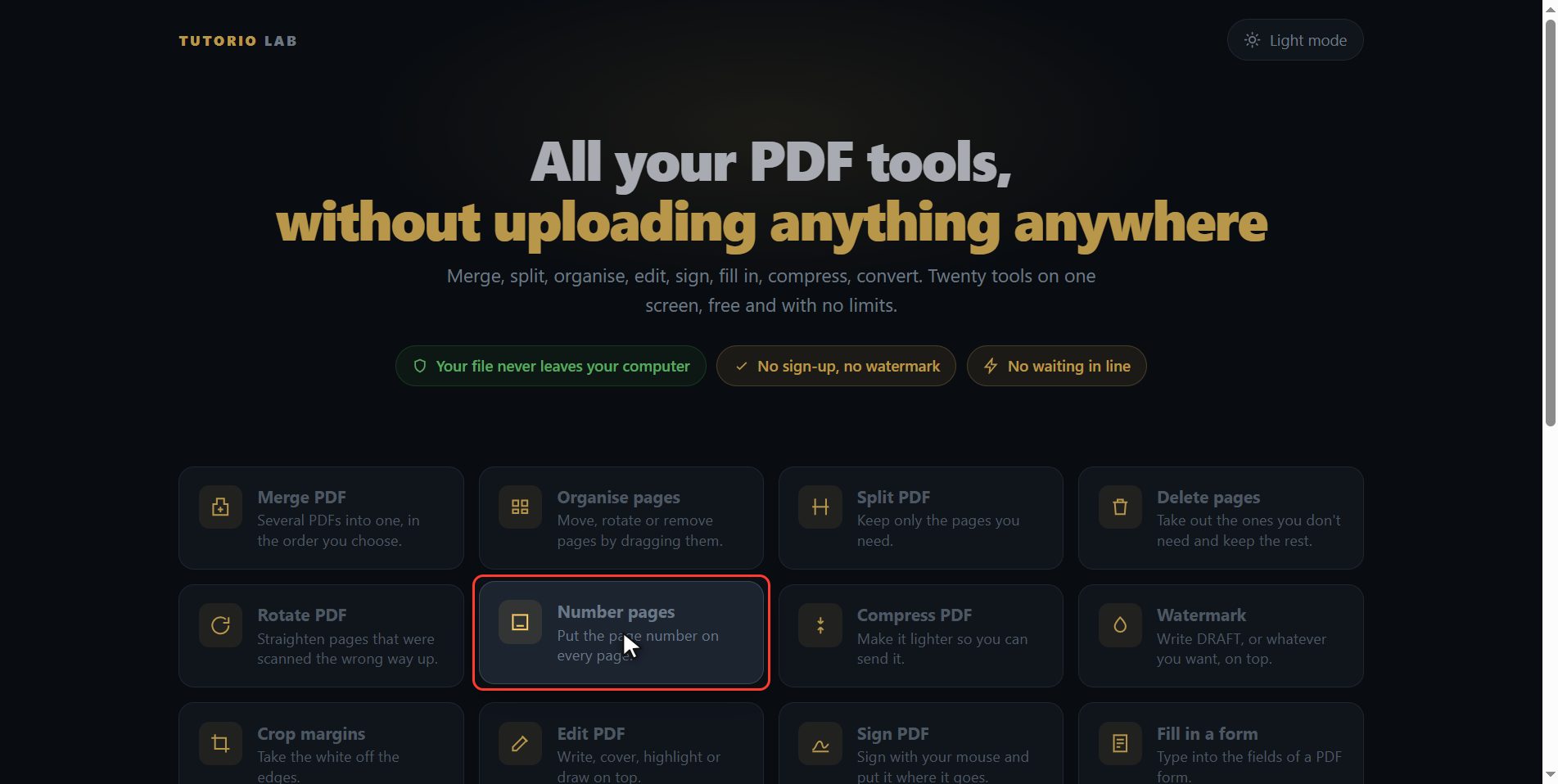
Add your PDF
Add the PDF you want to number. Click the select button and choose it, or drag it straight onto the box. And the moment it goes in, the page draws it out for you: not a list of numbers, which tells you nothing, but the six sheets of the document.
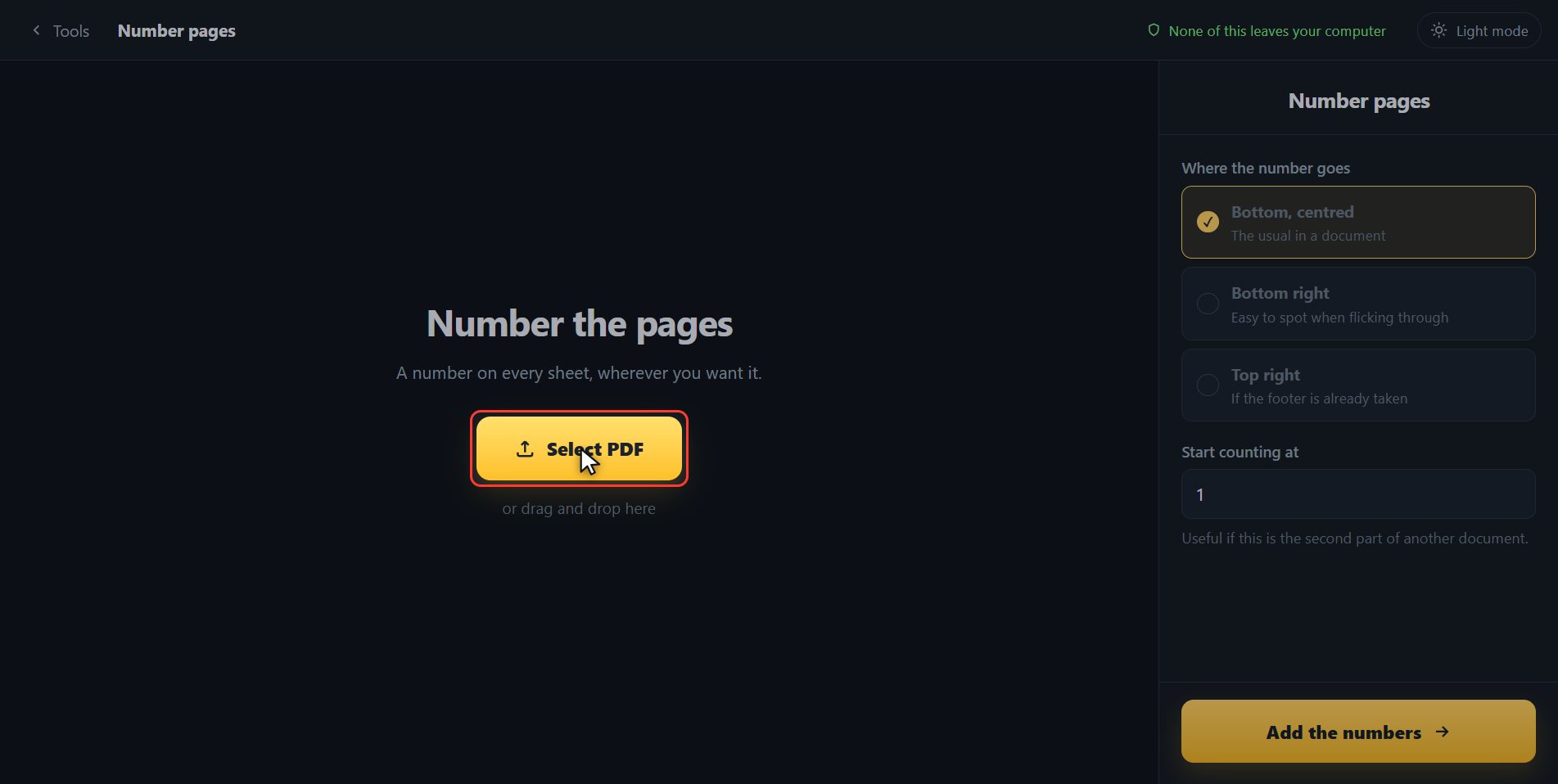
Pick where the number goes
First, where you want the number. Bottom centred is the usual one in a document. Bottom right shows up better when you turn pages by hand. And top right, for when the footer is already taken up with something else. I am leaving this one here. And look at the sheets: the numbers are on them already. That is not a separate drawing, it is exactly what the file is going to carry.
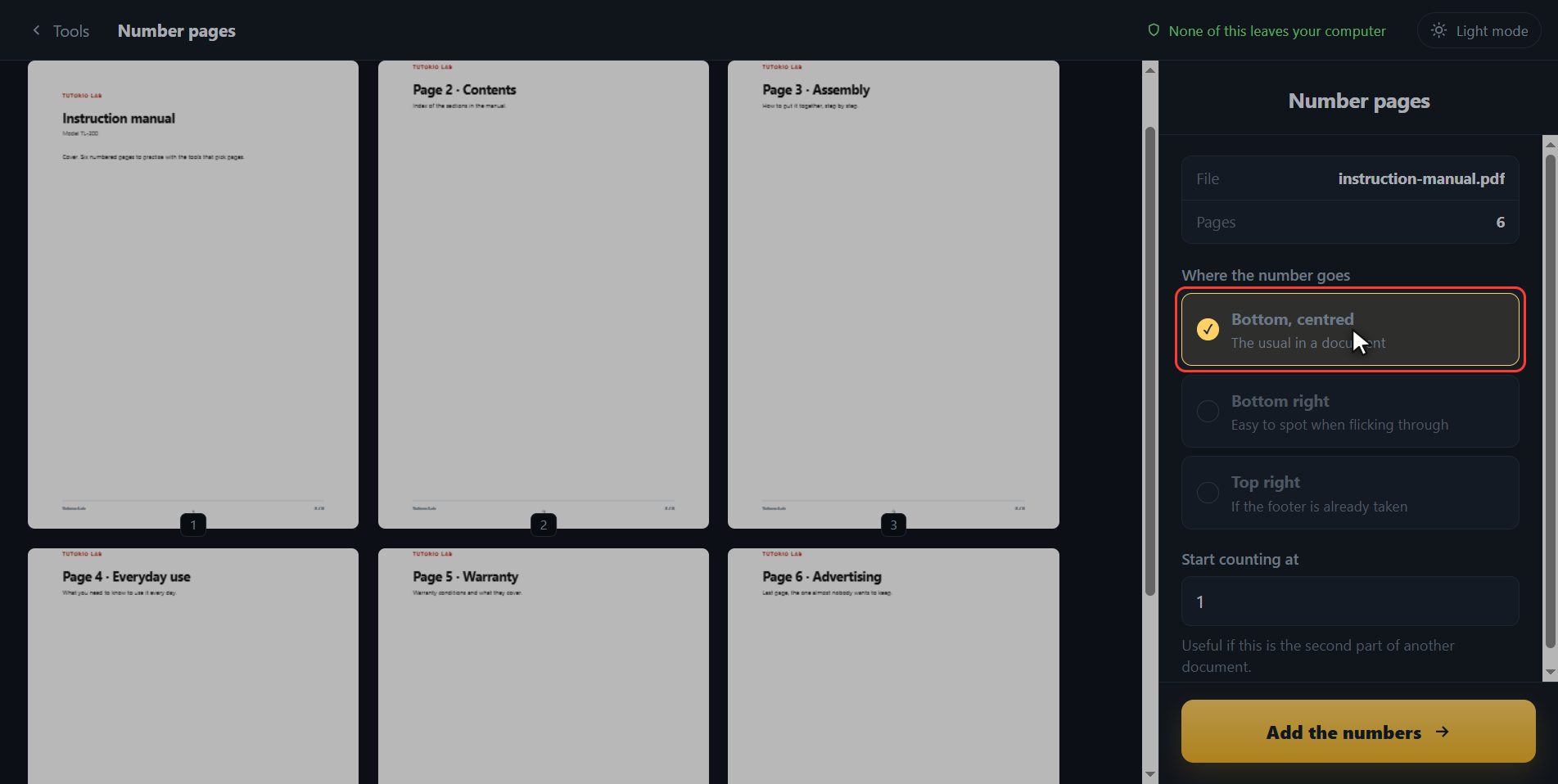
Start counting wherever you want
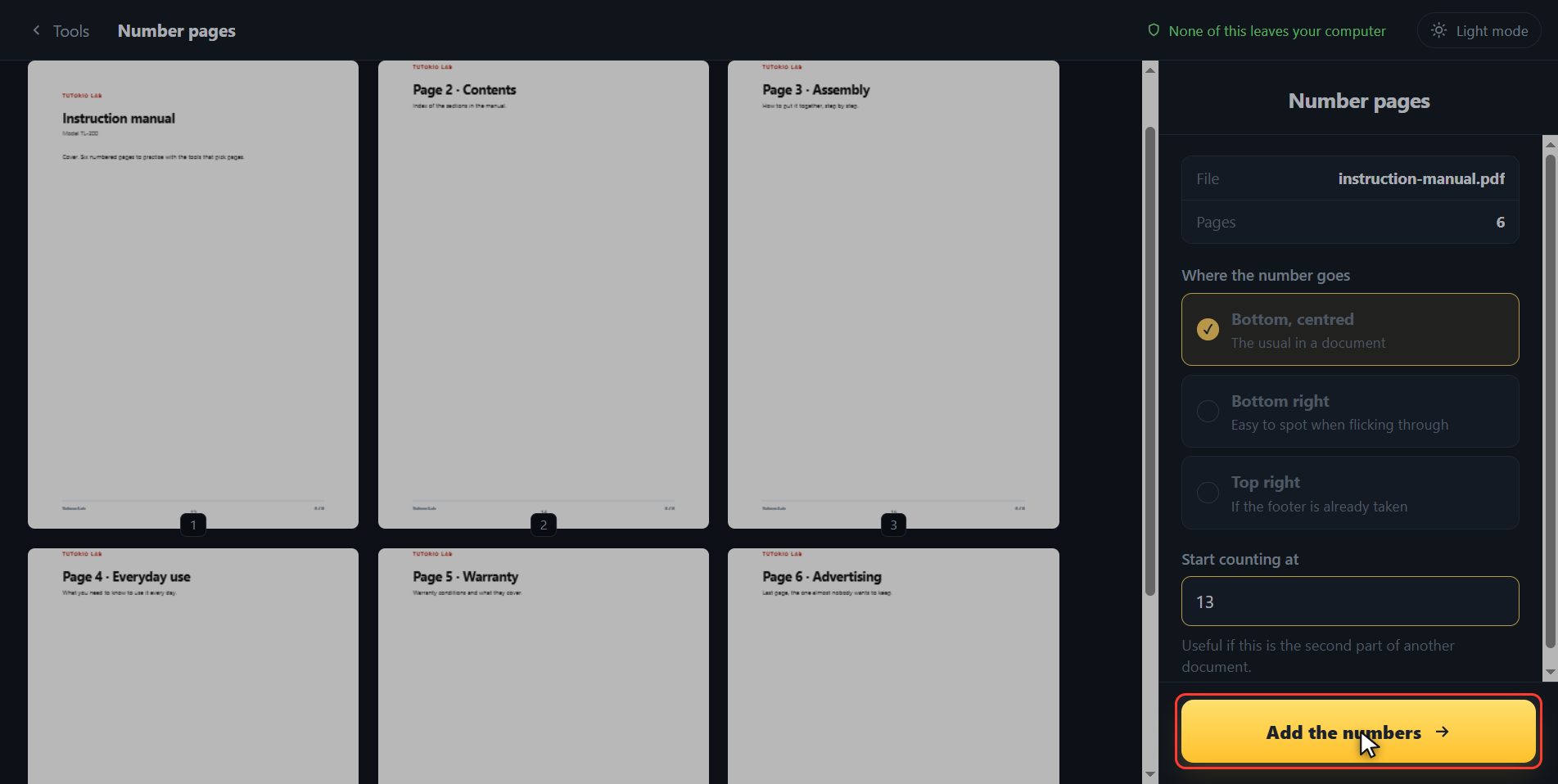
And now the part almost no page lets you do: what number it starts counting from. One by default, of course. But if this is the second part of a document that ends on twelve, here you type thirteen and the first sheet is not number one any more, it is thirteen. Look at it on the sheets: they have renumbered themselves.
Save it numbered
When it is how you want it, click Add the numbers.
There it is
And done. The numbered PDF has downloaded on its own, and here is the button in case your browser blocked it. And if you want to carry on with another tool, you have them down here with the file already inside.

And that is all. If it helped you, subscribe and give it a like. The link is at the top and first in the description. See you in the next one.
Common questions
My document is the second part of another one. Can I start at 13?
Yes, and that is exactly what it is for. In "Start counting at" you type 13 and the first sheet comes out as 13. The thumbnails renumber themselves so you can check before saving.
Can I leave the cover page without a number?
For now every page gets numbered. The quick way round it: take the cover off with "Split PDF", number the rest starting at 2 and put it back together with "Merge PDF".
Does the number cover anything in the document?
It goes in the margin, and since you see it on the sheets before saving, if in your document it landed on top of something you move it with the three options and that is that.