How to extract all the text from a PDF at once
Go to tutoriolab.com/pdf/en, click Extract the text, add the PDF and press the button. A .txt downloads with everything that was written, sheet by sheet. If the PDF is a scan almost nothing will come out: there is no text there, there is an image of a text.
Pulling all the text out of a PDF in one go.
Go to tutoriolab.com/pdf/en
Go to tutoriolab.com slash pdf slash e n. You have it at the top left and first in the description. There are twenty tools for PDF here, and the one we want is this one: Extract the text.
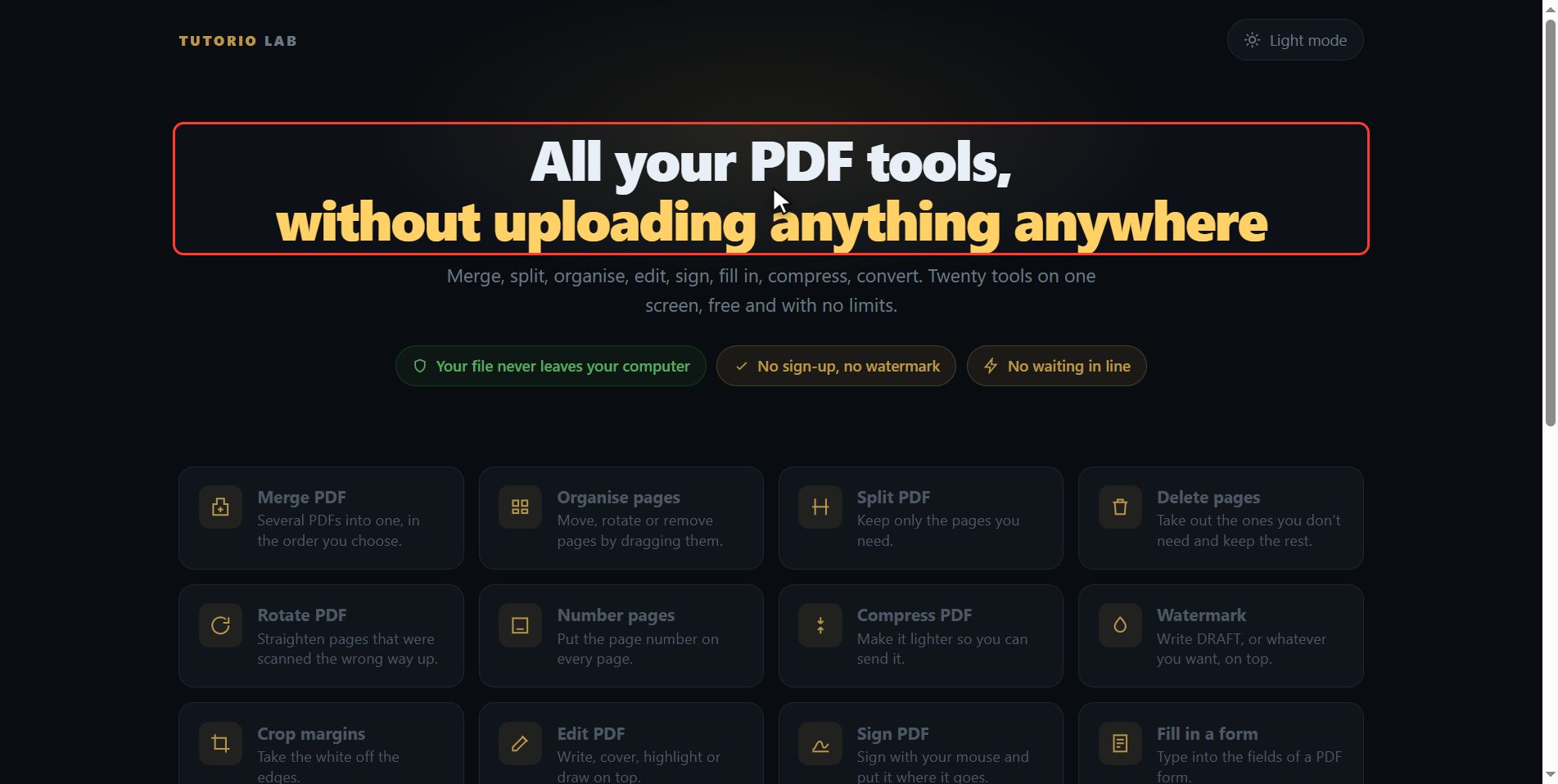
Click "Extract the text"
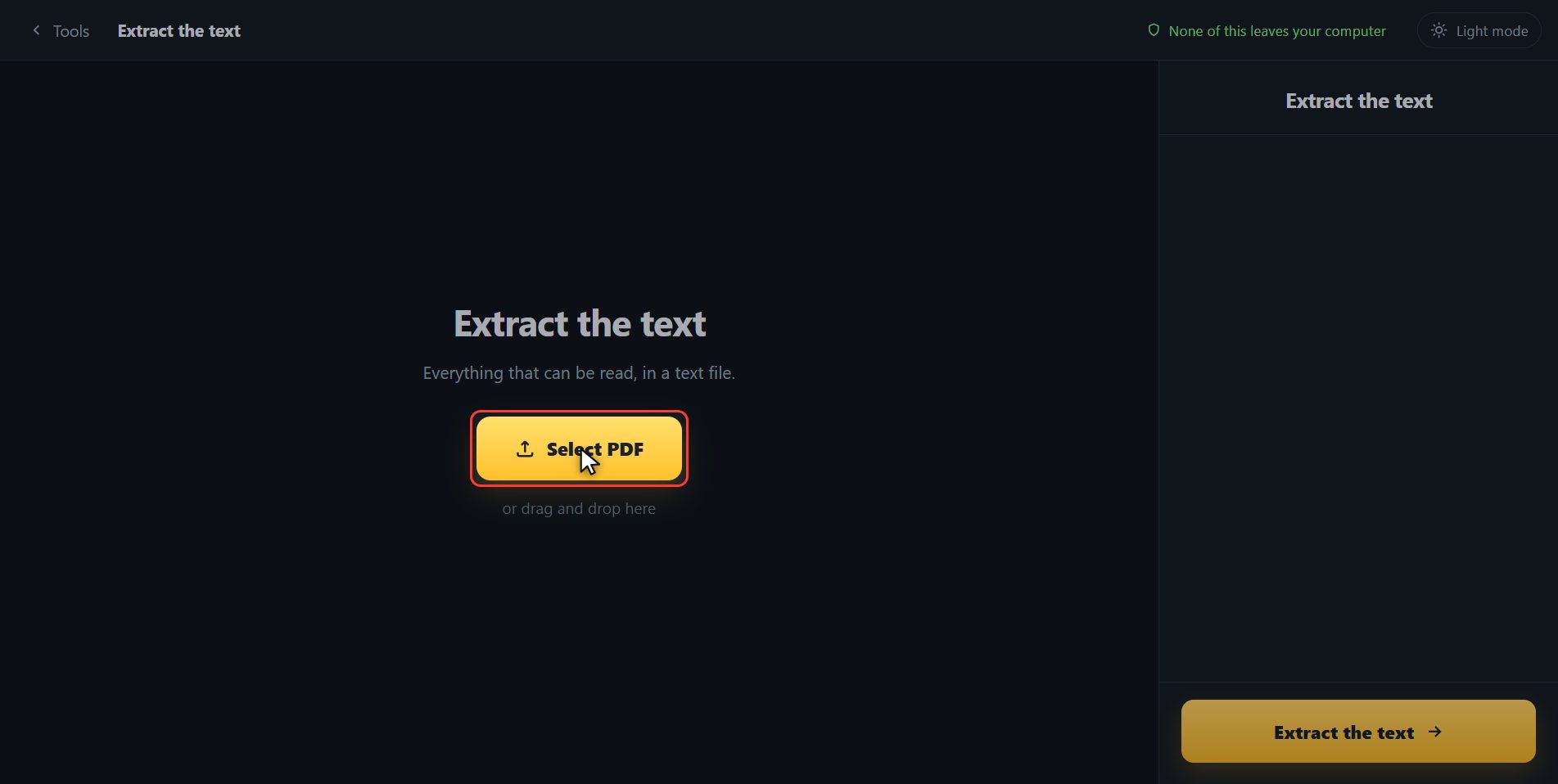
Click it. And you are in. This is all it has: a button to pick the file and the box to drop it on.
Add your PDF
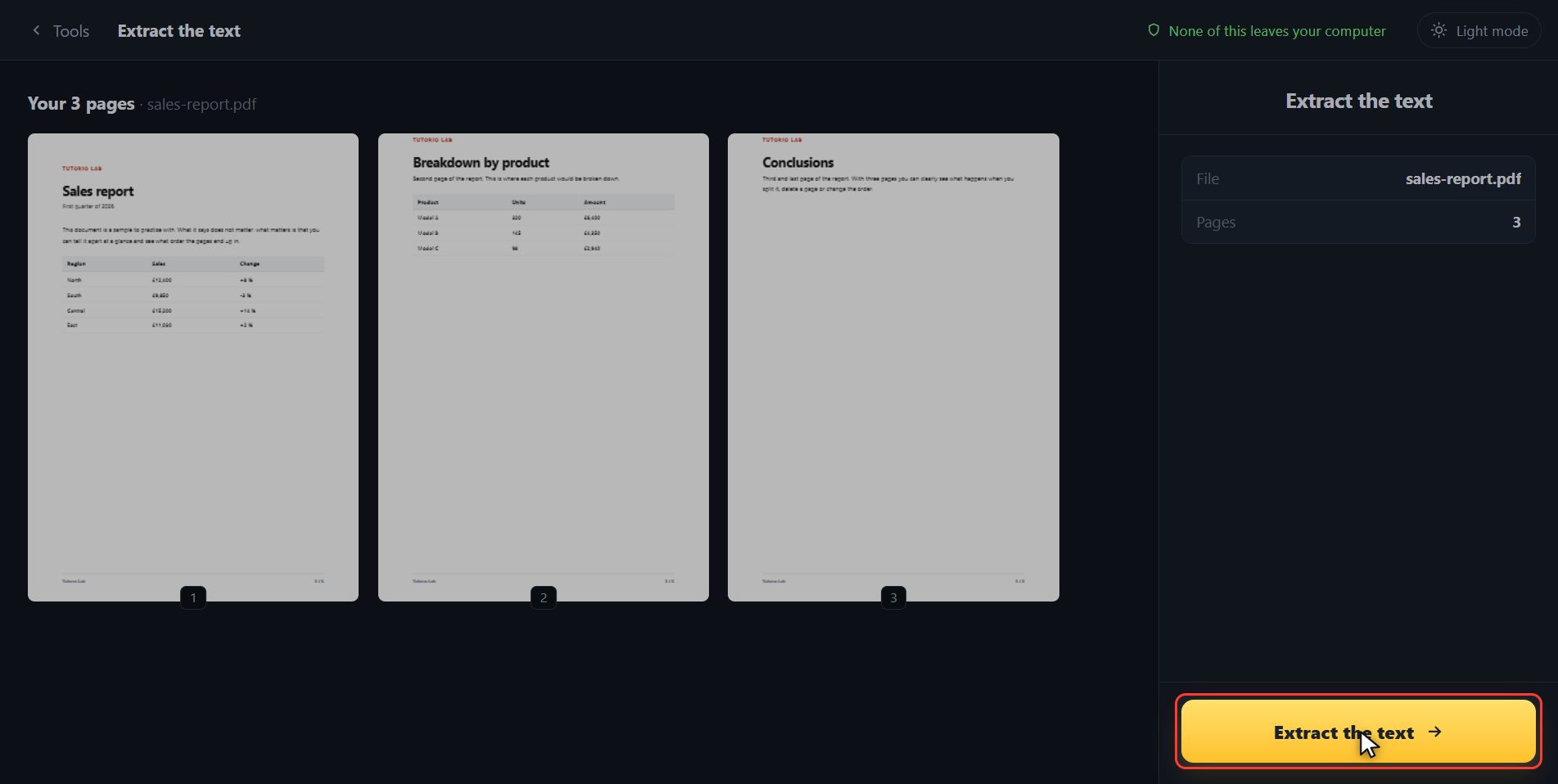
Add the PDF. Click the select button and choose it, or drag it straight onto the box. And the moment it goes in, the page draws it out for you: not a list of numbers, which tells you nothing, but the sheets of the document.
Pull it out
There is nothing to choose, so click Extract the text. It goes sheet by sheet.
And if your PDF is a scan
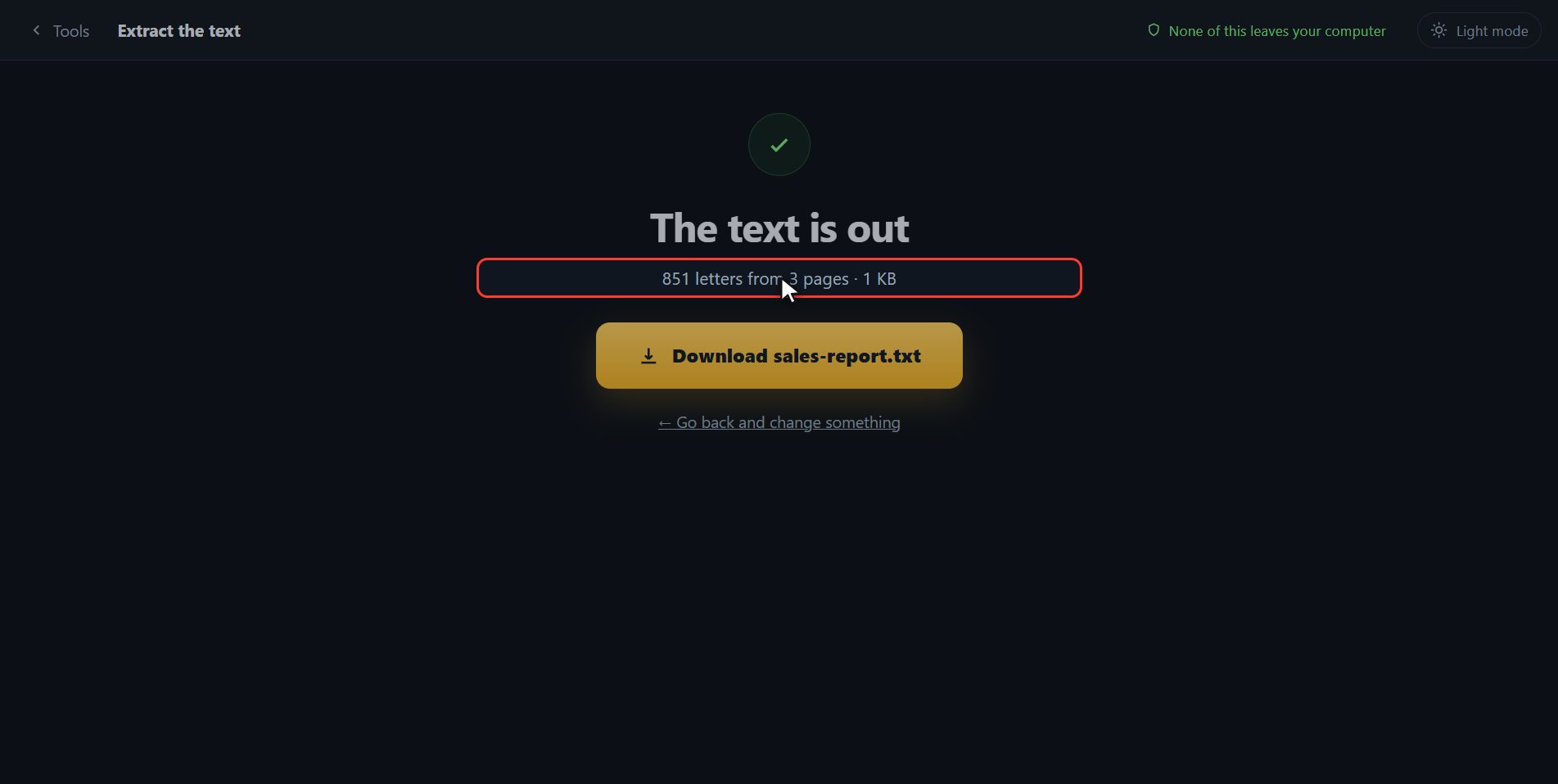
And that is it: a text file has downloaded with everything that was written, sheet by sheet, and it tells you how many letters it pulled out. Inside, each page comes with its own heading, so you can tell where one ends and the next begins. You open it with notepad and paste it wherever you want. And one thing that catches a lot of people out: if your PDF does not let you select the text with the mouse, it still comes out here, because the text is read from inside the file and not from what you can select. Here is the button in case your browser blocked it. And one thing that saves you the upset: if your PDF is a scan, this will pull out almost nothing, and that is not a fault. In a scan there are no letters: there is a photo of some letters, and turning those into text needs an image reader, which this page does not have. When that happens, the page tells you so in those words instead of handing you an empty file and leaving you thinking you did it wrong.
And that is all. If it helped you, subscribe and give it a like. The link is at the top and first in the description. See you in the next one.
Common questions
My PDF is a scan and nothing comes out. Why?
Because in a scan there is no text: every page is a photo. Turning that photo into letters needs a text reader for images — what is called OCR — and this page does not have one. The tool tells you when it sees there are almost no letters.
My PDF will not let me select the text with the mouse.
That is a flag the document carries asking the reader not to allow copying; it does not encrypt anything. Since here the text is read from inside the file, it comes out all the same. A PDF that asks for a password to open is another matter: there you have to take the password off first, and for that you have to know it.
Does it keep the formatting, the tables and the bold?
No. What comes out is plain text, with no typefaces and no tables, separated by pages. It is what you want for copying, searching or pasting somewhere else and formatting it there.