How to remove the password from a PDF you can already open
Go to tutoriolab.com/pdf/en, click Remove the password and add the PDF. Type the password — you have to know it — click Test the password to confirm it is the right one and then Remove the password. The same document downloads with no lock.
Taking the password off a PDF you already know how to open.
Go to tutoriolab.com/pdf/en
Go to tutoriolab.com slash pdf slash e n. You have it at the top left and first in the description. There are twenty tools for PDF here, and the one we want is this one: Remove the password.
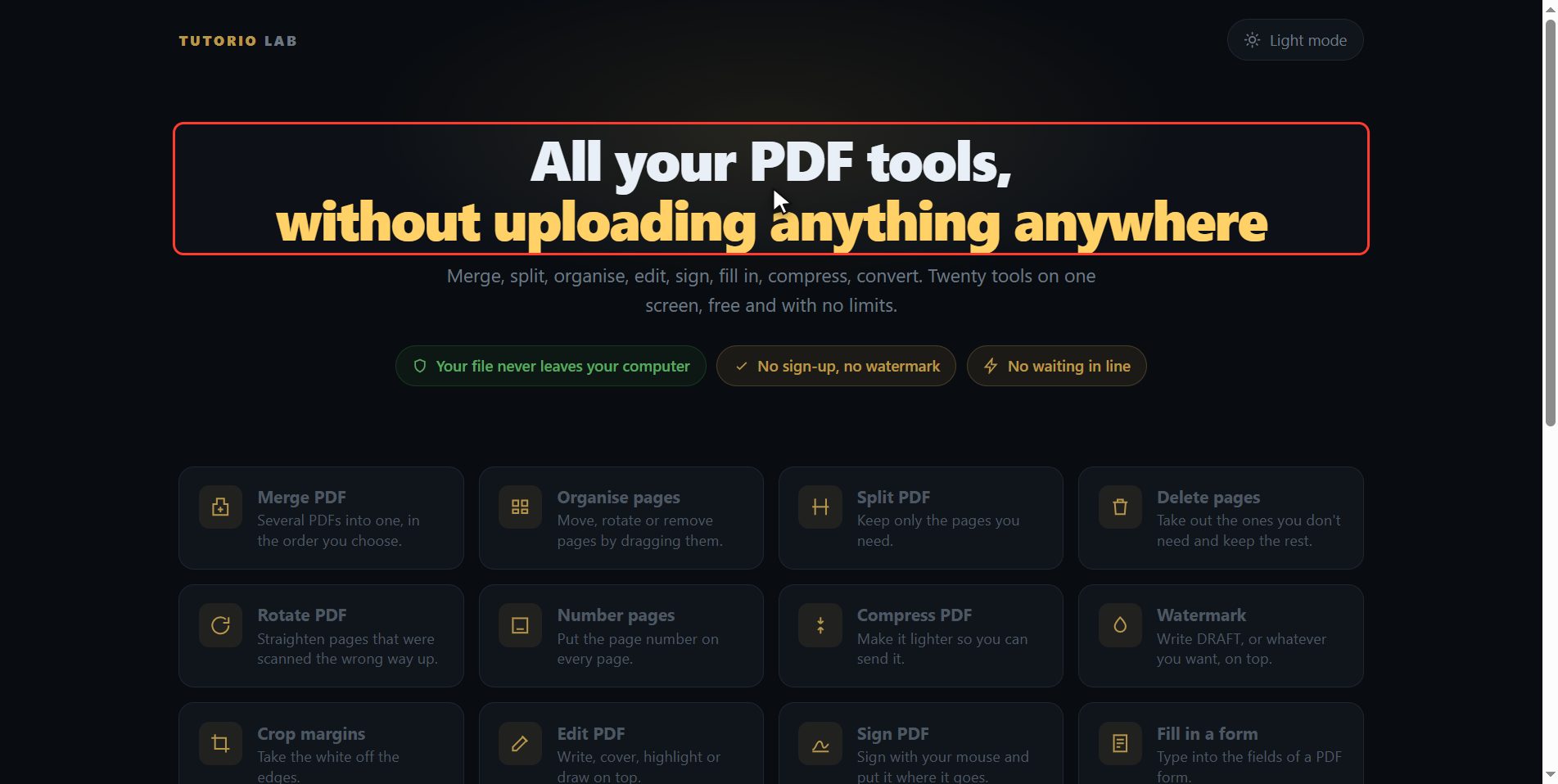
Click "Remove the password"
And first of all, so you do not waste your time: this does not crack passwords. You have to know it. It is for what happens to everybody: a document of yours, from the bank or from your payslip, that asks you for the same code every time you open it. If you do not know it, no page can.
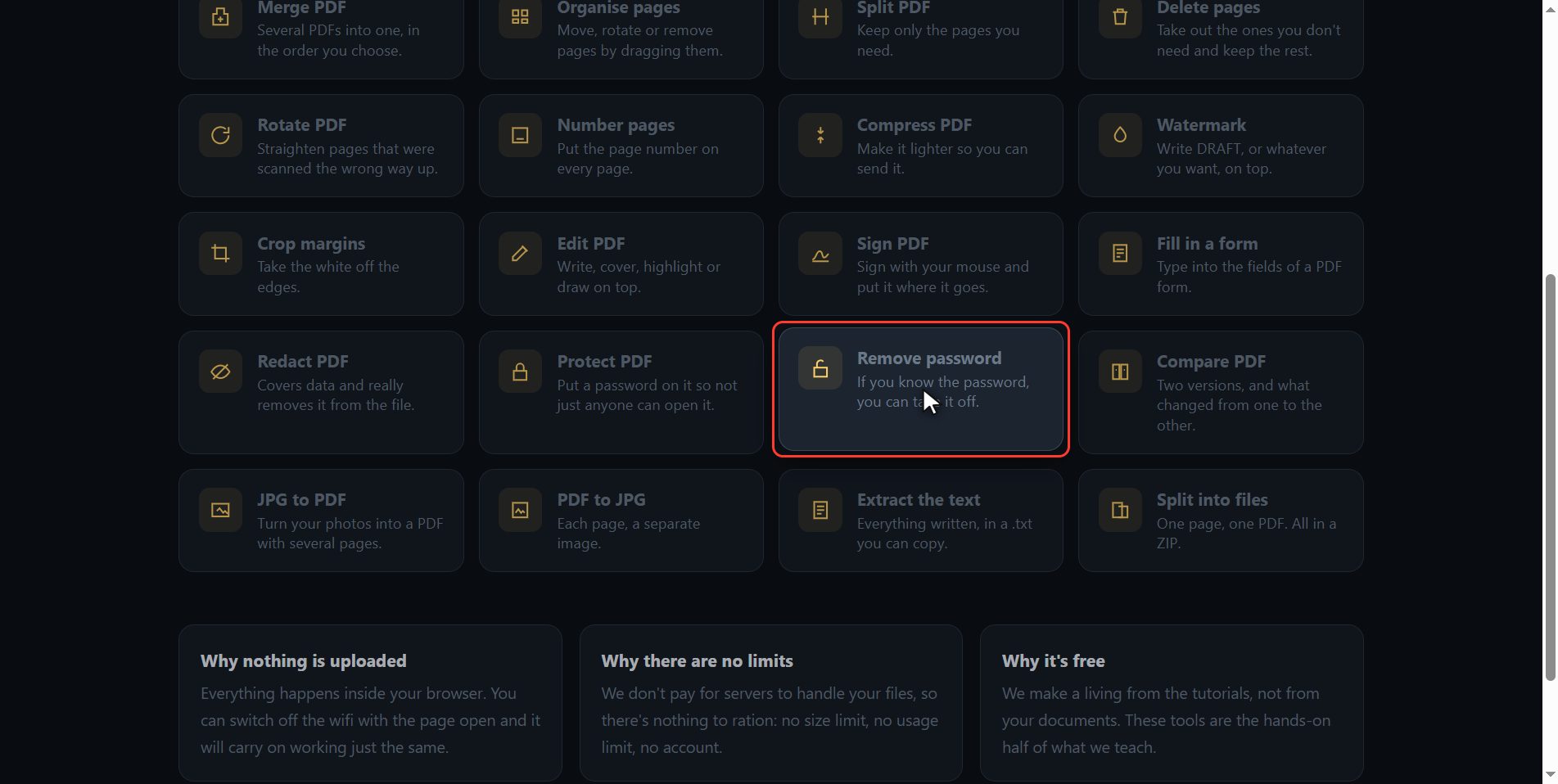
Add the locked PDF
Add the locked PDF. Click the select button and choose it, or drag it straight onto the box. You will see that the sheets are not drawn yet: that is normal, the file is shut and not even we can look inside until you give the password.
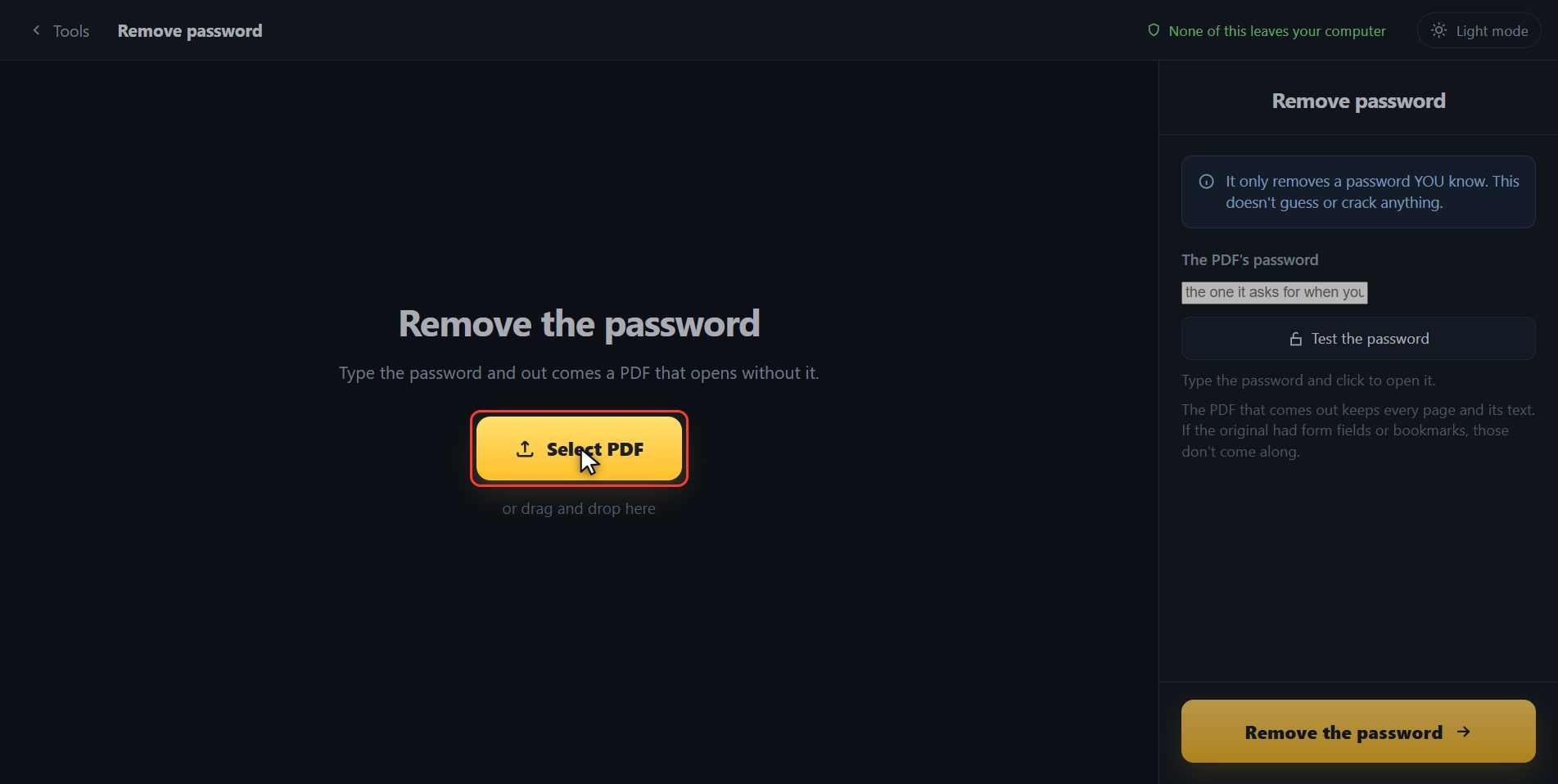
Type the password and test it
Type it over here on the right. The one for this sample document is sample dash two thousand and twenty six. And now, instead of crossing your fingers, click Test the password: it tells you straight away if it is the right one, and if you got it wrong it tells you that too, instead of letting you find out at the end. Look: password is right, two pages. And notice on the left, the sheets are showing now: that means the PDF really is open.
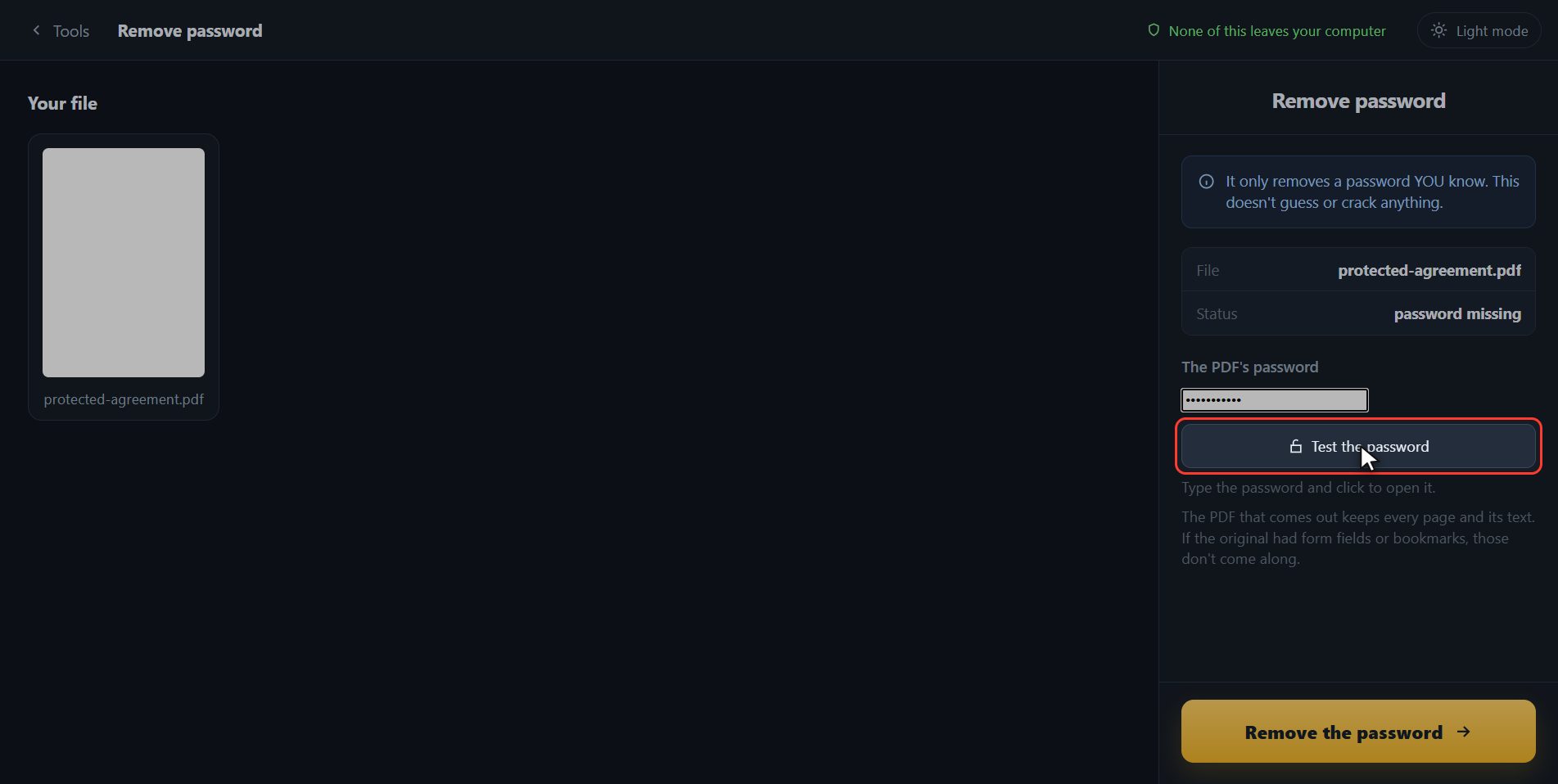
Save it with no lock
Now click Remove the password.
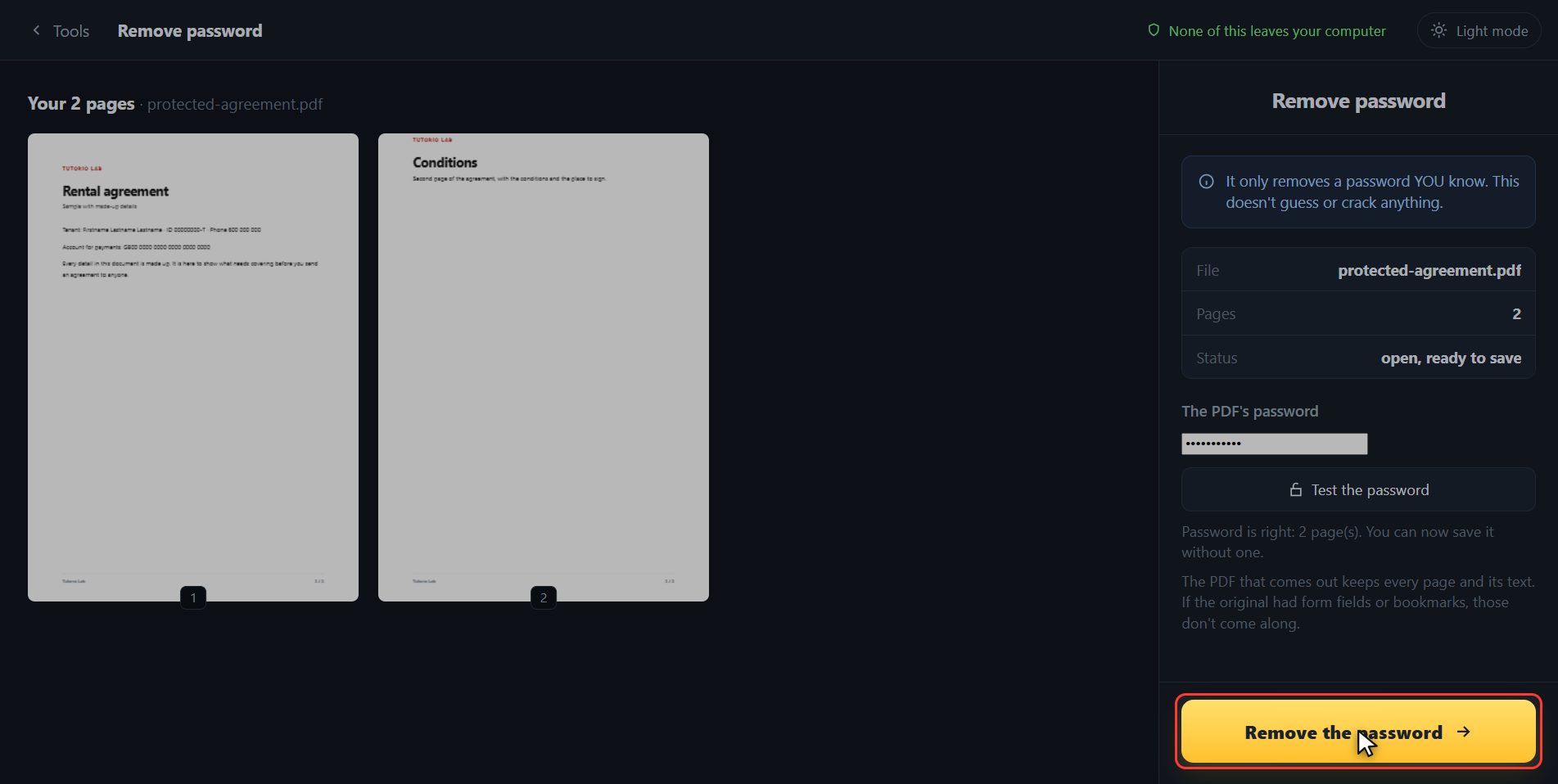
There it is
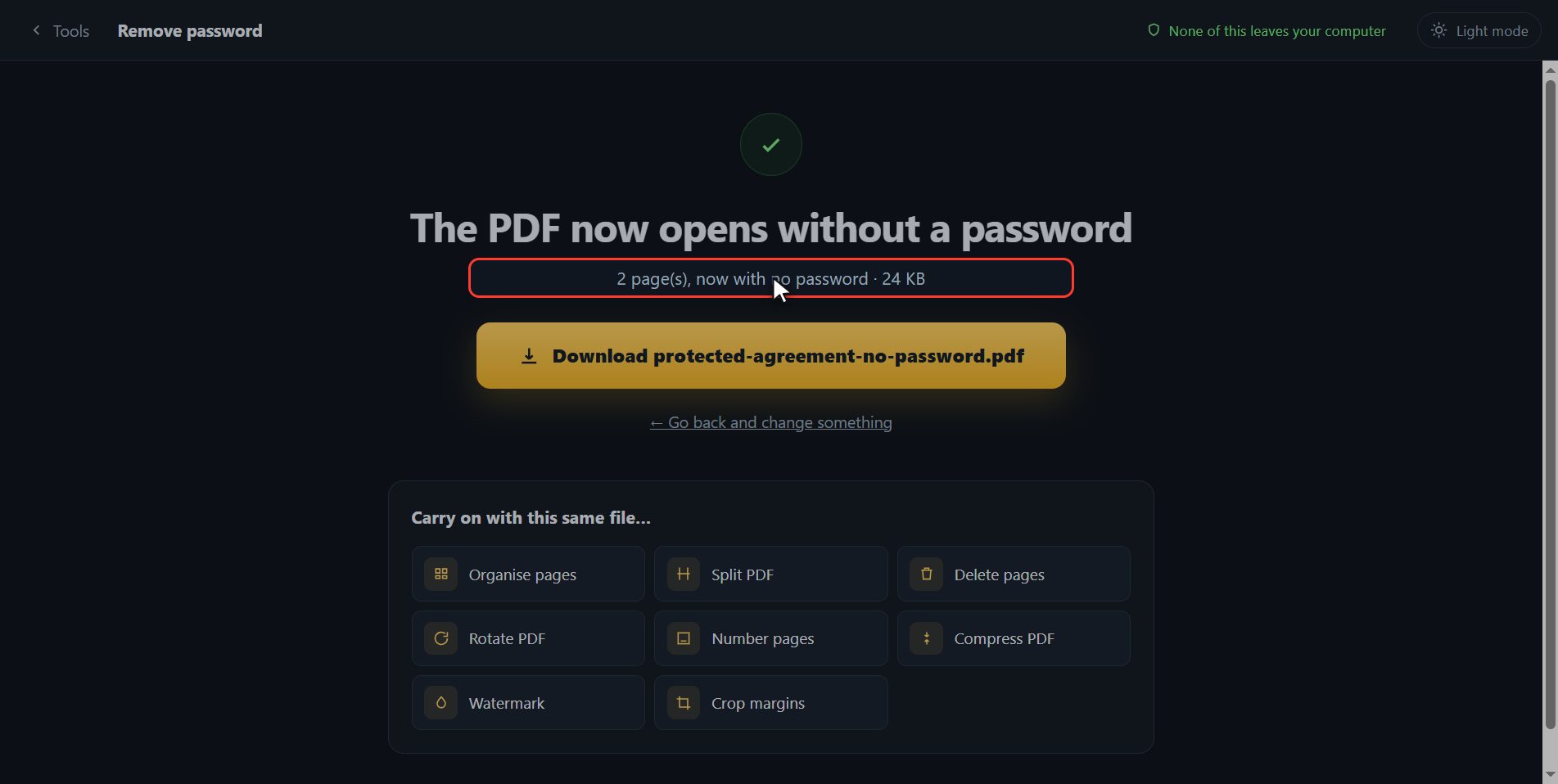
And that is it. The same document has downloaded, with its two pages and its text, but with no lock: it opens on a double click now. Here is the button in case your browser blocked it. And if one day you want to put one back on, that is Protect PDF, on the same page.
And that is all. If it helped you, subscribe and give it a like. The link is at the top and first in the description. See you in the next one.
Common questions
I do not know the password. Can you take it off anyway?
No. The PDF is encrypted with that password: without it there is no reading it, and that goes for us and for any other page that says otherwise. This tool is for taking the lock off a document you can already open.
Does anything get lost from the document?
The PDF that comes out keeps every page and its text. What does not travel across are the form fields and the bookmarks, if the original had them.
Does anyone get to keep my password?
It never leaves your computer: the PDF is opened inside your own browser, like everything else on this page. There is nothing to send anywhere.