How to crop the white margins off a PDF
Go to tutoriolab.com/pdf/en, click Crop margins and add the PDF. The red border on the sheets is what is going; you choose how much — 3, 6 or 10 % per side — and click Crop PDF. It deletes nothing: it only changes the part of the sheet that gets shown.
Taking the white margin off a PDF.
Go to tutoriolab.com/pdf/en
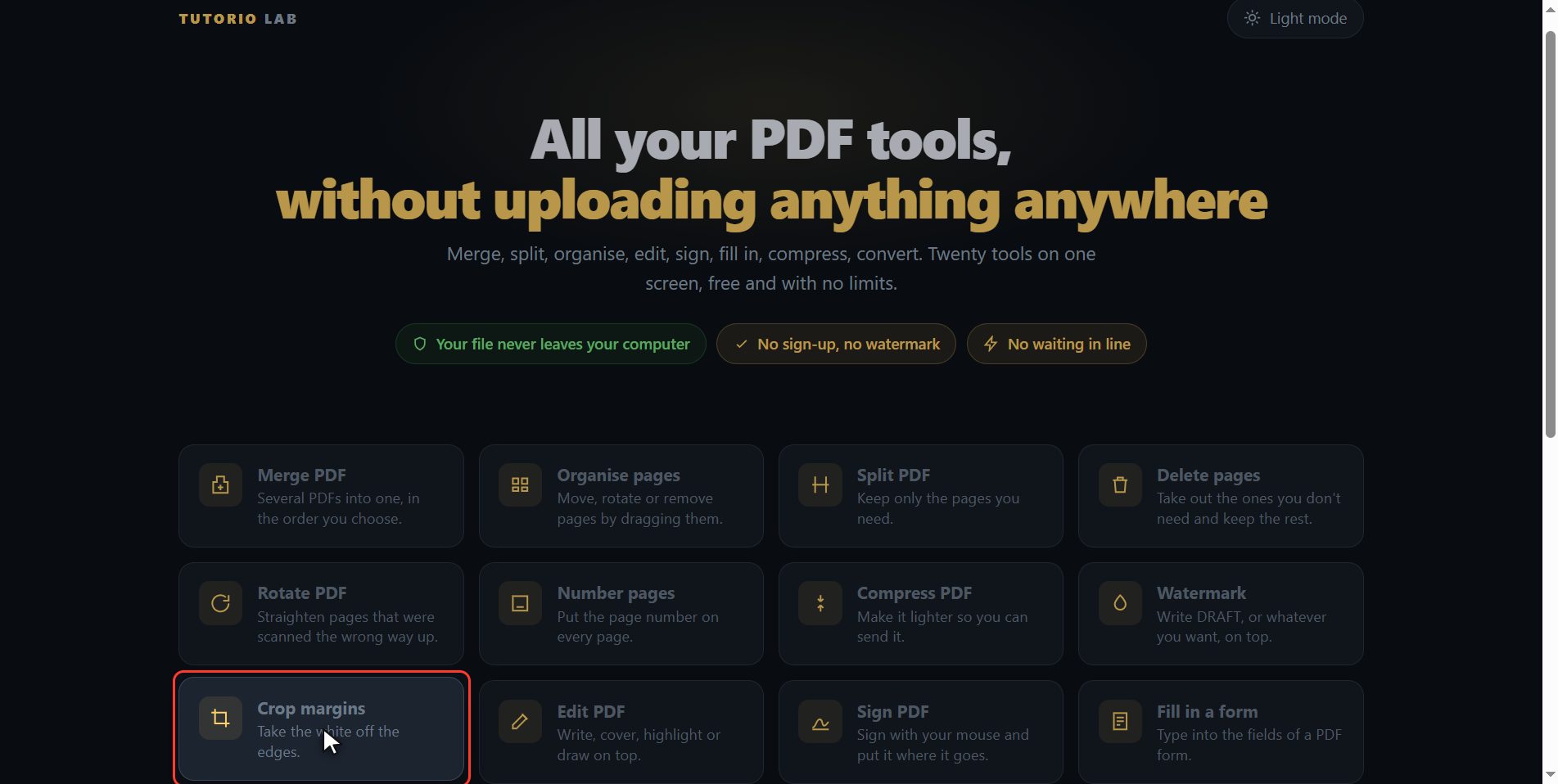
Go to tutoriolab.com slash pdf slash e n. You have it at the top left and first in the description. There are twenty tools for PDF here, and the one we want is this one: Crop margins.
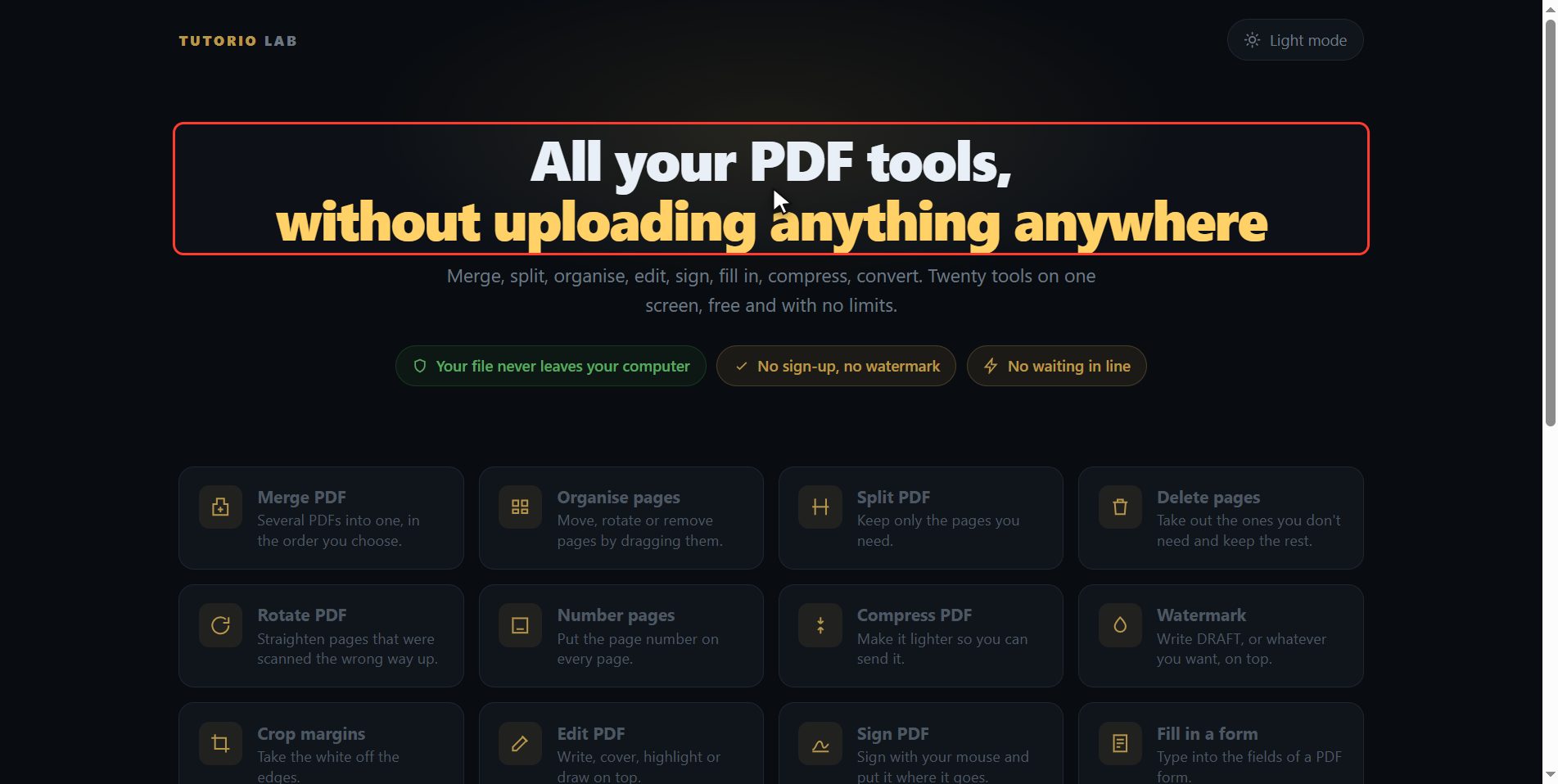
Click "Crop margins"
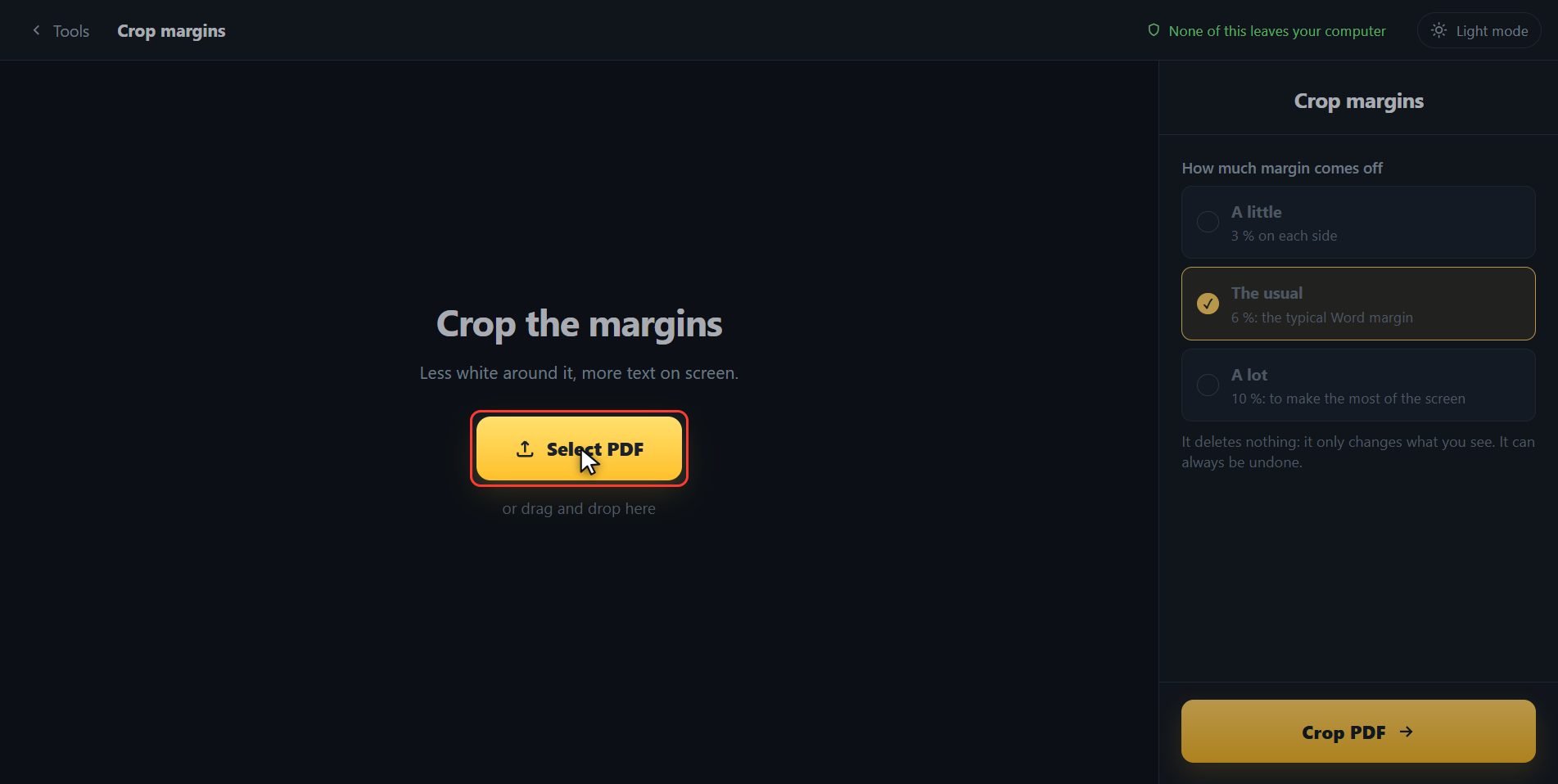
Click it. And you are in. This is all it has: a button to pick the file and the box to drop it on.
Add your PDF
Add the PDF you want to crop. Click the select button and choose it, or drag it straight onto the box. And the moment it goes in, the page draws it out for you: not a list of numbers, which tells you nothing, but the sheets of the document.
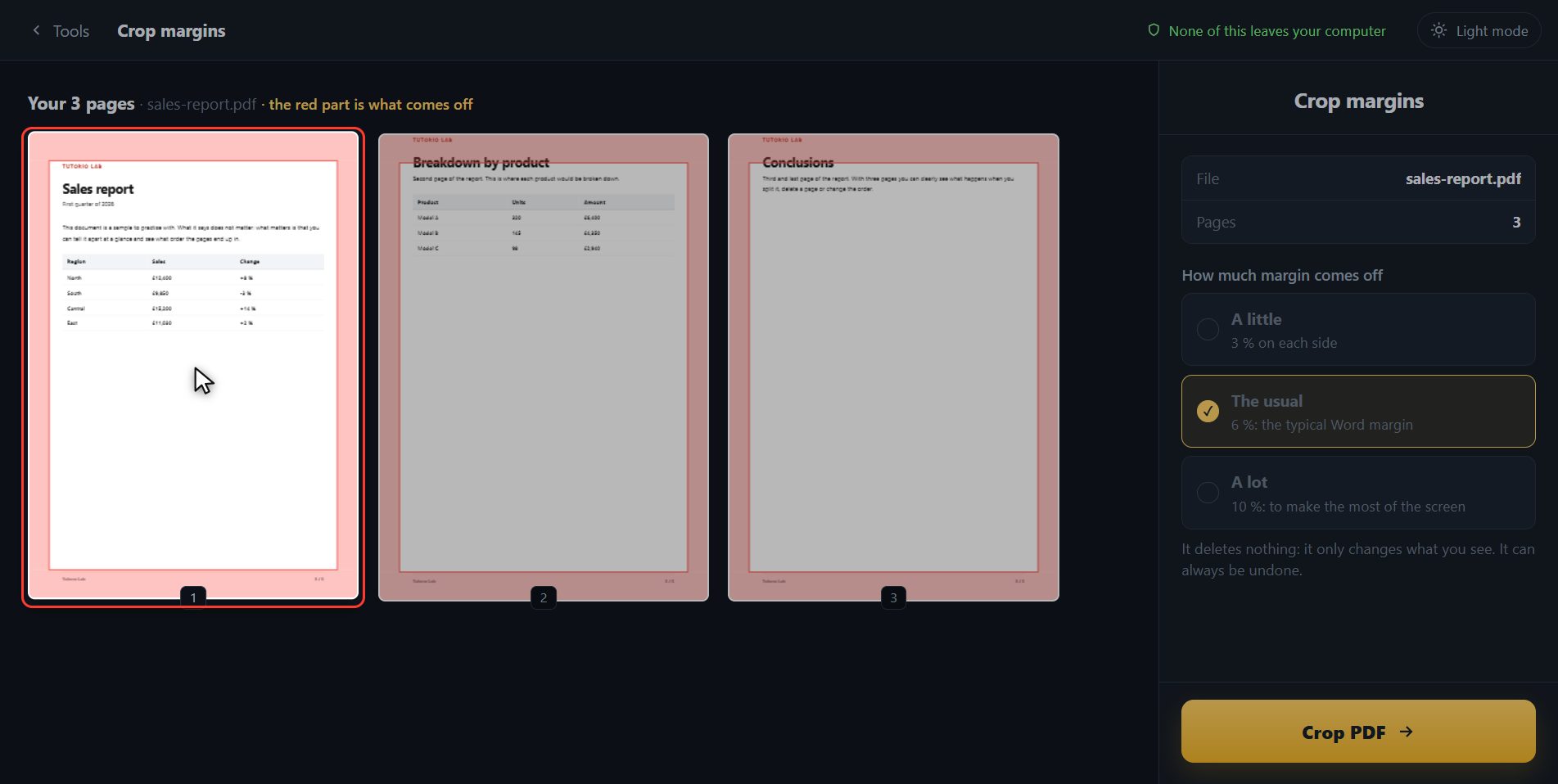
See in red what is going
And here is the good part: look at the sheets. That red border is exactly what is going to go. You do not have to imagine it or download the file to see it. Now you choose how much. A little is three per cent off each side, for when it only bothers you a bit. The usual is six, which is the typical margin of a Word document. And a lot is ten, to make the most of a tablet screen. I am going to put a lot, and watch how the red grows on the sheets while I choose it.
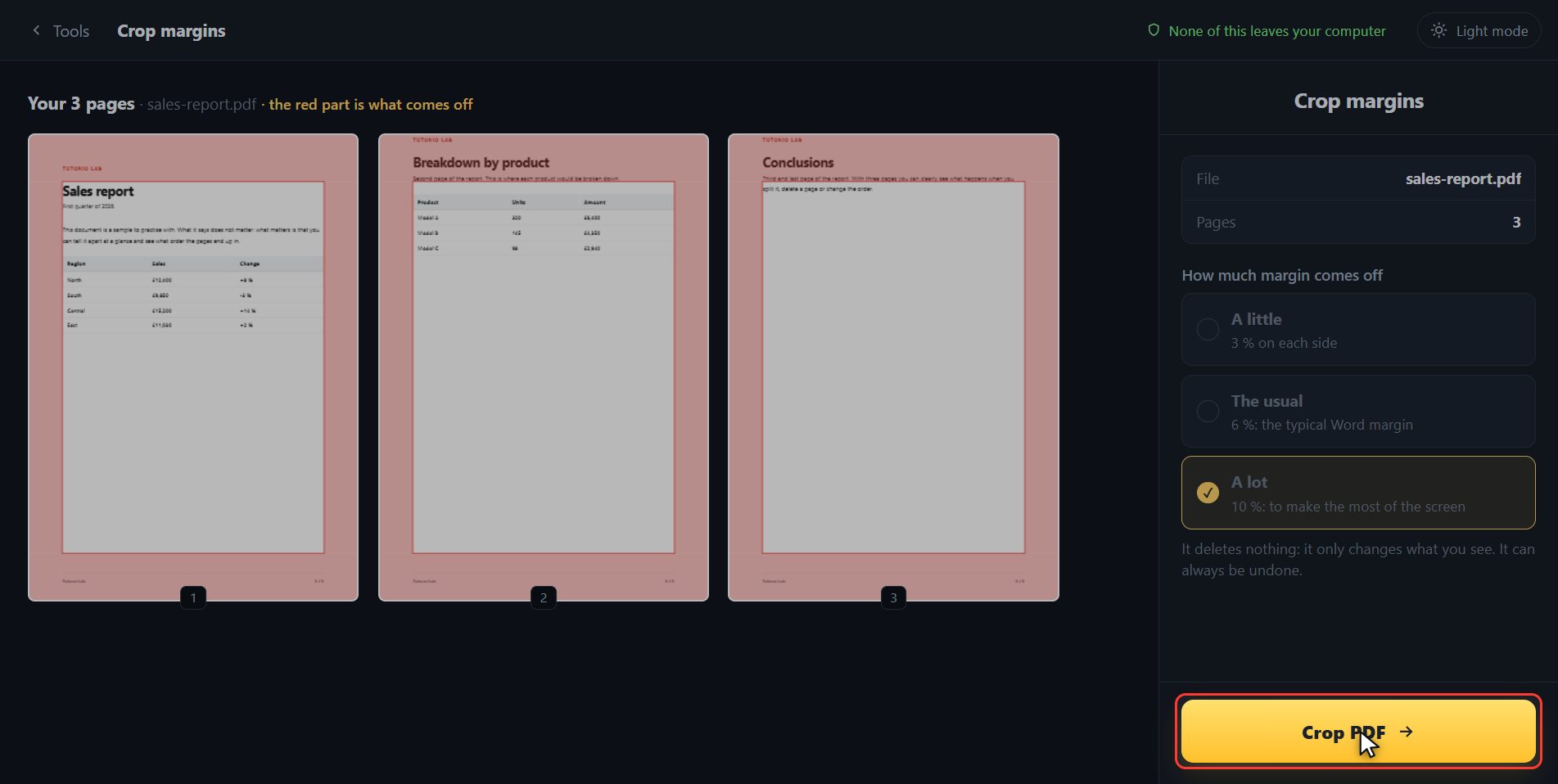
Crop it
When it is how you want it, click Crop PDF.
There it is
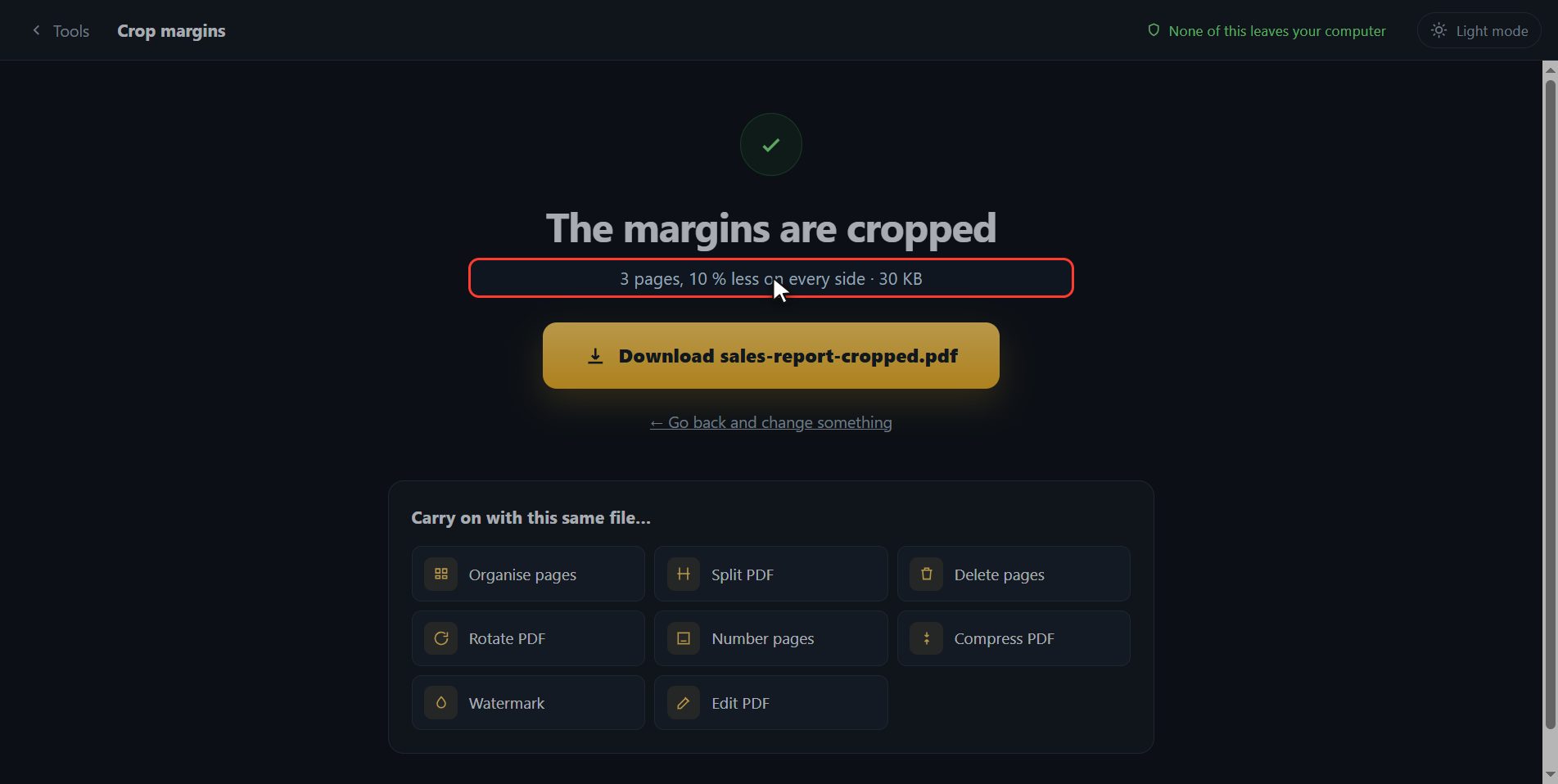
And that is it, it has downloaded on its own. And something that saves you a fright: this deletes nothing. A PDF carries a note inside about which part of each sheet gets shown, and that is the only thing we have changed; the text is still all there, so if you crop too much you have lost nothing. Here is the button in case your browser blocked it, and if you want to carry on with another tool you have them down here with the file already inside.
And that is all. If it helped you, subscribe and give it a like. The link is at the top and first in the description. See you in the next one.
Common questions
Do I lose text when I crop?
No. A PDF carries a note about which part of each page gets shown, and this only changes that note. The content is still all inside the file, so the crop can be undone. That is why the text still gets found by a search.
Is it good for printing without margins?
Yes, it is one of the reasons people use it: cropping makes the page smaller and the printer stretches it to the edge of the paper. Try "the usual" first.
Can I crop just one side?
For now it crops the same on all four sides, which is what solves the usual white margin case. If you need to keep one particular part of a page, "PDF to images" and cropping the image gives you more control.