How to fill in a PDF form without printing it
Go to tutoriolab.com/pdf/en, click Fill in a form and add the PDF. On the right you get the fields the document carries: you type them and click Save filled in. If the PDF has no real fields, the page tells you and sends you to Edit PDF to type on top.
Filling in a PDF form without printing it.
Go to tutoriolab.com/pdf/en
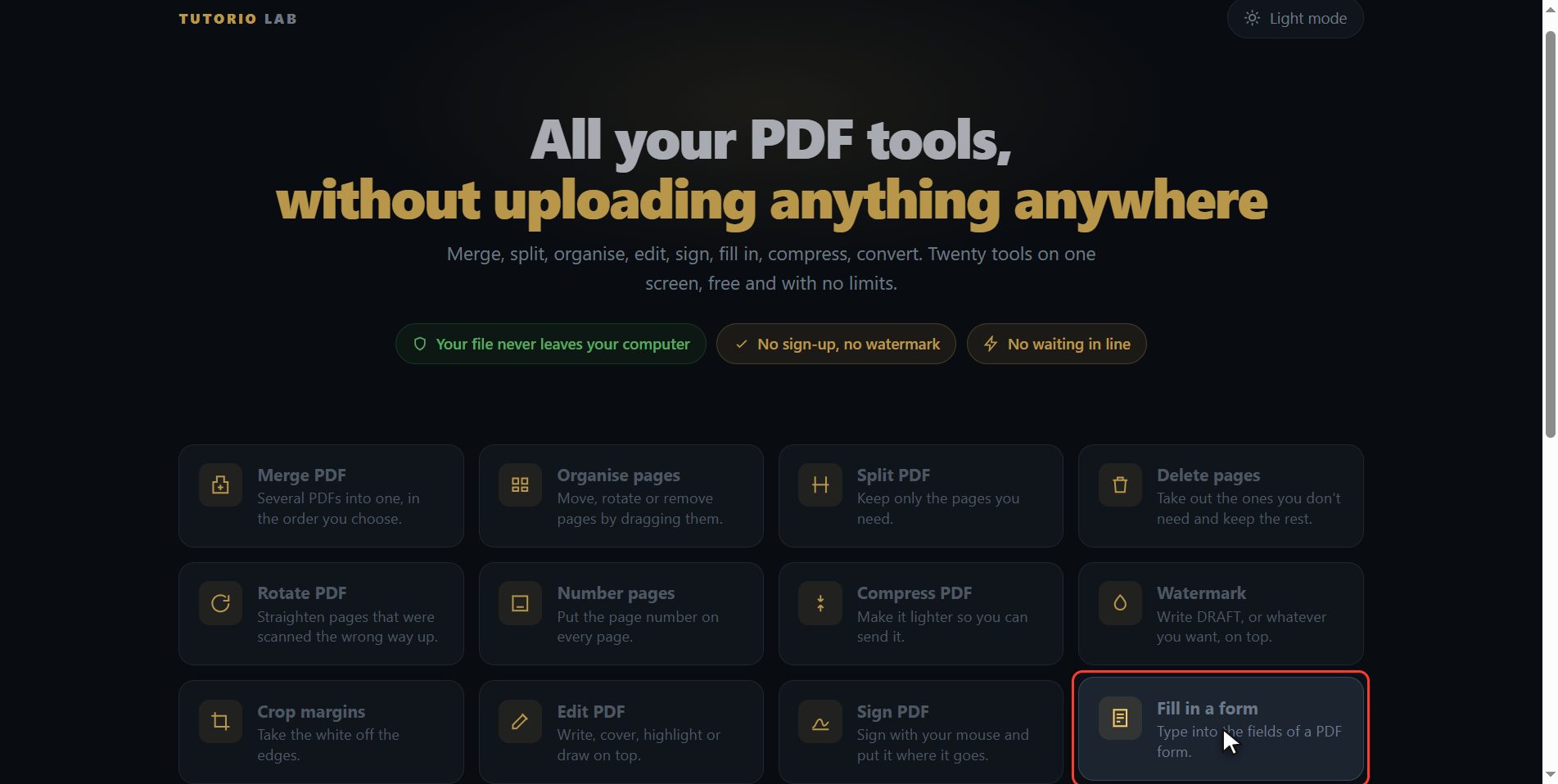
Go to tutoriolab.com slash pdf slash e n. You have it at the top left and first in the description. There are twenty tools for PDF here, and the one we want is this one: Fill in a form.
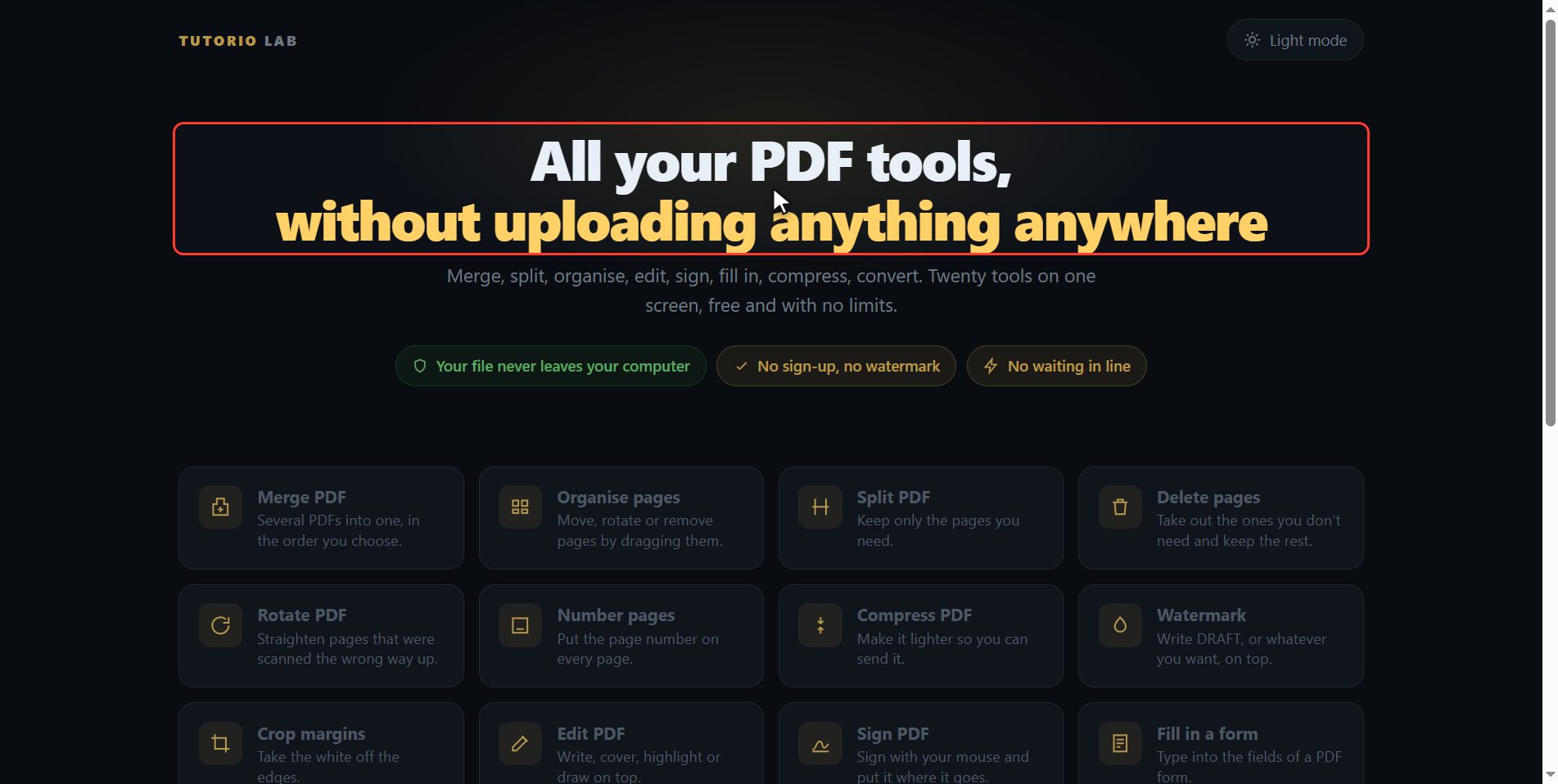
Click "Fill in a form"
Click it. And you are in. This is all it has: a button to pick the file and the box to drop it on.
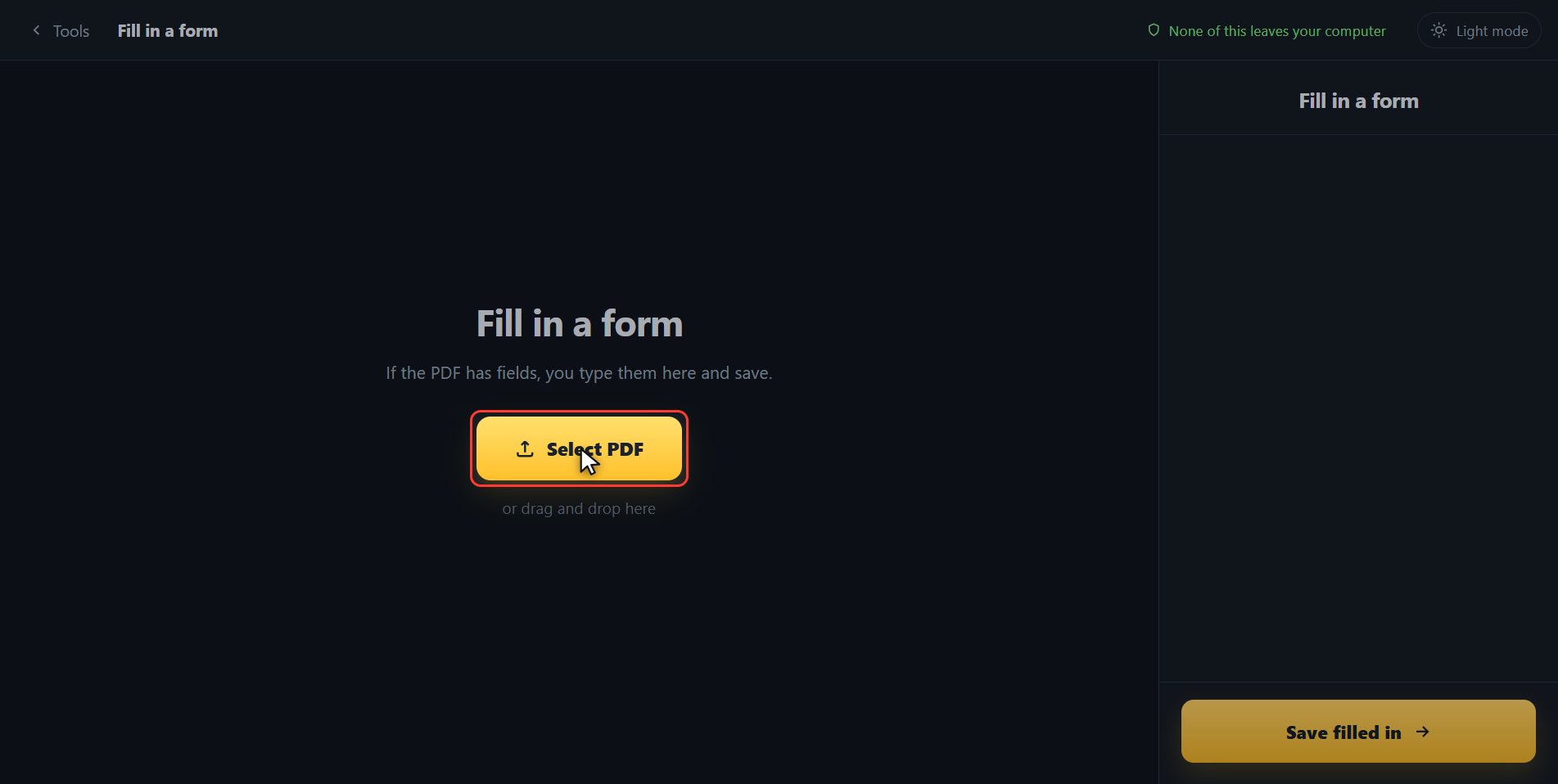
Add your PDF
Add the form. Click the select button and choose it, or drag it straight onto the box. And look what happens on the right: the page has opened the PDF, seen what fields it has and put them in a list for you so you can type straight through.
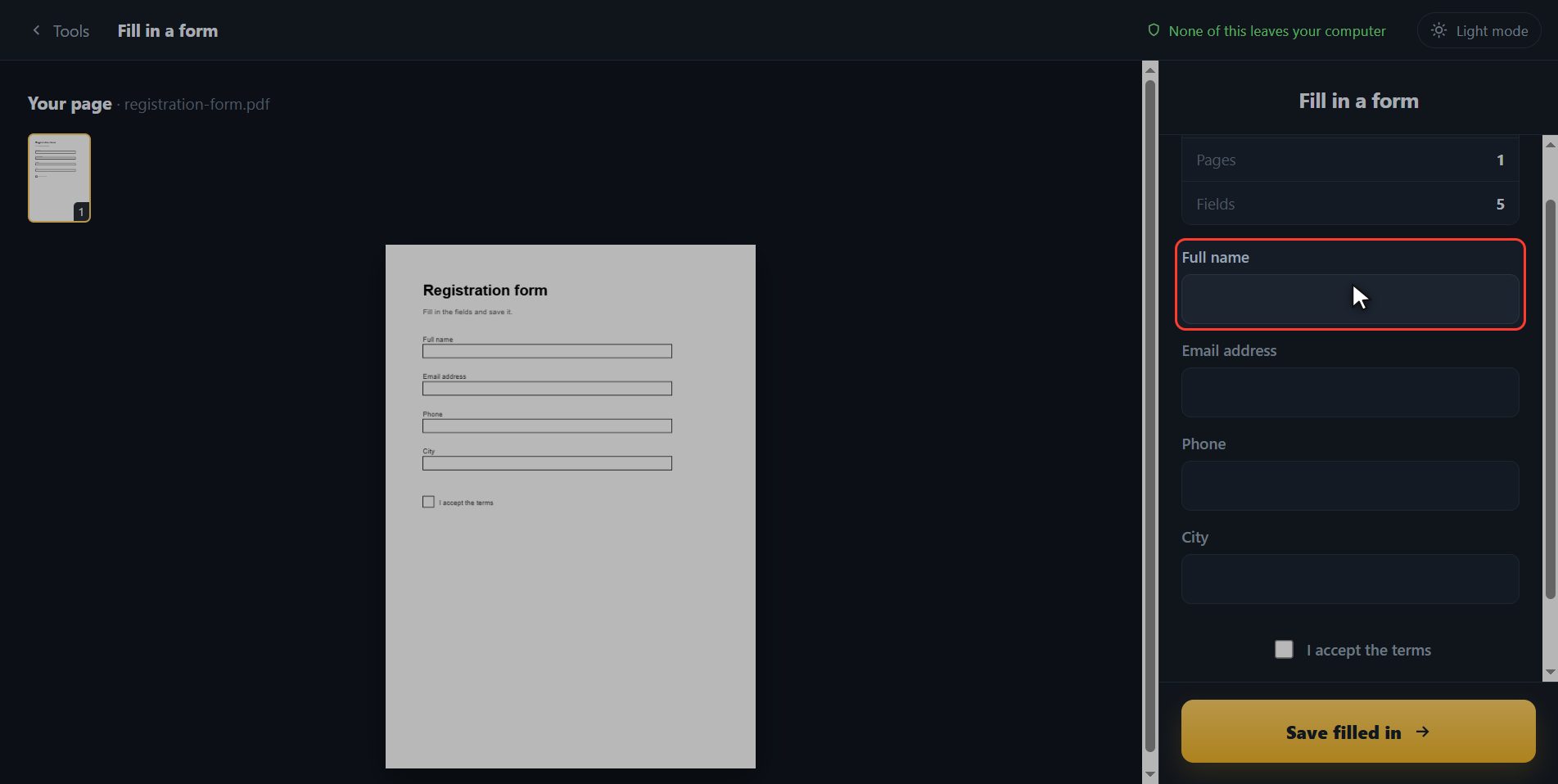
Type each piece of information
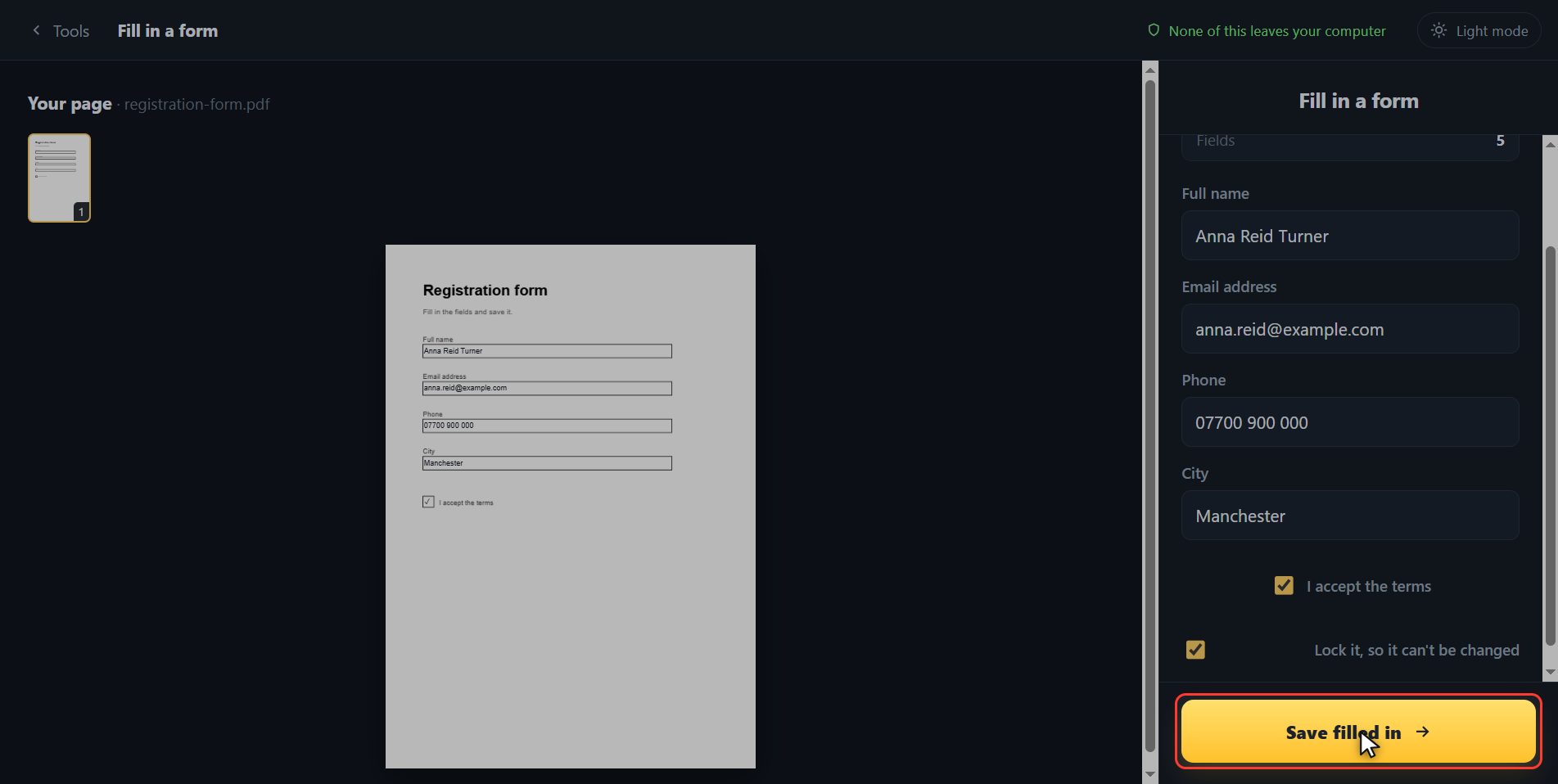
Now you type each piece of information into its own box. Full name. The email. The phone. The city. And at the bottom, the box for accepting the terms, which you tick by clicking it. I am not making these names up: they are the ones the form carries inside it, so whatever you type lands exactly where it has to land.
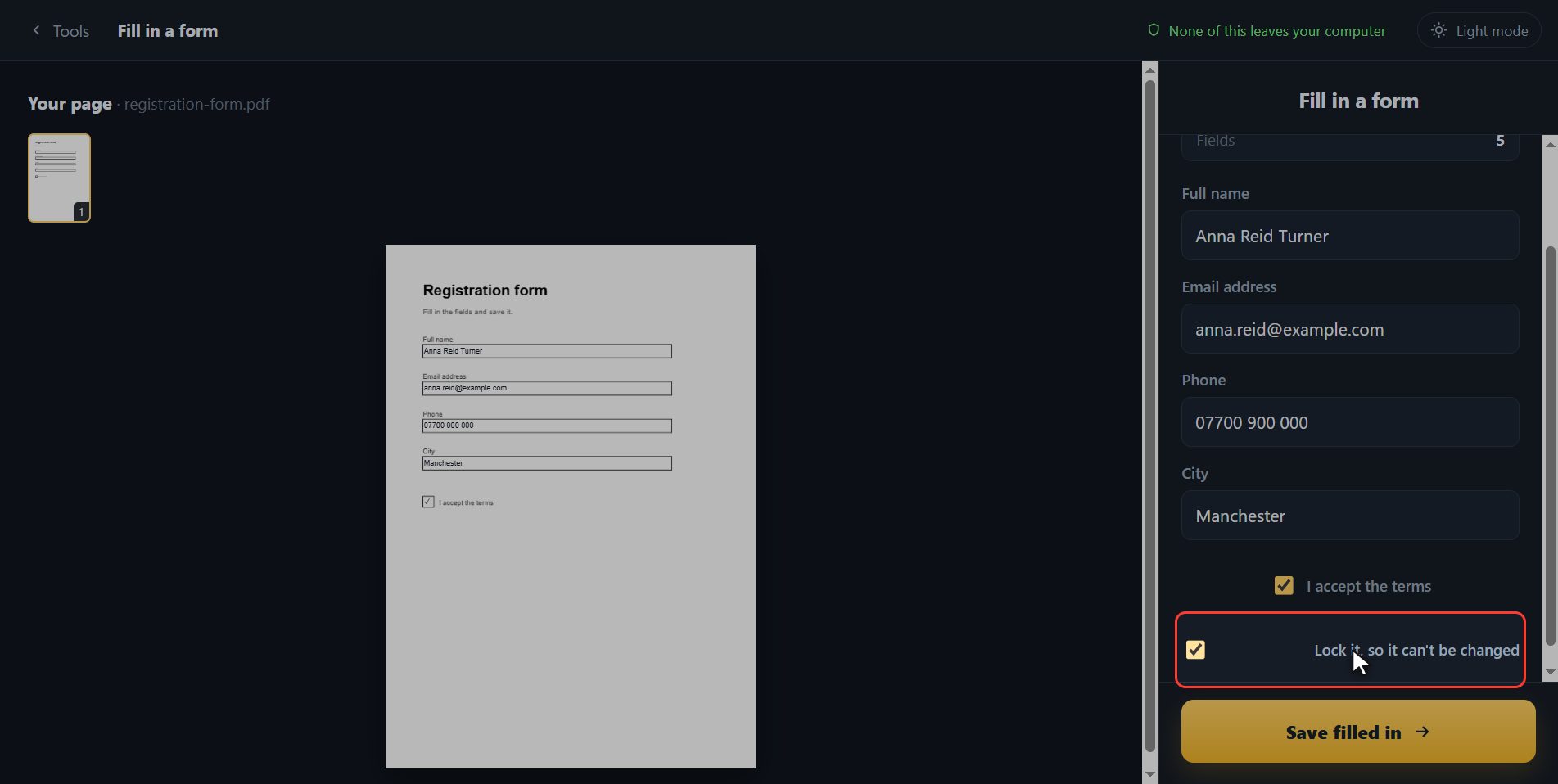
Lock it
And before saving, look at this tick box: lock it. If you leave it ticked, what you typed stays put and whoever gets the PDF cannot change it, which is what you want when you are sending an application or a request. If I take it off, look, whoever opens it can carry on typing over it. I am leaving it on.
Save it
With everything in, click Save filled in.
If your PDF has no fields
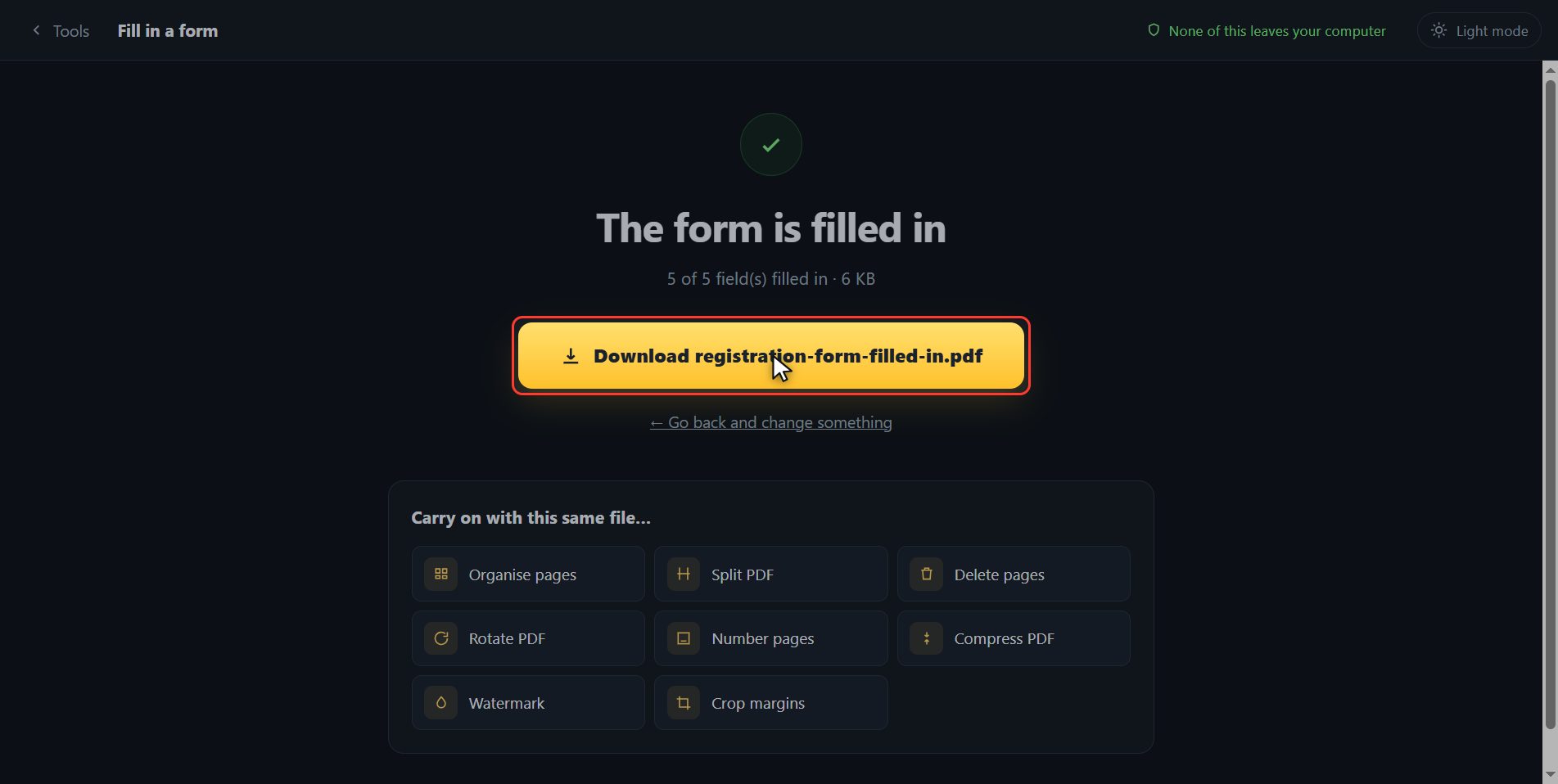
And that is it, it has downloaded on its own. Now the other half of the story, which happens to a lot of people: if you put a PDF in here and instead of the list you get a notice saying it has no fields, it is not that the tool is broken. It is that that PDF has no real fields, only lines drawn on it, and there are no holes to type into. For those, the page gives you a button that opens it straight in Edit PDF, which types on top wherever you click.
And that is all. If it helped you, subscribe and give it a like. The link is at the top and first in the description. See you in the next one.
Common questions
It says my PDF has no form fields. Now what?
It means that PDF is not a real form: it has lines drawn on it, but no holes to type into. Use "Edit PDF" and type on top wherever you click. The page itself gives you a button to go straight there.
What does "lock it" mean?
That what you typed stays fixed in the document and whoever receives it cannot change it. That is the normal thing when sending an application or a request. If you would rather the other person could carry on filling it in, take that tick off.
Can I fill it in from a phone?
Yes. It runs inside the browser, so on a phone you get the same list of fields and you type with the phone keyboard.